Send enquiry ⏎

Canva Online Live Class by Experts

Our Training/Internship Process

Canva Online Live Classes in Kerala | Free Demo Training

Canva - Syllabus, Fees & Duration

Section 1: Introduction to Canva

  • Welcome to Canva!
  • Logging / Setup Canva Account
  • Layouts & Templates
  • Get you setup with your Canva & account
  • Tour of your dashboard
  • Learn about the different types of templates Canva has
  • Learn how to use the pre-designed layouts
  • Downloading your work
  • Working with text
  • Photo backgrounds & Shapes
  • Illustrations, icons and lines
  • Adding pages to a design
  • Image
  • Text features and Charts
  • Album cover
  • Youtube thumbnail
  • Twitter header
  • Facebook post
  • Ebook cover
  • Documents
  • Data and charts
  • Presentation slides

Section 2: Fonts, Colors, and Images

  • Typography and font pairing
  • Using icons effectively
  • Organising the dashboard
  • Sharing designs
  • Adding links
  • Upgrading to Canva for Work
  • Brand colors
  • Custom filter codes
  • Color codes
  • Color scheme
  • Introduction to the color wheel; creating a color palette
  • How to use grids; transparency; photo filters

Section 4: Advanced Topics

  • Brand Kit
  • Magic Resize
  • Paid Elements
  • Folders for Elements
  • Background Remover
  • Teams, Exporting and Scheduling
  • Learn more advanced techniques
  • Learn how to create a logo from scratch
  • Learn how upload your own graphics, logos, images
  • Learn how to organize your designs
  • See where I go to purchase stock photography
  • Videos Overview / Editing
  • Video Tools
  • Animations
  • Animated Presentations
  • Adding Music

Download Syllabus - Canva
This syllabus is not final and can be customized as per needs/updates
   
10000+
20+
50+
25+

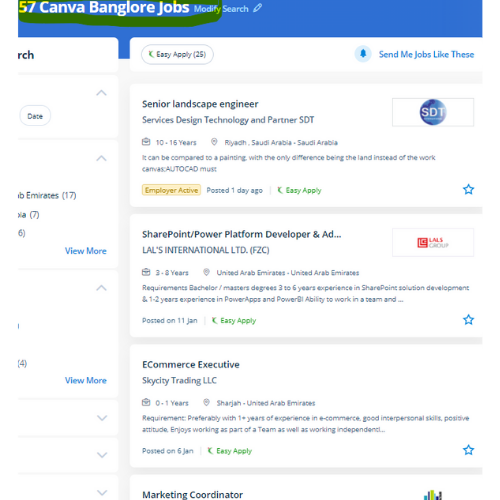
Canva Jobs in Kerala

Enjoy the demand

Find jobs related to Canva in search engines (Google, Bing, Yahoo) and recruitment websites (monsterindia, placementindia, naukri, jobshybrid.com, indeed.co.in, shine.com etc.) based in Kerala, chennai and europe countries. You can find many jobs for freshers related to the job positions in Kerala.

  • web design
  • logo design
  • poster design
  • graphics designer
  • brochure designer
  • video editing
  • ads designer
  • visiting card design
  • flyer designer
  • website designer

Canva Internship/Course Details

Canva internship jobs in Kerala
Canva These vary from its drag-and-drop tool to over 1,000,000 fonts, images, and high-quality graphics to decide on from. Its premade layouts and a large library of design create it the go-to graphics software for many companies and entrepreneurs. Canva includes a video editing feature wherever that facilitates everybody to make, edit and record professional-quality videos, with an intuitive scene-based interface, screen and camera recording, the ability to feature multiple audio tracks, and thousands of video templates. Having preset decisions will save someone so much time when attempting to work out specific dimensions for their creation. Canva style courses is also a really easy-to-use and free online software platform for creating stunning graphics throughout an awfully short quantity of your time. If you're working on a design for a company and you would wish to use a specific logo, additionally as it permits you to easily upload the logo for free. so as to form social media posts, postcards, posters, cards, flyers, and so on, it's an enormous assortment of templates available. Canva might be a nice design tool for promotional material professionals. simply click on the kind of content you'd wish to create and that they have already got everything sized and designed for you. learn how to use Canva’s drag-and-drop choices and apply skilled layouts to consistently style professional-looking graphics.


Meet a Few of our Industry Experts 🚀 Your Pathway to IT Career

Neenu

Mobile: +91 8301010866
Location: Online (Kerala, India)
Qualification: Btech

Experience: I am an experienced php programmer  more..

SAHIL

Mobile: +91 91884 77559
Location: Online (Kerala, India)
Qualification: Bachelor's

Experience: I have 1 year experience in wordpress and expertise in Html CSS javascript wordpress react I'm familiar with plugins like  more..

Anisha

Mobile: +91 8301010866
Location: Online (Kerala, India)
Qualification: Masters

Experience: Basic computer knowledge - Excel Powerpoint presentqtion Word 9 and half months experience in Analytical testing lab as junior Analyst  more..

Britty

Mobile: +91 94975 90866
Location: Online (Kerala, India)
Qualification: BTech Electronics and Communication

Experience: In my recent internship in Software Testing I have learnt various software testing methodologies and have hands-on experience in manual  more..

Banoth

Mobile: +91 9895490866
Location: Online (Kerala, India)
Qualification: B. Tech (ECE)

Experience: Programming :-c c++HTML python word MSexcel Operating system:-Windows Ubuntu Linus   more..

Alby

Mobile: +91 9895490866
Location: Online (Kerala, India)
Qualification: Bachelor Degree

Experience: 1 Software Test Engineer QA Manual – Automation Testing training attending at Obsqura Zone Trivandrum Key Skills • Knowledge in  more..

Shalvi

Mobile: +91 91884 77559
Location: Online (Kerala, India)
Qualification: Btech graduate

Experience: Fullstack developer Software engineer   more..

anokhilal

Mobile: +91 8301010866
Location: Online (Kerala, India)
Qualification: B.tech

Experience: I have 2year experience asp net mvc and c# winform Using technology java script ajax html css  more..

TARUNKUMAR

Mobile: +91 89210 61945
Location: Online (Kerala, India)
Qualification: B.E-ECE

Experience: python java Networking HTML CSS JavaScript React js Node js AWS  more..

uttam

Mobile: +91 89210 61945
Location: Online (Kerala, India)
Qualification: Btech in electrical engineering

Experience: technical support vmware win server networking active drectory   more..

Kalidaspandian

Mobile: +91 89210 61945
Location: Online (Kerala, India)
Qualification: B.Tech (Computer Science)

Experience: I am new to Digital Marketing platform and as a quick learner i can able to catch up the points  more..

Hemant

Mobile: +91 94975 90866
Location: Online (Kerala, India)
Qualification: Btech

Experience: My skills are Html Css Javascript and for frameworks i use react js and bootstrap i made several projects like  more..

Pankaj

Mobile: +91 91884 77559
Location: Online (Kerala, India)
Qualification: B.Tech

Experience: I am an android developer with 2+ years of experience and had gathered skills on kotlin android studio xml room  more..

Anil

Mobile: +91 9895490866
Location: Online (Kerala, India)
Qualification: B.tech cse

Experience: Fullstack - Node js express js mongodb react js javascript tailwind css html git DBMS MySQL postman RESTFUL apis phyton  more..

Purba

Mobile: +91 9895490866
Location: Online (Kerala, India)
Qualification: Graduate

Experience: I am working both seo and smo I have total 3 yr experience I am good in client menagement I  more..

Surya

Mobile: +91 91884 77559
Location: Online (Kerala, India)
Qualification: BE. Mechanical Engineering

Experience: • Good understanding of the SDLC STLC Waterfall & Agile Methodologies • Experience in Automation Tools- Selenium framework & Playwright  more..

Anant

Mobile: +91 91884 77559
Location: Online (Kerala, India)
Qualification: B.TECH

Experience: I have 1 4 years of experience in Android development I have key knowledge of Java Kotlin and Android Development  more..

Anju

Mobile: +91 9895490866
Location: Online (Kerala, India)
Qualification: Btech

Experience: Python & django proficiency Frontend technologies Version controlling API development DBMS  more..

Bhargavi

Mobile: +91 91884 77559
Location: Online (Kerala, India)
Qualification: B.Tech

Experience: python web development  more..

vikas

Mobile: +91 94975 90866
Location: Online (Kerala, India)
Qualification: Master degree

Experience: Customizing and configuring Odoo modules to meet client requirements Developing and implemeting new odoo modules providing technicel support and troubleshooting  more..

Kaushal

Mobile: +91 9895490866
Location: Online (Kerala, India)
Qualification: B.E CSE

Experience: iOS Developer with experience of 3 months I have not yet built any major project on iOS but I do  more..

Arshida

Mobile: +91 8301010866
Location: Online (Kerala, India)
Qualification: Bsc computer science

Experience: Social media marketing Webdesigning using wordpress Google ads   more..

Sinsy

Mobile: +91 98474 90866
Location: Online (Kerala, India)
Qualification: Btech IT

Experience: iOS developer  more..

Shilpa

Mobile: +91 89210 61945
Location: Online (Kerala, India)
Qualification: Be

Experience: Training in software testing   more..

Success Stories

The enviable salary packages and track record of our previous students are the proof of our excellence. Please go through our students' reviews about our training methods and faculty and compare it to the recorded video classes that most of the other institutes offer. See for yourself how TechnoMaster is truly unique.

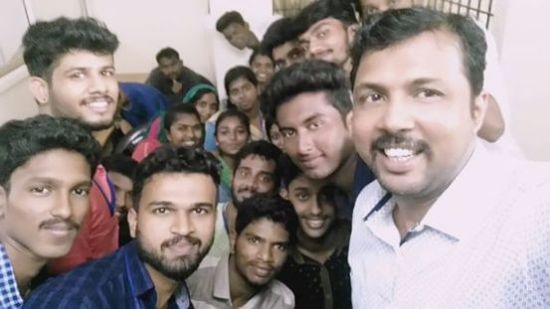
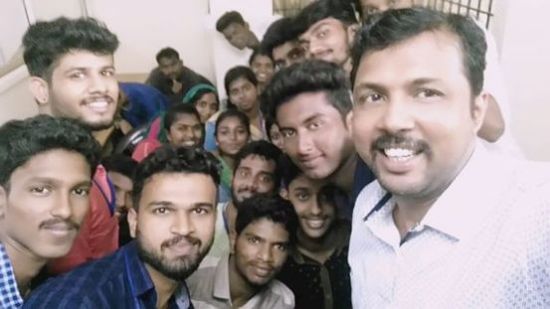
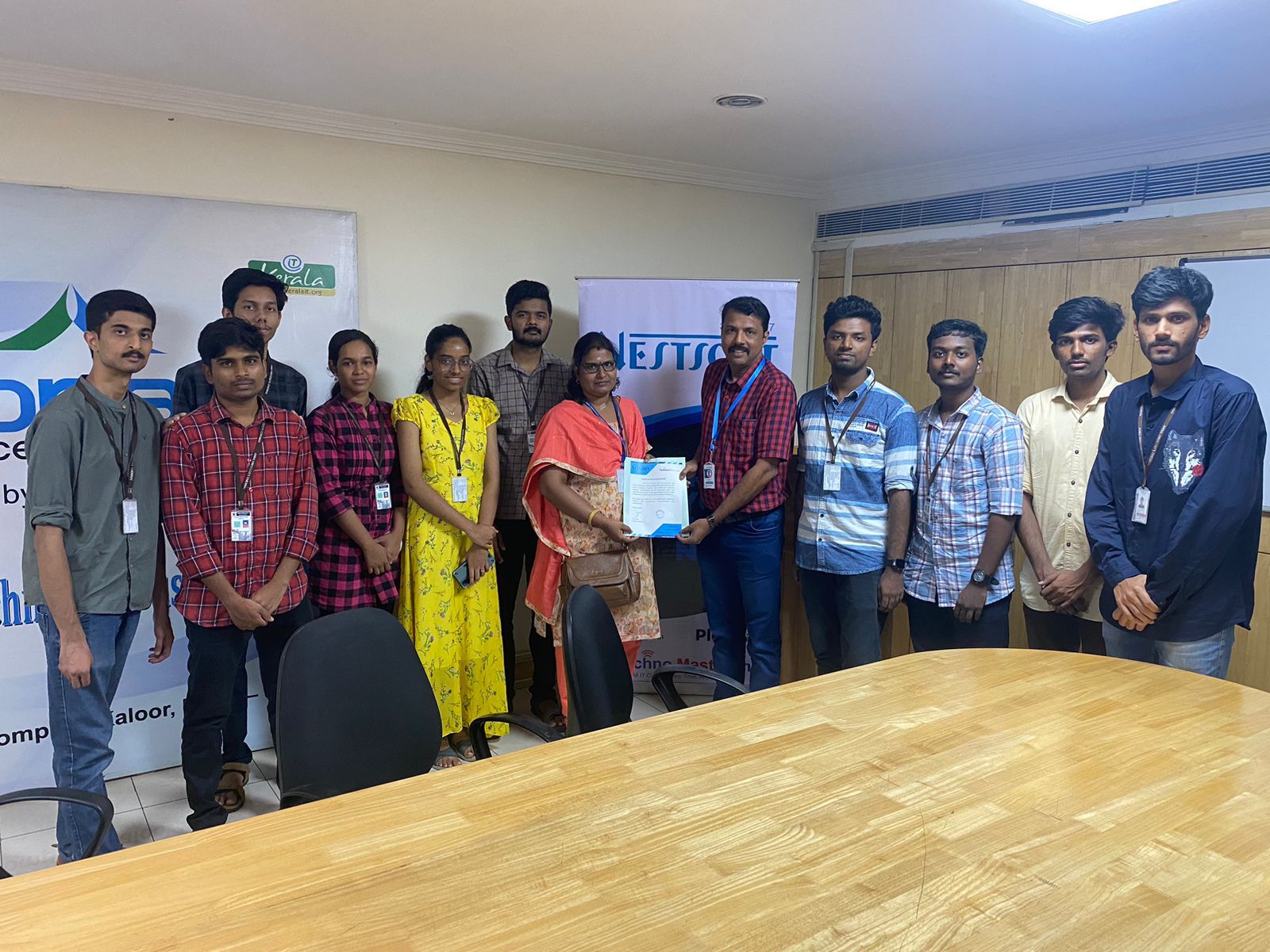
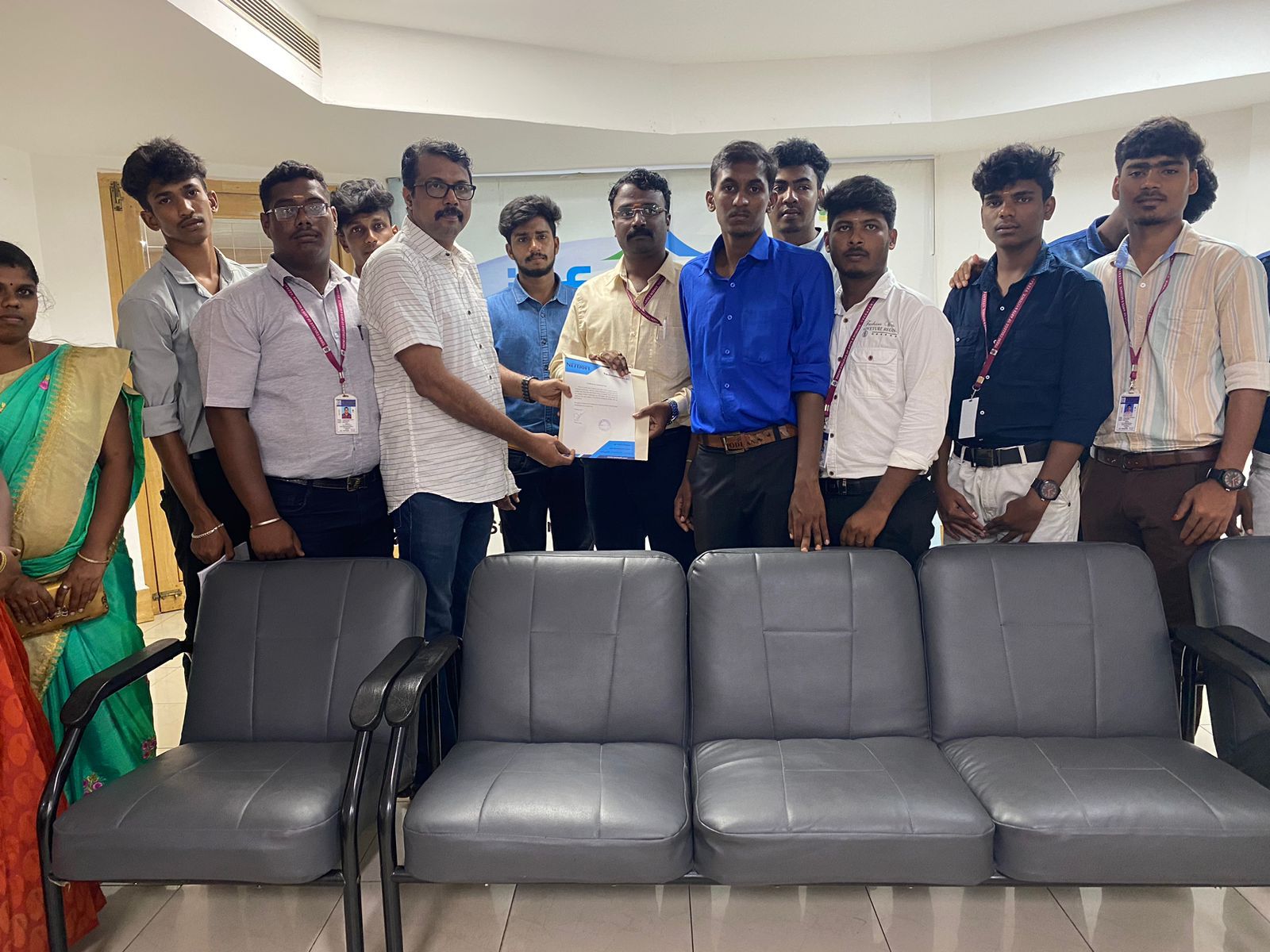
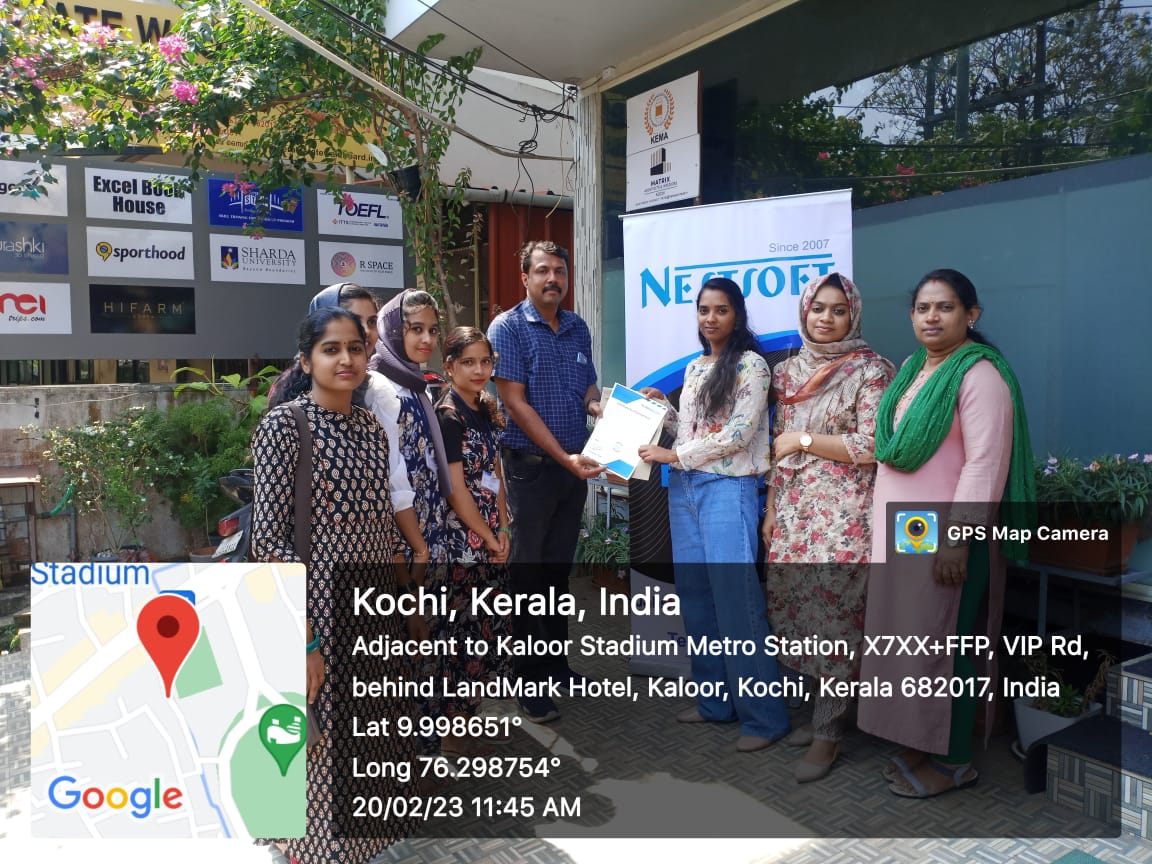
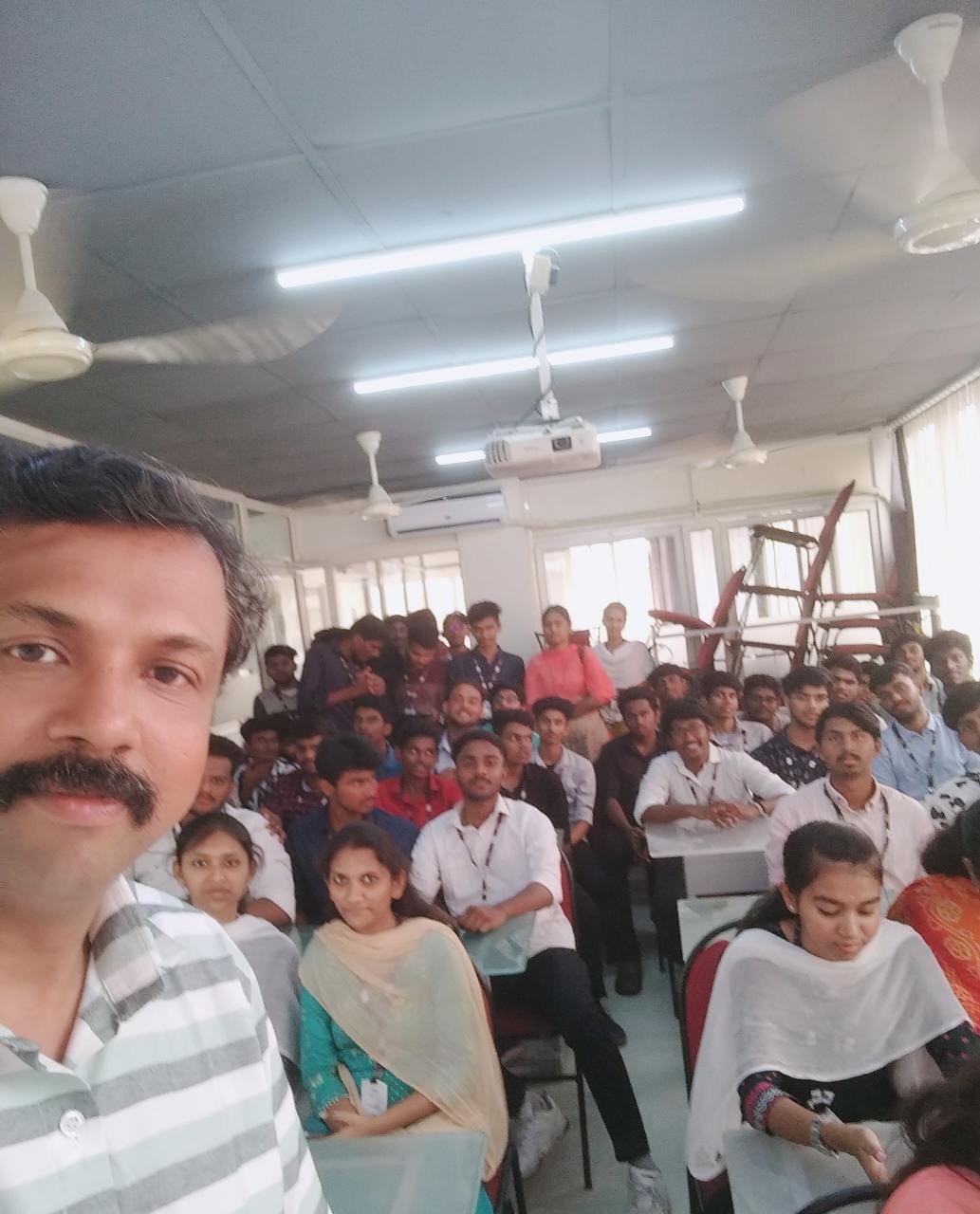
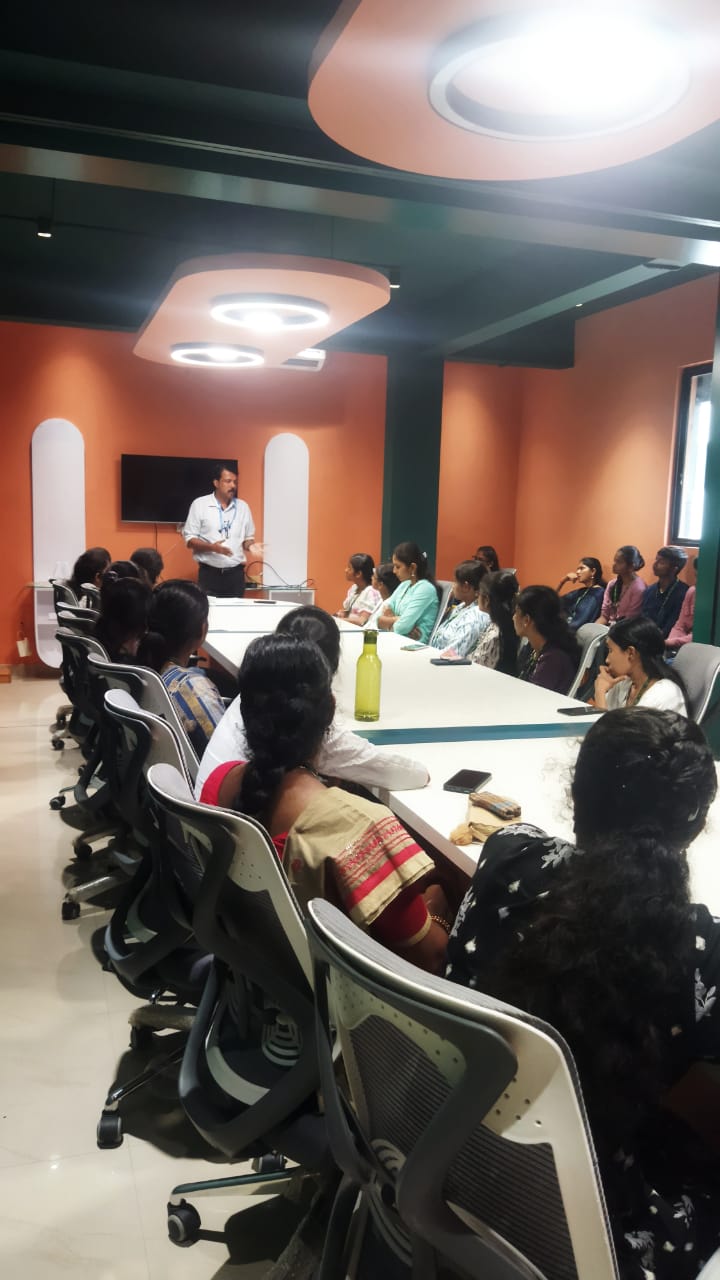
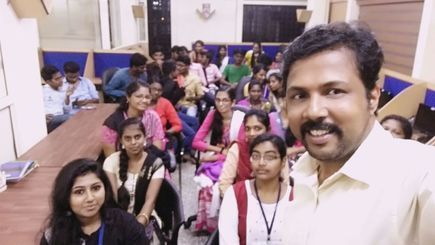
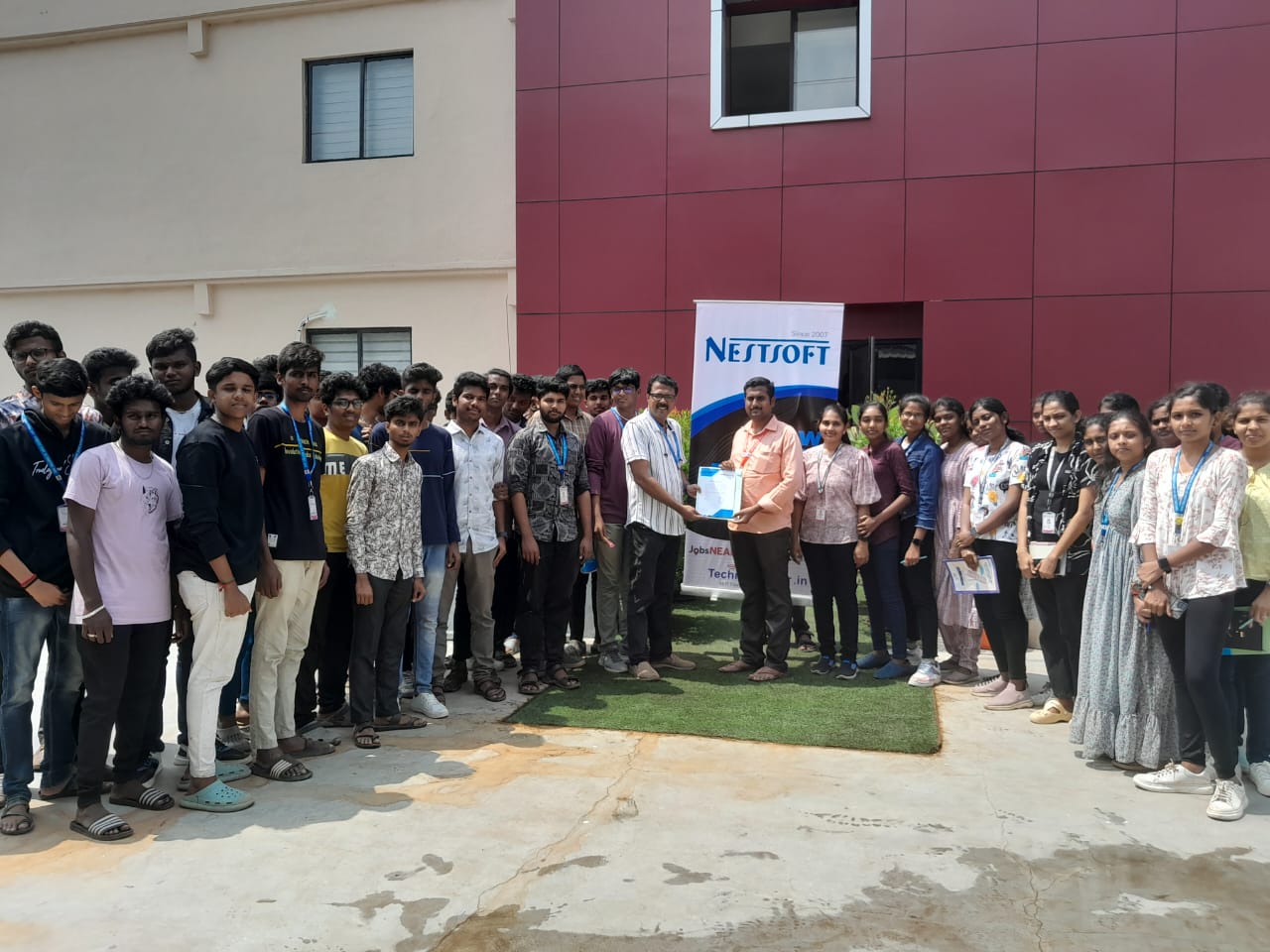
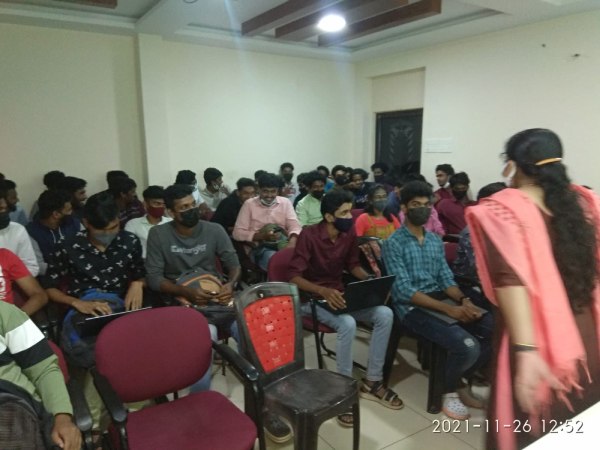
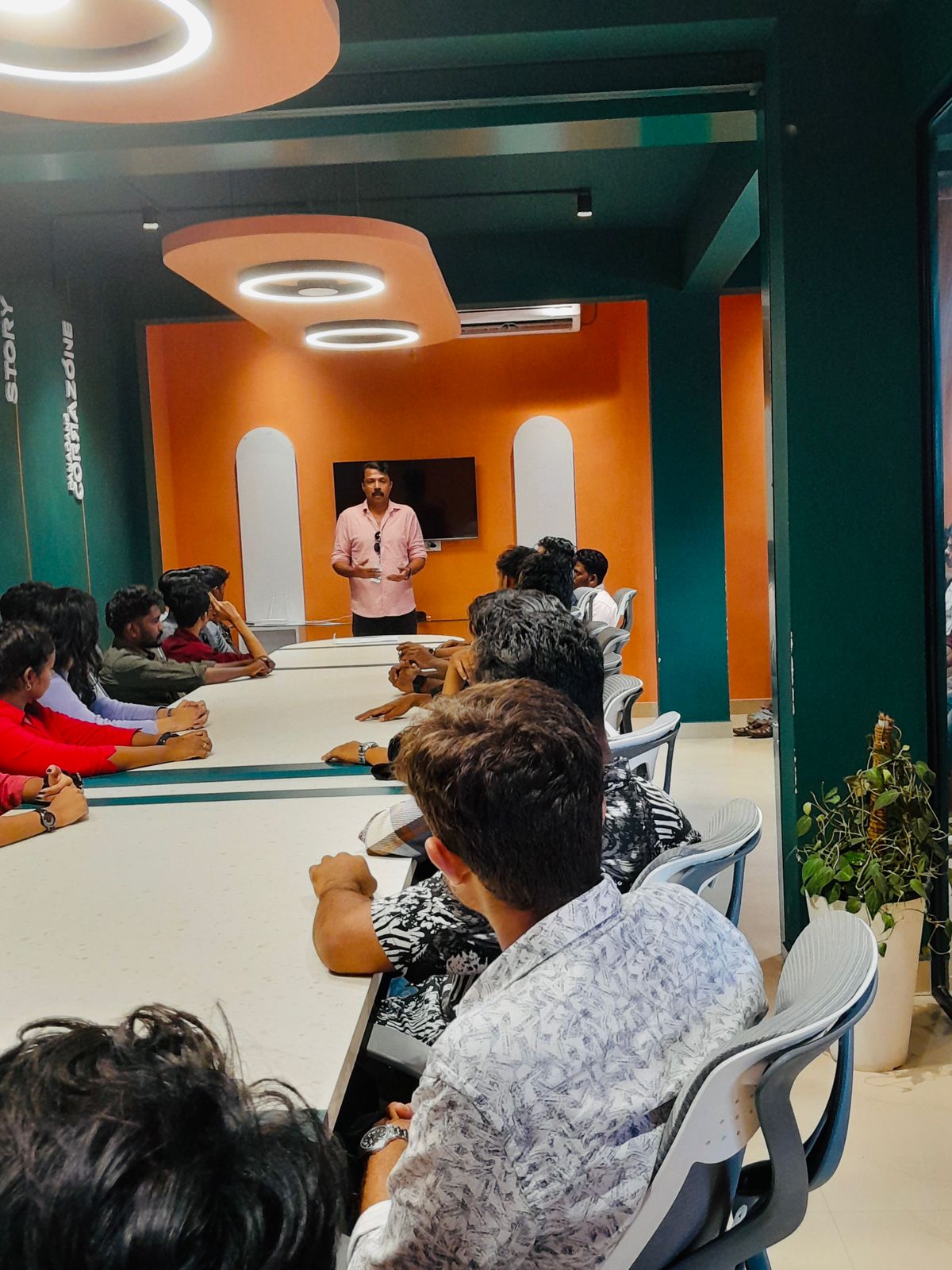
Photos of Training / Internships

Internship/projects in kerala

Trained more than 10000+ students who trust Nestsoft TechnoMaster

Get Your Personal Trainer