Send enquiry ⏎

Canva Online Live Class by Experts

Our Training/Internship Process

Canva Online Live Classes in Kannur | Free Demo Training

Canva - Syllabus, Fees & Duration

Section 1: Introduction to Canva

  • Welcome to Canva!
  • Logging / Setup Canva Account
  • Layouts & Templates
  • Get you setup with your Canva & account
  • Tour of your dashboard
  • Learn about the different types of templates Canva has
  • Learn how to use the pre-designed layouts
  • Downloading your work
  • Working with text
  • Photo backgrounds & Shapes
  • Illustrations, icons and lines
  • Adding pages to a design
  • Image
  • Text features and Charts
  • Album cover
  • Youtube thumbnail
  • Twitter header
  • Facebook post
  • Ebook cover
  • Documents
  • Data and charts
  • Presentation slides

Section 2: Fonts, Colors, and Images

  • Typography and font pairing
  • Using icons effectively
  • Organising the dashboard
  • Sharing designs
  • Adding links
  • Upgrading to Canva for Work
  • Brand colors
  • Custom filter codes
  • Color codes
  • Color scheme
  • Introduction to the color wheel; creating a color palette
  • How to use grids; transparency; photo filters

Section 4: Advanced Topics

  • Brand Kit
  • Magic Resize
  • Paid Elements
  • Folders for Elements
  • Background Remover
  • Teams, Exporting and Scheduling
  • Learn more advanced techniques
  • Learn how to create a logo from scratch
  • Learn how upload your own graphics, logos, images
  • Learn how to organize your designs
  • See where I go to purchase stock photography
  • Videos Overview / Editing
  • Video Tools
  • Animations
  • Animated Presentations
  • Adding Music

Download Syllabus - Canva
This syllabus is not final and can be customized as per needs/updates
   
10000+
20+
50+
25+

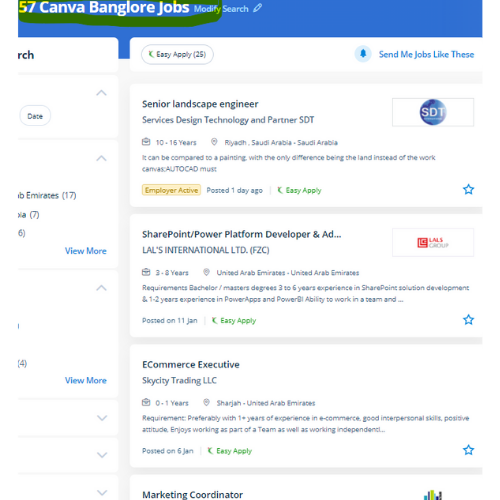
Canva Jobs in Kannur

Enjoy the demand

Find jobs related to Canva in search engines (Google, Bing, Yahoo) and recruitment websites (monsterindia, placementindia, naukri, jobshybrid.com, indeed.co.in, shine.com etc.) based in Kannur, chennai and europe countries. You can find many jobs for freshers related to the job positions in Kannur.

  • web design
  • logo design
  • poster design
  • graphics designer
  • brochure designer
  • video editing
  • ads designer
  • visiting card design
  • flyer designer
  • website designer

Canva Internship/Course Details

Canva internship jobs in Kannur
Canva The platform is armed with a drag-and-drop editor to try with its giant library of templates, fonts, and photos. If you would like to use it once more in the future it'll save your logo or image upload in your account drive. Having preset decisions will save someone so much time when attempting to work out specific dimensions for their creation. Its premade layouts and a large library of design create it the go-to graphics software for many companies and entrepreneurs. it is simple to use and has many benefits that create it one of the most effective websites for creating styles. we tend to help you to form your own Graphic style for social media platforms using Canva. the design solution provides an excess of robust functionalities. style effective social media posts, blog graphics, displays, posters, flyers, eBook Creation Basics, produce PDFs, PowerPoint presentations, and plenty of making your own custom dimension design, also our Canva Graphic design for Beginners is completely compatible with any quiet device. Canva includes a video editing feature wherever that facilitates everybody to make, edit and record professional-quality videos, with an intuitive scene-based interface, screen and camera recording, the ability to feature multiple audio tracks, and thousands of video templates. It is cloud-based mostly designed differently for those overcome by photoshop and illustrator.


Meet a Few of our Industry Experts 🚀 Your Pathway to IT Career

Damini

Mobile: +91 91884 77559
Location: Online (Kannur, India)
Qualification: BE

Experience: Experience: 1 year 10 month Skills: angular javascript html css Application for Angular JS  more..

SREEKUTTY

Mobile: +91 91884 77559
Location: Online (Kannur, India)
Qualification: BSC.COMPUTER SCIENCE/DIPLOMA IN MULTIMEDIA WEBDESIGNING

Experience: Iam a good webdesigner and excellent creativity I known HTML CSS boostrap jquery php JavaScript Corel draw etc   more..

vikash

Mobile: +91 91884 77559
Location: Online (Kannur, India)
Qualification: B.Tech

Experience: Senior Android Developer with over 8 years of experience in designing developing and maintaining high-quality mobile applications Proficient in Java  more..

Yogesh

Mobile: +91 91884 77559
Location: Online (Kannur, India)
Qualification: Graduate

Experience: Web designing php Angular Java script   more..

Piyush

Mobile: +91 91884 77559
Location: Online (Kannur, India)
Qualification: b. tech

Experience: angular HTML css JavaScript  more..

Sanjay

Mobile: +91 91884 77559
Location: Online (Kannur, India)
Qualification: BCom

Experience: UI design and development UX design UX research prototyping wireframing Visual design front end development created websites and landing pages  more..

Remya

Mobile: +91 91884 77559
Location: Online (Kannur, India)
Qualification: btech cse

Experience: html css php dreamweaver web designing web developer  more..

Ratnaparkhe

Mobile: +91 91884 77559
Location: Online (Kannur, India)
Qualification: Bsc computers

Experience: Skills: 1 Manual & Automation Testing 2 selenium Java Experience: Developed automation for POC for SAP Fiori web application involves  more..

Shanmuga

Mobile: +91 91884 77559
Location: Online (Kannur, India)
Qualification: B. E

Experience: Selenium Java SqL Manual testing Automation testing testing maven Jira Agile  more..

ALEENA

Mobile: +91 8301010866
Location: Online (Kannur, India)
Qualification: B.Tech

Experience: I am submitting my resume for the position of QA Tester I have completed four-month training in software testing During  more..

Revella

Mobile: +91 91884 77559
Location: Online (Kannur, India)
Qualification: B.tech

Experience: Java and Net full stack developer Have been coding since 3 years and have done projects on both java and  more..

Ravi

Mobile: +91 91884 77559
Location: Online (Kannur, India)
Qualification: Diploma

Experience: I have a Total 2 years of experience 6 months internship for MEAN stack 1st year worked as a mean  more..

Abhishek

Mobile: +91 9895490866
Location: Online (Kannur, India)
Qualification: Bachelor of Computer Application(BCA)

Experience: I have a strong foundation in UI UX design specializing in Figma for creating prototypes and mockups during various college  more..

Mahendran

Mobile: +91 98474 90866
Location: Online (Kannur, India)
Qualification: Btech

Experience: Skills : 1 User interface design 2 User experience design 3 Wireframing and prototyping 4 Interaction design 5 Usability testing  more..

Josiya

Mobile: +91 91884 77559
Location: Online (Kannur, India)
Qualification: BCOM Finance

Experience: 1 year experience in Social media handling Content writing Proof reading Manual software testing MS Office   more..

Komal

Mobile: +91 91884 77559
Location: Online (Kannur, India)
Qualification: BE

Experience: I am fresher but I have done internsip in wordpress Developer that reason i have knowledge about this position   more..

Aditya

Mobile: +91 8301010866
Location: Online (Kannur, India)
Qualification: B.Tech

Experience: Experienced Laravel developer specializing in building robust and scalable web applications With 4+ years of hands-on experience in Laravel framework  more..

Anupama

Mobile: +91 94975 90866
Location: Online (Kannur, India)
Qualification: BSc Computer Science

Experience: Software testing functional testing api testing  more..

Vignesh

Mobile: +91 91884 77559
Location: Online (Kannur, India)
Qualification: BCA

Experience: My Skills are Html Css Python Django and My strength are honesty open minded listener good mentor My talents are  more..

Pranay

Mobile: +91 91884 77559
Location: Online (Kannur, India)
Qualification: BTech computer science engineering

Experience: Recent CS grad skilled in react javascript and python Looking to start career in software development  more..

Achal

Mobile: +91 98474 90866
Location: Online (Kannur, India)
Qualification: B. Tech Cse

Experience: Dear sir I'm a B Tech CSE student at Shri Ramswaroop Memorial University with a passion for building innovative Android  more..

Karuppasamy

Mobile: +91 91884 77559
Location: Online (Kannur, India)
Qualification: B.Tech.,IT

Experience: Odoo 11 12 14 python xml NodeJS Postgresql  more..

Saniya

Mobile: +91 8301010866
Location: Online (Kannur, India)
Qualification: Graduated

Experience: I have knowledge in Html css js tailwind css bootstrap angular and designing Softwares like figma and photoshop and core  more..

Narra

Mobile: +91 94975 90866
Location: Online (Kannur, India)
Qualification: B. Tech

Experience: My Skills :SDLC STLC Agile Java Automation Testing as well as Manual testing API Testing Mobile Application Testing Automation Framework  more..

Success Stories

The enviable salary packages and track record of our previous students are the proof of our excellence. Please go through our students' reviews about our training methods and faculty and compare it to the recorded video classes that most of the other institutes offer. See for yourself how TechnoMaster is truly unique.


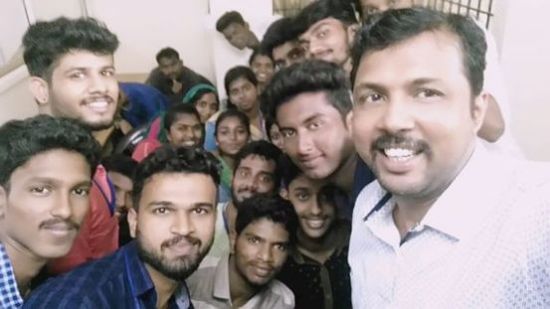
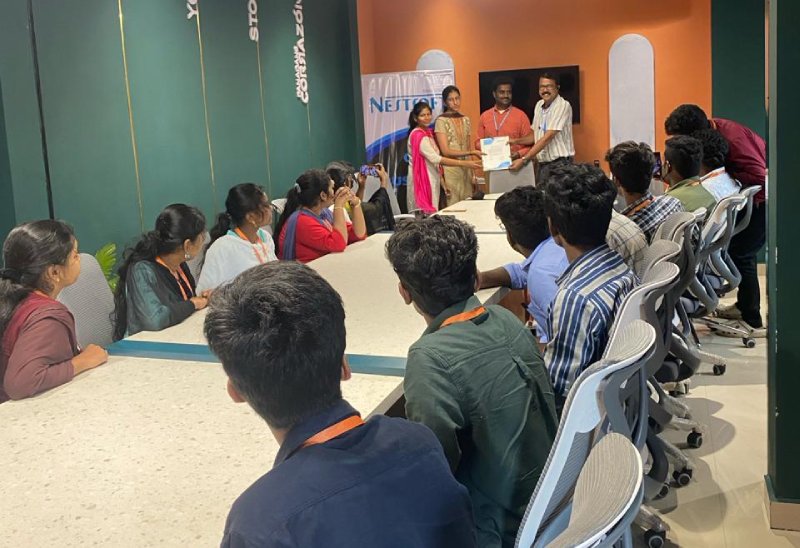
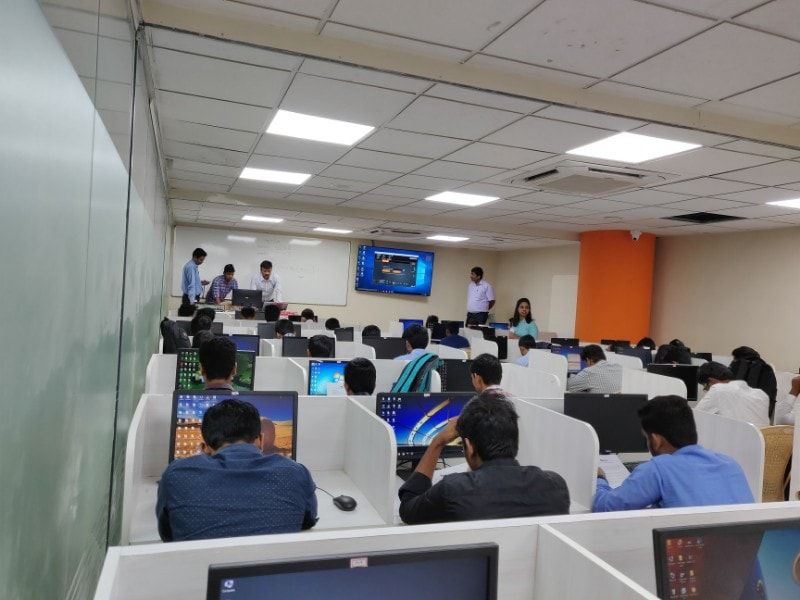
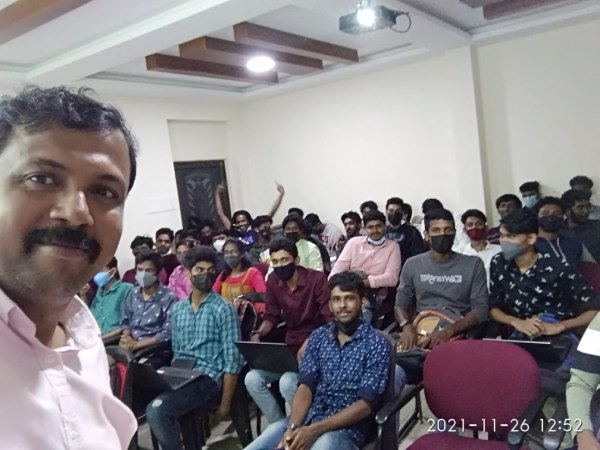
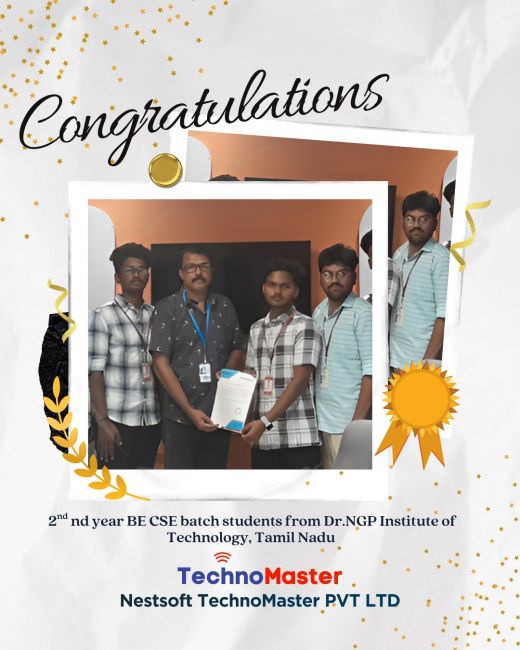
Photos of Training / Internships

Internship/projects in kannur

Trained more than 10000+ students who trust Nestsoft TechnoMaster

Get Your Personal Trainer