Send enquiry ⏎

Canva Online Live Class by Experts

Our Training/Internship Process

Canva Online Live Classes in Bangalore | Free Demo Training

Canva - Syllabus, Fees & Duration

Section 1: Introduction to Canva

  • Welcome to Canva!
  • Logging / Setup Canva Account
  • Layouts & Templates
  • Get you setup with your Canva & account
  • Tour of your dashboard
  • Learn about the different types of templates Canva has
  • Learn how to use the pre-designed layouts
  • Downloading your work
  • Working with text
  • Photo backgrounds & Shapes
  • Illustrations, icons and lines
  • Adding pages to a design
  • Image
  • Text features and Charts
  • Album cover
  • Youtube thumbnail
  • Twitter header
  • Facebook post
  • Ebook cover
  • Documents
  • Data and charts
  • Presentation slides

Section 2: Fonts, Colors, and Images

  • Typography and font pairing
  • Using icons effectively
  • Organising the dashboard
  • Sharing designs
  • Adding links
  • Upgrading to Canva for Work
  • Brand colors
  • Custom filter codes
  • Color codes
  • Color scheme
  • Introduction to the color wheel; creating a color palette
  • How to use grids; transparency; photo filters

Section 4: Advanced Topics

  • Brand Kit
  • Magic Resize
  • Paid Elements
  • Folders for Elements
  • Background Remover
  • Teams, Exporting and Scheduling
  • Learn more advanced techniques
  • Learn how to create a logo from scratch
  • Learn how upload your own graphics, logos, images
  • Learn how to organize your designs
  • See where I go to purchase stock photography
  • Videos Overview / Editing
  • Video Tools
  • Animations
  • Animated Presentations
  • Adding Music

Download Syllabus - Canva
This syllabus is not final and can be customized as per needs/updates
   
10000+
20+
50+
25+

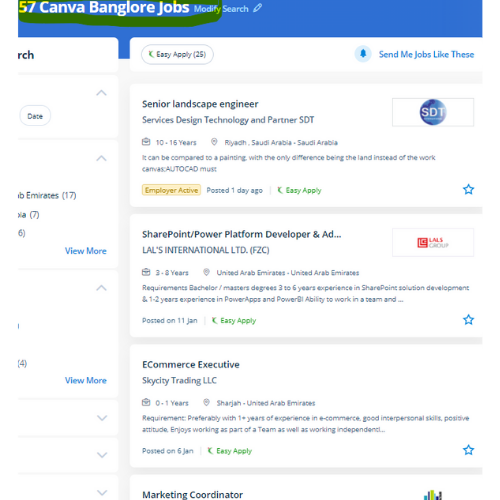
Canva Jobs in Bangalore

Enjoy the demand

Find jobs related to Canva in search engines (Google, Bing, Yahoo) and recruitment websites (monsterindia, placementindia, naukri, jobshybrid.com, indeed.co.in, shine.com etc.) based in Bangalore, chennai and europe countries. You can find many jobs for freshers related to the job positions in Bangalore.

  • web design
  • logo design
  • poster design
  • graphics designer
  • brochure designer
  • video editing
  • ads designer
  • visiting card design
  • flyer designer
  • website designer

Canva Internship/Course Details

Canva internship jobs in Bangalore
Canva These vary from its drag-and-drop tool to over 1,000,000 fonts, images, and high-quality graphics to decide on from. style effective social media posts, blog graphics, displays, posters, flyers, eBook Creation Basics, produce PDFs, PowerPoint presentations, and plenty of making your own custom dimension design, also our Canva Graphic design for Beginners is completely compatible with any quiet device. Nestsoft will teach you Canva with these top Canva coaching courses, offered online. It is cloud-based mostly designed differently for those overcome by photoshop and illustrator. Canva includes a video editing feature wherever that facilitates everybody to make, edit and record professional-quality videos, with an intuitive scene-based interface, screen and camera recording, the ability to feature multiple audio tracks, and thousands of video templates. As a result, users can produce art designs and documents simply. so as to form social media posts, postcards, posters, cards, flyers, and so on, it's an enormous assortment of templates available. it is simple to use and has many benefits that create it one of the most effective websites for creating styles. . using canvas easy to transfer your style as a png, pdf, jpg, SVG, even MP4 video or gif.

Meet a Few of our Industry Experts 🚀 Your Pathway to IT Career

Chandrasekar

Mobile: +91 9895490866
Location: Online (Bangalore, India)
Qualification: BE Mechanical

Experience: I am Expertise in User Researches Wireframing App design Web design Empathetic   more..

Dhivya

Mobile: +91 91884 77559
Location: Online (Bangalore, India)
Qualification: B.E computer science

Experience: AWS services Devops terraform Jenkins docker and docker hub GIt and GitHub Ansible python Linux windows shell scripting  more..

Sonam

Mobile: +91 91884 77559
Location: Online (Bangalore, India)
Qualification: MCA

Experience: 6+ years of experience as a Software developer 2 years of experience as php trainer   more..

Sreejaya

Mobile: +91 91884 77559
Location: Online (Bangalore, India)
Qualification: Master of design in UX

Experience: As a UX designer noteworthy skills include user research wireframing prototyping usability testing and proficiency in design tools like Sketch  more..

AliAsgar

Mobile: +91 94975 90866
Location: Online (Bangalore, India)
Qualification: SSC/Graphic Designer/Cybersecurity Student

Experience: Arabic 4 years Business analysis 1 year Business intelligence 1 year Business management 2 years Communication skills 2 years Computer  more..

SHRIKANT

Mobile: +91 8301010866
Location: Online (Bangalore, India)
Qualification: Master Degree 'MBA' (Operation field)

Experience: Skills: ✓ Sap MM ✓ Advance Excel (Pivot table MIS Vlookup) ✓ Typing 30w p m & 40w p m  more..

ANKUSH

Mobile: +91 94975 90866
Location: Online (Bangalore, India)
Qualification: 10+2(Science)

Experience: Abode Photoshop Html Css Bootstrap Wordpress Abode In-design Graphics Design  more..

Dharmaraj

Mobile: +91 89210 61945
Location: Online (Bangalore, India)
Qualification: B.com

Experience: Microsoft firewall Network and servers  more..

B

Mobile: +91 91884 77559
Location: Online (Bangalore, India)
Qualification: Btech

Experience: I am proficient in python java and sql and also have good knowledge in networking and also learned about data  more..

Sowmya

Mobile: +91 94975 90866
Location: Online (Bangalore, India)
Qualification: M.tech

Experience: Siem IBM Qradar malware analysis host analysis wireshark ips ids firewall  more..

Kodam

Mobile: +91 98474 90866
Location: Online (Bangalore, India)
Qualification: Mcom fa

Experience: Functionality testing Regression Testing retesting Blackbox testing ui testing  more..

Hari

Mobile: +91 94975 90866
Location: Online (Bangalore, India)
Qualification: Mca

Experience: Html css javascript wordpress angular react  more..

Lavleen

Mobile: +91 89210 61945
Location: Online (Bangalore, India)
Qualification: M.Tech

Experience: - Proficient in utilizing software development tools and technologies such as HTML CSS PHP Laravel Javascript JQuery Git GitHub GitLab  more..

Ayush

Mobile: +91 8301010866
Location: Online (Bangalore, India)
Qualification: Secondary school graduate

Experience: I'm responsible for creating seamless and intuitive user experiences through thoughtful design I'll combine artistic flair with user-centric principles to  more..

sadik

Mobile: +91 94975 90866
Location: Online (Bangalore, India)
Qualification: B.com

Experience: MS-Office [word Excel Power Point ] & Internet Adobe PHOTOSHOP Figma Adobe XD COREL DREW FIREWORKS DREAMWEAVER HTML HTML5 &  more..

MULIYA

Mobile: +91 91884 77559
Location: Online (Bangalore, India)
Qualification: MCA

Experience: Dear Sir I'm excited to apply for the Android Developer position as advertised With 4 5 years of Android app  more..

Dibakar

Mobile: +91 9895490866
Location: Online (Bangalore, India)
Qualification: Bachelor of Arts

Experience: "With a dynamic 3-year journey in graphic design I bring a versatile skill set that spans from crafting captivating logos  more..

Dhruv

Mobile: +91 94975 90866
Location: Online (Bangalore, India)
Qualification: Master of science in Information Technology

Experience: Android development Java API Integration Firebase Retrofit version control API Testing postman UI UX design figma  more..

Sumanth

Mobile: +91 98474 90866
Location: Online (Bangalore, India)
Qualification: B tech

Experience: I have 3 years experience in cyber security analyst soc L1 and L2 firewall siem azure ips ids firewall |  more..

Anju

Mobile: +91 89210 61945
Location: Online (Bangalore, India)
Qualification: Btech

Experience: Python & django proficiency Frontend technologies Version controlling API development DBMS  more..

TARUNKUMAR

Mobile: +91 9895490866
Location: Online (Bangalore, India)
Qualification: B.E-ECE

Experience: python java Networking HTML CSS JavaScript React js Node js AWS  more..

Angel

Mobile: +91 91884 77559
Location: Online (Bangalore, India)
Qualification: M.E VLSIDESIGN

Experience: Selenium Java manual testing  more..

Jibitesh

Mobile: +91 91884 77559
Location: Online (Bangalore, India)
Qualification: Btech in CSE

Experience: I have done tons of projects in web development and currently working to create more adverse and interactive GUI   more..

Medha

Mobile: +91 94975 90866
Location: Online (Bangalore, India)
Qualification: 3rd year Btech

Experience: Keen interest in web development and know the concepts of html css js mongodb   more..

Success Stories

The enviable salary packages and track record of our previous students are the proof of our excellence. Please go through our students' reviews about our training methods and faculty and compare it to the recorded video classes that most of the other institutes offer. See for yourself how TechnoMaster is truly unique.

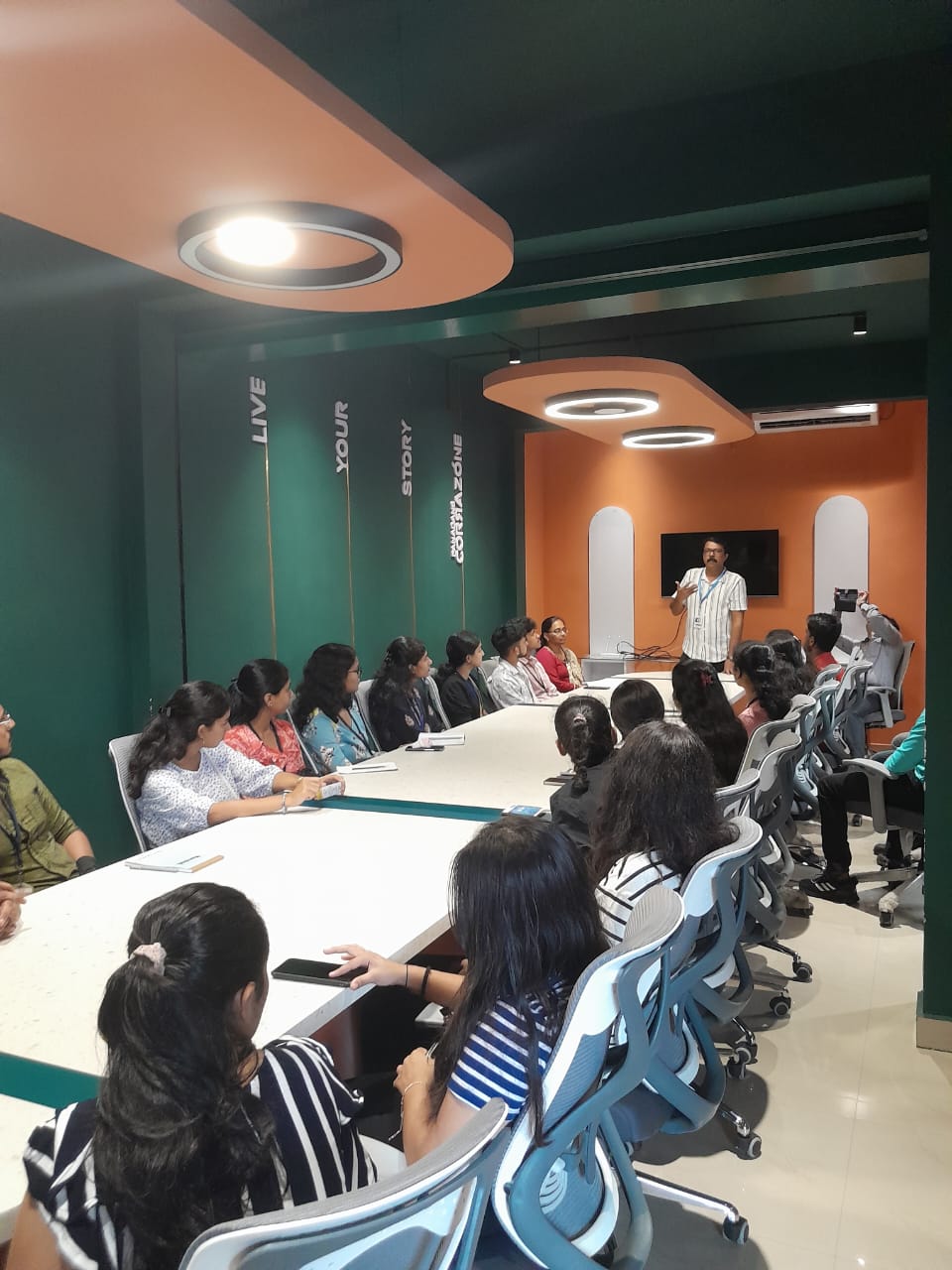
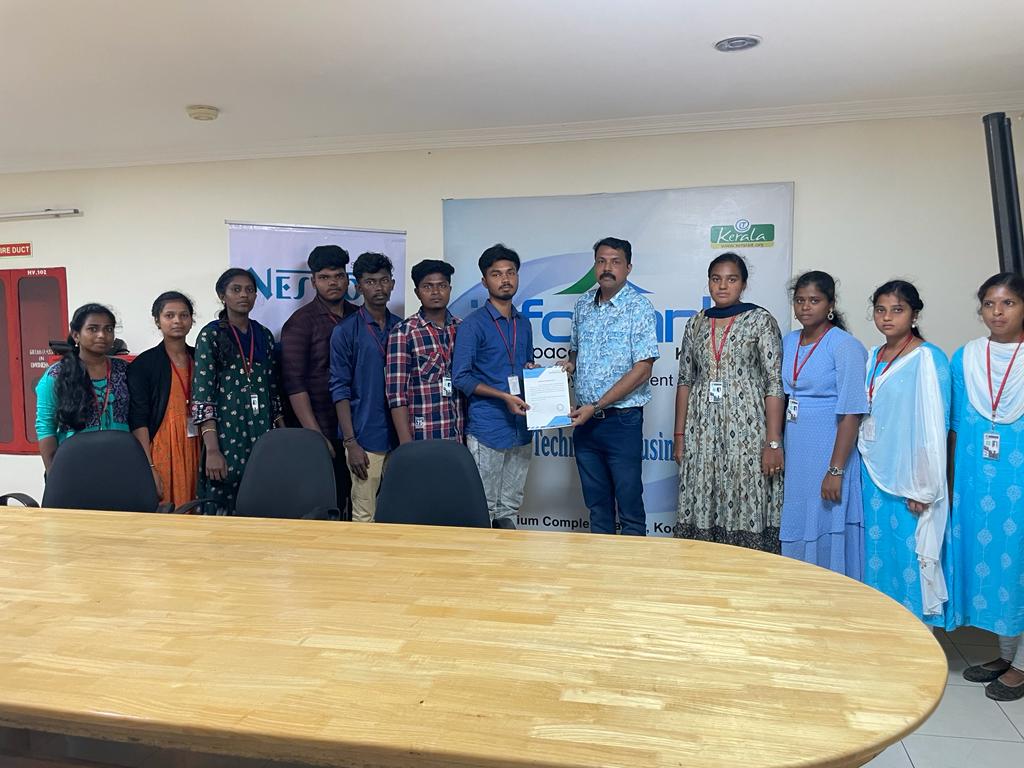
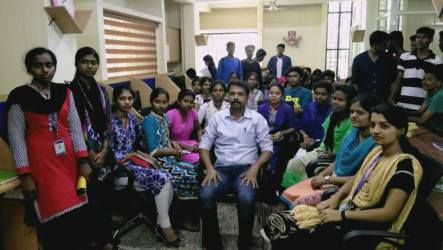
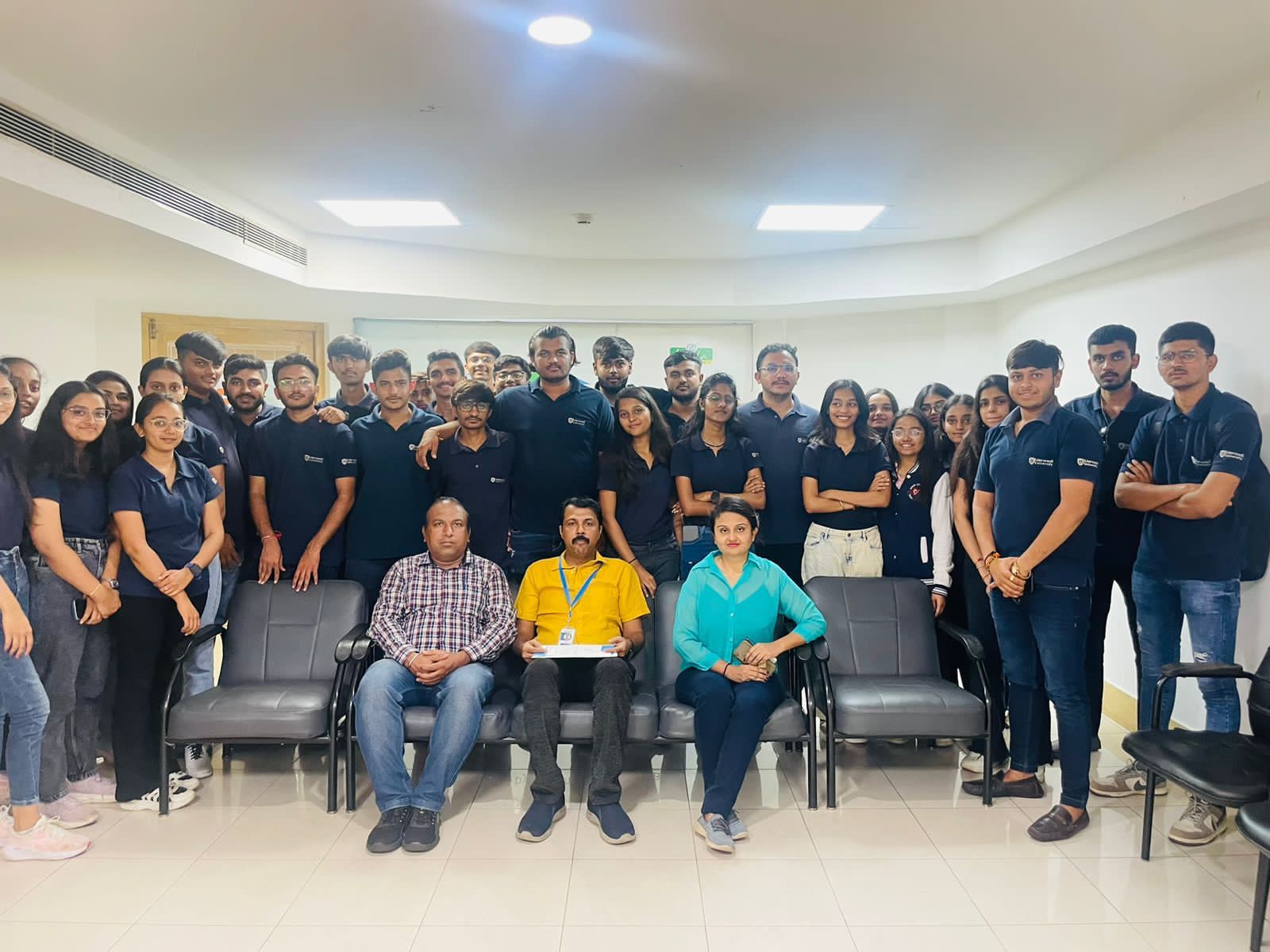
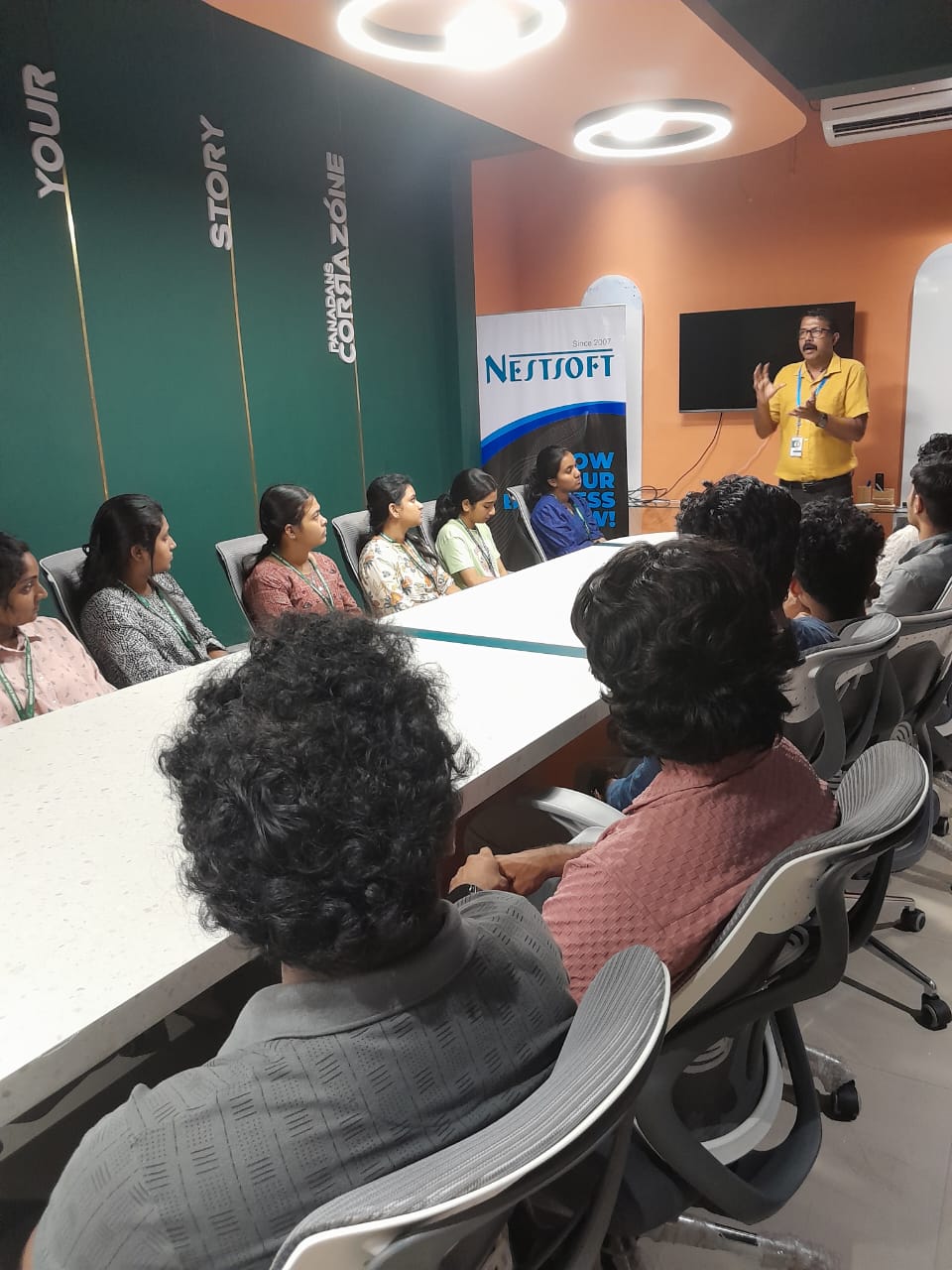
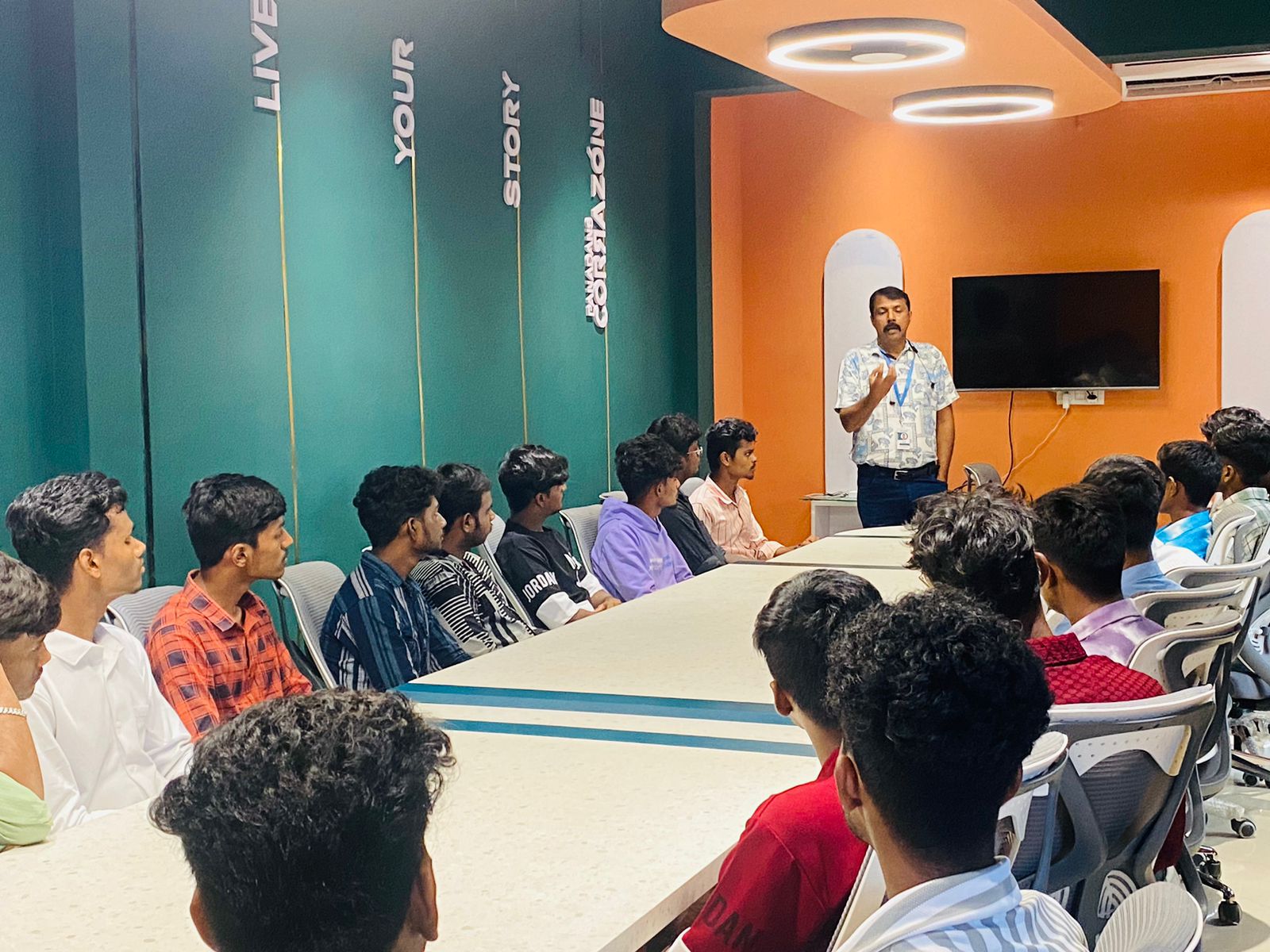
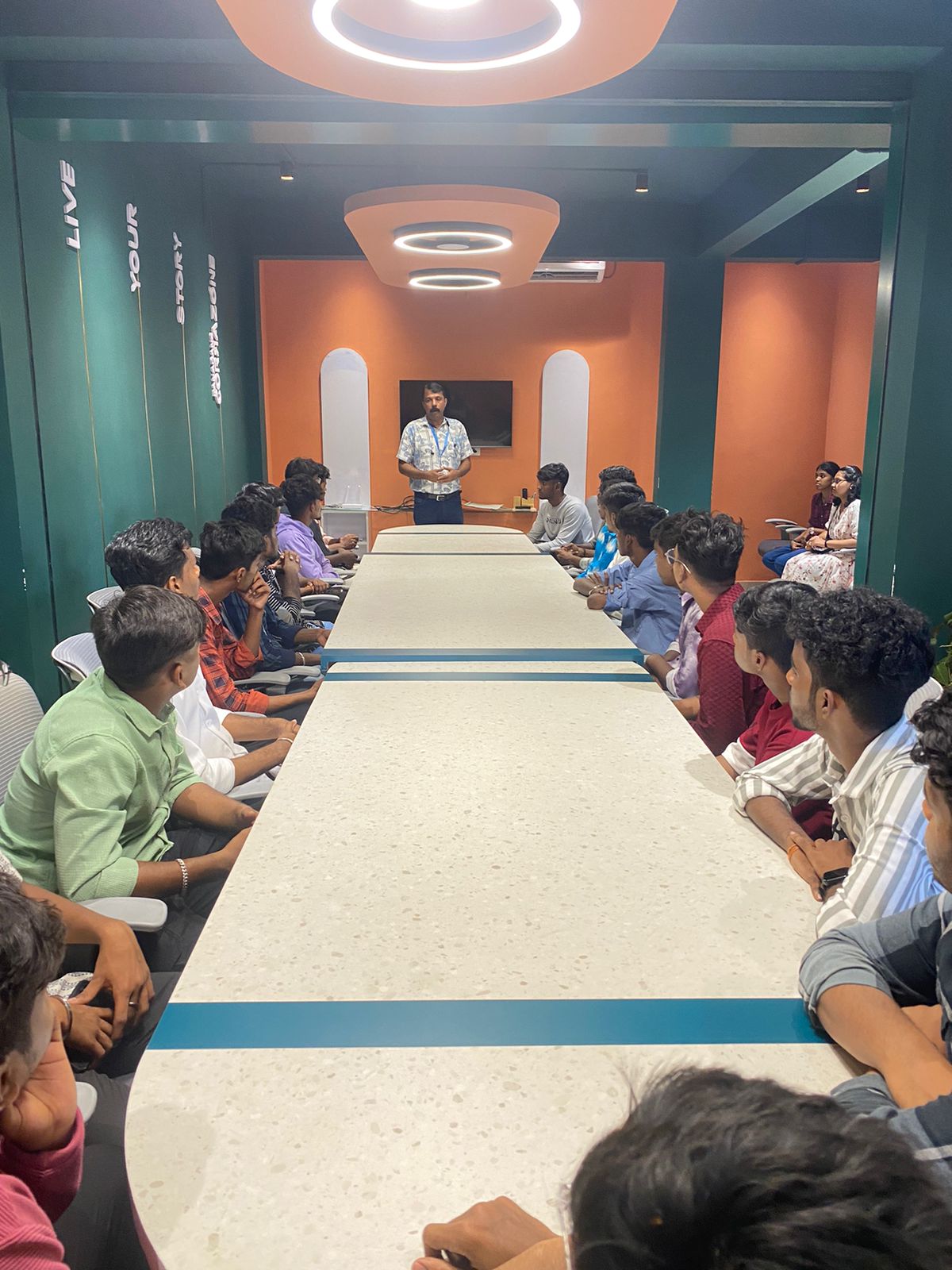
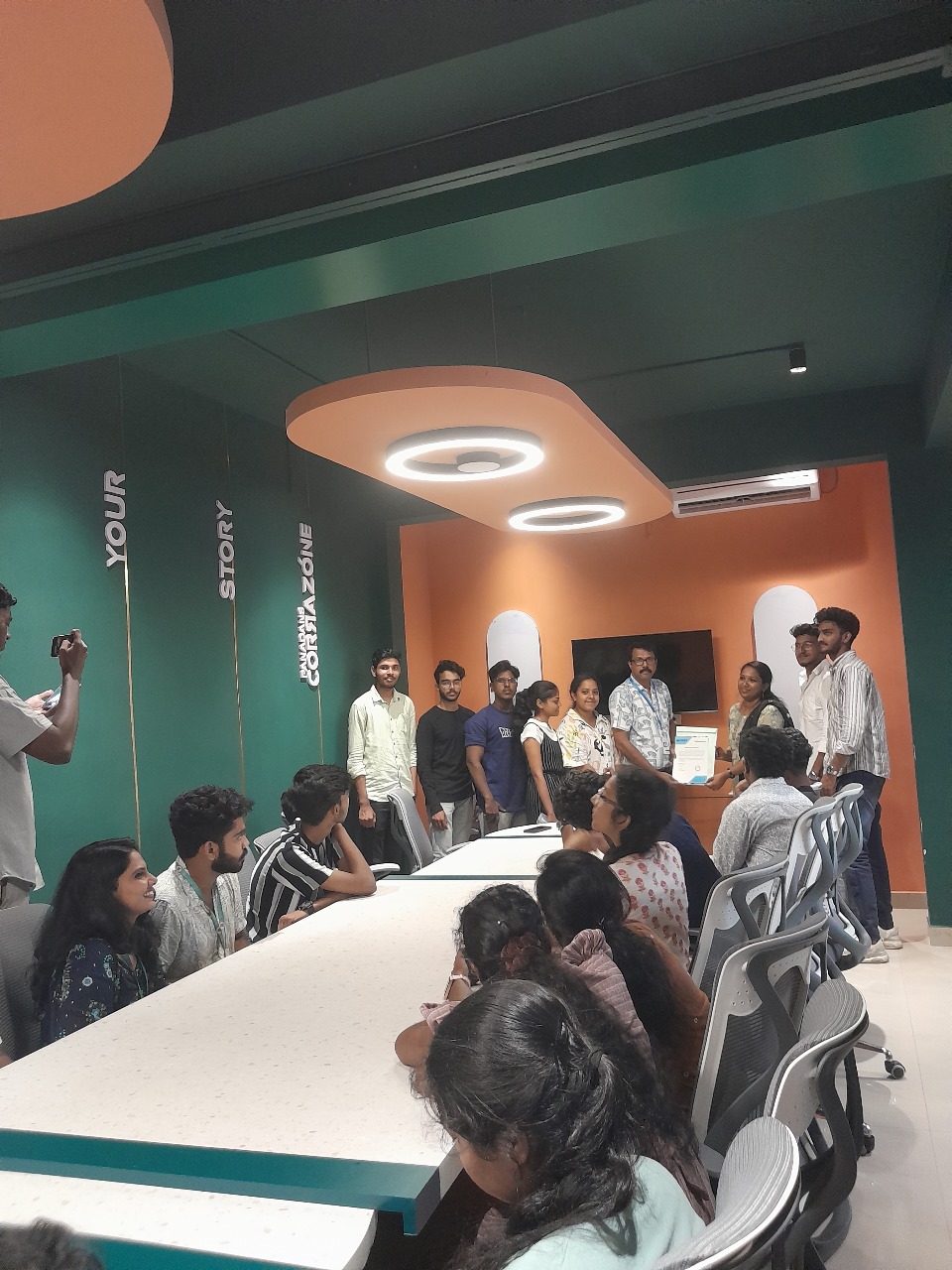
Photos of Training / Internships

Internship/projects in bangalore

Trained more than 10000+ students who trust Nestsoft TechnoMaster

Get Your Personal Trainer