Send enquiry ⏎

Flutter Online Live Class by Experts

Our Training/Internship Process

Flutter Online Live Classes in Haryana | Free Demo Training

Flutter - Syllabus, Fees & Duration

Module 1:  Introduction

  • Introduction to Flutter

Module 2:  Introduction To Dart

  • Reason why Dart holds the fort strong.
  • Installing Visual Studio Code and the Dart Plugin.
  • Installing Dart SDK.
  • Writing the first Dart Program.

Module 3:  Setting Up Flutter

  • Downloading/Cloning the Flutter SDK.
  • Installing Flutter Plugin within VS Code.
  • Understanding the structure of a Flutter Project.
  • Building a simple app from scratch.

Module 4:  Introducing Widget

  • Widgets and their role in a Flutter app.
  • The MaterialApp and Scaffold widget.
  • AppBar.
  • FloatingActionButton.
  • More widgets - Text, Center and Padding.
  • Recreating the Default Flutter App (UI Only)

Module 5:  Common Widget In Flutter

  • Containers and their role.
  • Importing images from a network.
  • Importing images as assets.
  • Adding icons to widgets.
  • Understanding Row and Column.
  • ListView and ListTile.
  • Building views using ListView.builder.
  • Inkwell and its importance.

Module 6: Stateless And Stateful Widgets- The Concept

  • Stateless vs. Stateful widgets.
  • Defining a State
  • The setState() method.
  • Returning to the Default Flutter App.

Module 7:  Navigating Through Navigation

  • Navigator and routes.
  • Applying push() using MaterialPageRoute.
  • Applying pop().
  • Declaring parameter-less routes (push Named()) in Materia Lapp widget.

Module 8:  Handling User Input

  • Using Text Field.
  • Handling changes to a Text Field.
  • Pass retrieved values using Navigator.

Module 9:  User Interface

  • Applying Theme Data.
  • The Basic Screen Layout.
  • Applying Custom Font.

Module 10:  Asynchronous Functions

  • function.
  • async and await

Module 11: Working With Remote Data

  • The http package.
  • Model Class and JSON parsing.
  • Displaying Remote Data. (NEWS API).

Module 12: Local storage

  • Shared Preferences.

Module 13: Using 3rd Party Packages

  • The url_launcher package.
  • Adding onTap() to NEWS API.

Module 14: Other Useful Widgets

  • Grid View.
  • The Hero Animation
  • Stack
  • Alert Dialog with buttons.

Download Syllabus - Flutter
This syllabus is not final and can be customized as per needs/updates
   
10000+
20+
50+
25+

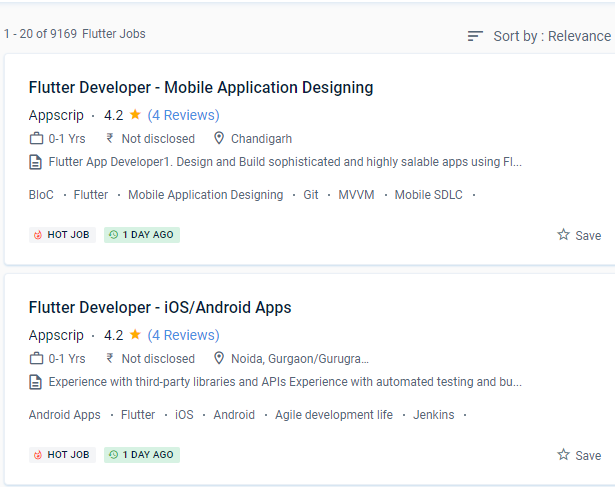
Flutter Jobs in Haryana

Enjoy the demand

Find jobs related to Flutter in search engines (Google, Bing, Yahoo) and recruitment websites (monsterindia, placementindia, naukri, jobshybrid.com, indeed.co.in, shine.com etc.) based in Haryana, chennai and europe countries. You can find many jobs for freshers related to the job positions in Haryana.

  • Flutter Developer
  • Mobile Engineer - Flutter
  • Flutter Mobile App Developer
  • Software Engineer
  • iOS Developer Flutter
  • Technical Mobile Lead - Flutter
  • Flutter Trainer
  • Flutter JS
  • Flutter Lead
  • Java Flutter Developer

Flutter Internship/Course Details

Flutter internship jobs in Haryana
Flutter Nestsoft offers the best flutter training course that teaches you how to use Flutter to create high-quality, interactive mobile apps for both iOS and robots. Some e-commerce service companies employ Flutter to provide their mobile and web apps with a consistent design in today's technology-driven society. It has an open-source licence, which allows the community to continue to use its engine as well as a vast number of third-party modules and APIs. You'll learn how to code in Dart and create attractive, quick, native-quality iOS and Android apps throughout this training programme. It comes with Material Design components that make it possible to create Android apps. As a result, it is more affordable. Learn from our on-site Expert Professionals. Everything is acceptable as long as the flutter code passes Google's quality requirements, even if it isn't considered official. Flutter is based on the Dart programming language, which is both productive and easy to learn. Flutter Course has the potential to be a cross-platform app development solution.

Meet a Few of our Industry Experts 🚀 Your Pathway to IT Career

Mohammed

Mobile: +91 89210 61945
Location: Online (Haryana, India)
Qualification: M. A. Islamic studies

Experience: SKILLS • Canva • Macros • Microsoft Office • Autocrat • ChatGPT • Sap ERP EXPERIENCE Arabic Language Expert Mar  more..

Bharat

Mobile: +91 91884 77559
Location: Online (Haryana, India)
Qualification: Mca

Experience: On-page SEO off-page seo technical seo Backlink generation generate traffic and leads  more..

Hanzalah

Mobile: +91 91884 77559
Location: Online (Haryana, India)
Qualification: BSc.IT

Experience: I have some prior experience with some programming languages like python html css js and django other then that i  more..

Sandra

Mobile: +91 91884 77559
Location: Online (Haryana, India)
Qualification: MCA

Experience: Web design and development  more..

Rahul

Mobile: +91 9895490866
Location: Online (Haryana, India)
Qualification: BE

Experience: Java c# net react node css html javascript  more..

Bathurdeen

Mobile: +91 8301010866
Location: Online (Haryana, India)
Qualification: Bachelor of Engineering in Software Engineering(Hons), UK

Experience: 5+ years of experience in web development and teaching as a lecturer I have been working at many MNC companies  more..

Smith

Mobile: +91 91884 77559
Location: Online (Haryana, India)
Qualification: B. E(electronics and communication)

Experience: I have 1 5 years of experience in odoo During this period I have developed several custom modules and also  more..

MEERA

Mobile: +91 91884 77559
Location: Online (Haryana, India)
Qualification: B.E-CS

Experience: I am fresher now i am studying techolas techology i have completed manual testing now i am studying automation testing  more..

Sudhakar

Mobile: +91 98474 90866
Location: Online (Haryana, India)
Qualification: Bachelor of Engineering

Experience: Hi Sir Madam I'm Sudhakar having 2 6 years of experience in web development as a full stack developer My  more..

Shwetali

Mobile: +91 8301010866
Location: Online (Haryana, India)
Qualification: BE - IT

Experience: I have 2+ years of experience in web development currently working as a Angular developerApplication for Angular JS  more..

Miteshkumar

Mobile: +91 8301010866
Location: Online (Haryana, India)
Qualification: PGDCA

Experience: Website theme development Theme customization Theme Integration etc   more..

Supriya

Mobile: +91 89210 61945
Location: Online (Haryana, India)
Qualification: MSc

Experience: Software developer at Synergy5M LLP working on net as beckend developer  more..

Aditya

Mobile: +91 9895490866
Location: Online (Haryana, India)
Qualification: Bachelor of Engineering (Computer Science)

Experience: Programming Languages: c java python Html Css Javascript Libraries Frameworks: Django Django-Rest SpringBoot Angular Firebase Bootstrap Agile Tools Platforms: AWS  more..

Prashant

Mobile: +91 89210 61945
Location: Online (Haryana, India)
Qualification: MCA

Experience: With 2 3 year of experience in Android development Kotlin java Dagger Hilt MVVM Spring Boot Retrofit Volley Awareness in  more..

Saravanan

Mobile: +91 8301010866
Location: Online (Haryana, India)
Qualification: Bsc

Experience: I am flutter developer fresher  more..

Ashish

Mobile: +91 89210 61945
Location: Online (Haryana, India)
Qualification: Bachelor of engineering

Experience: Dear Hiring Manager I am writing to express my interest in the Wix Developer position currently available at Your Company  more..

Soundarya

Mobile: +91 98474 90866
Location: Online (Haryana, India)
Qualification: B.Tech

Experience: I have a 1 year experience as a UI developer in resilient lab Pvt Ltd Kolhapur   more..

pradnya

Mobile: +91 8301010866
Location: Online (Haryana, India)
Qualification: MCA

Experience: I am skilled in seo on page off page I have good knowledge of google ads and worked in search  more..

Ganesh

Mobile: +91 89210 61945
Location: Online (Haryana, India)
Qualification: BE in Electronics and Communication Engineering

Experience: Ethical Hacking Python Devops Data analysis Web development Cyber security  more..

Khushal

Mobile: +91 8301010866
Location: Online (Haryana, India)
Qualification: BTech

Experience: 1 5 years experience in web development with hands on HTML CSS JS and React  more..

Astha

Mobile: +91 8301010866
Location: Online (Haryana, India)
Qualification: Btech CSE

Experience: WordPress Plugin development Theme development React JavaScript Jquery Ajax HTML CSS MySQL  more..

Rajin

Mobile: +91 91884 77559
Location: Online (Haryana, India)
Qualification: B tech

Experience: 2 year experience in manual testing and currently done automation testing looking more Opportunitys  more..

BIBINA

Mobile: +91 8301010866
Location: Online (Haryana, India)
Qualification: bca

Experience: knowledge about automation testing and manual testing  more..

Ankit

Mobile: +91 98474 90866
Location: Online (Haryana, India)
Qualification: Diploma

Experience: I have done a course of 6 months in which I have learnt to design a website how to make  more..

Success Stories

The enviable salary packages and track record of our previous students are the proof of our excellence. Please go through our students' reviews about our training methods and faculty and compare it to the recorded video classes that most of the other institutes offer. See for yourself how TechnoMaster is truly unique.

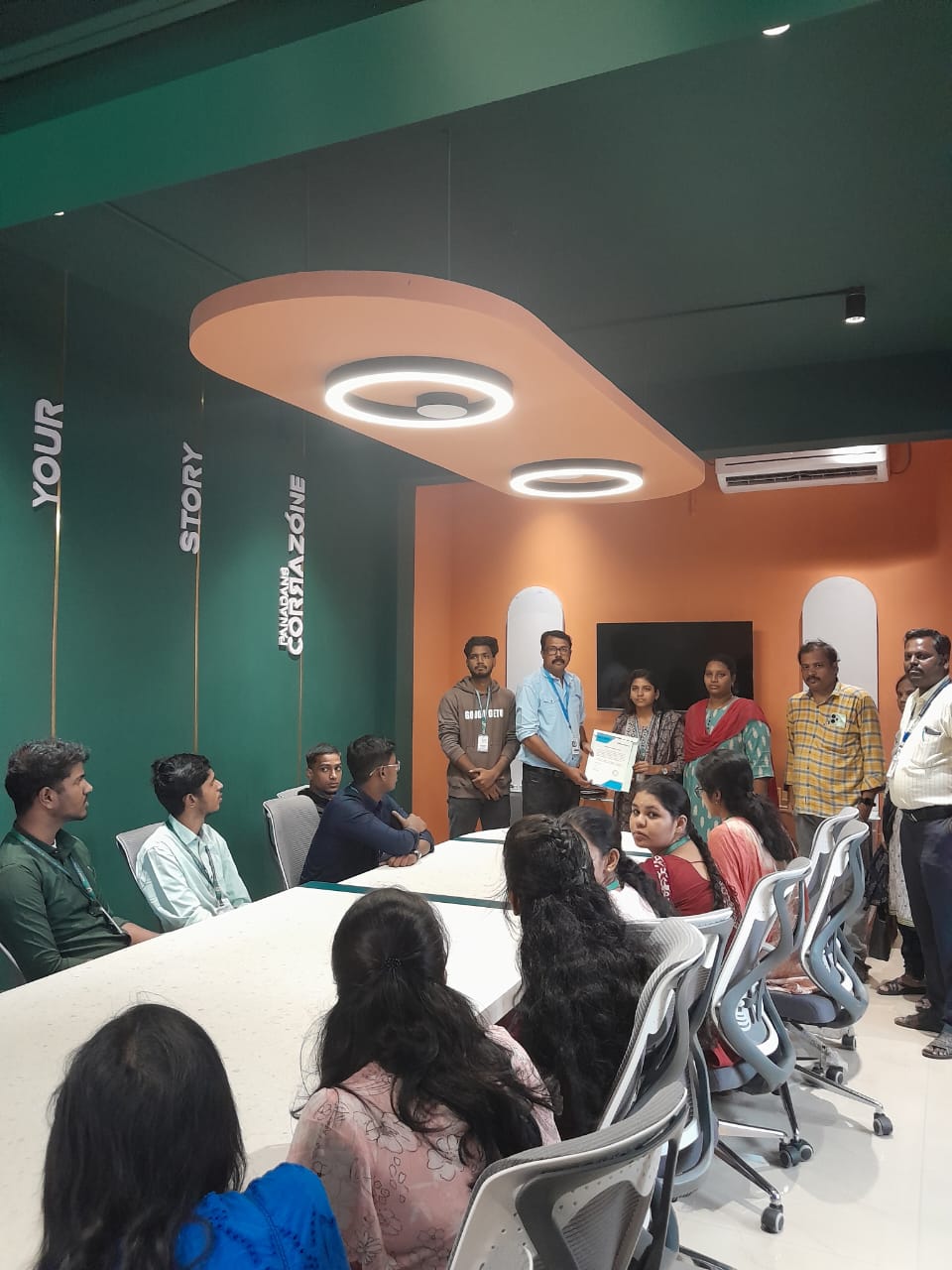
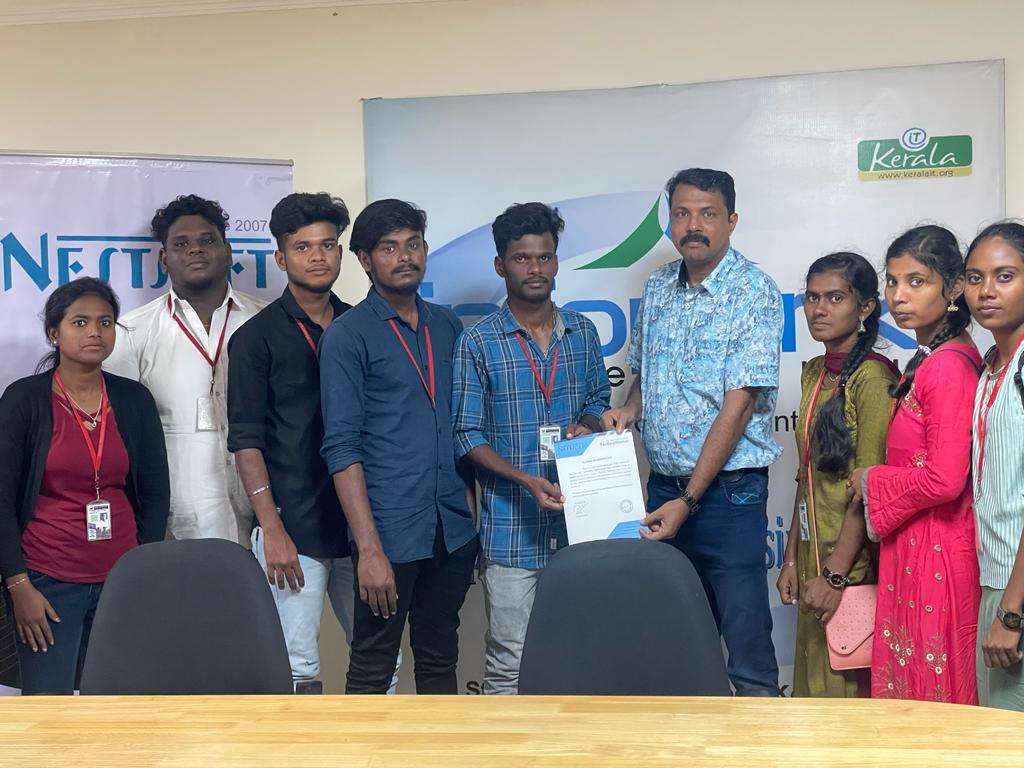
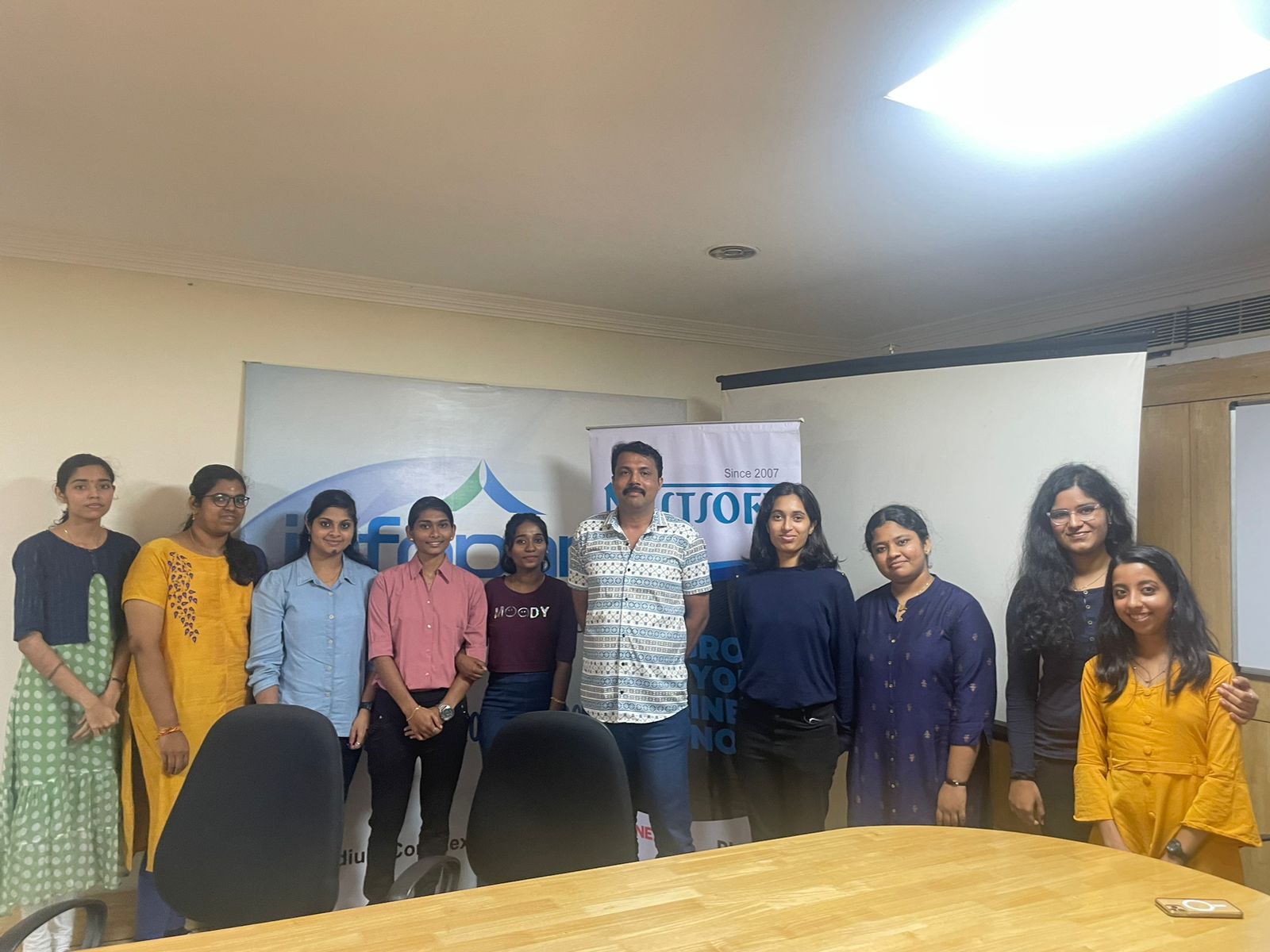
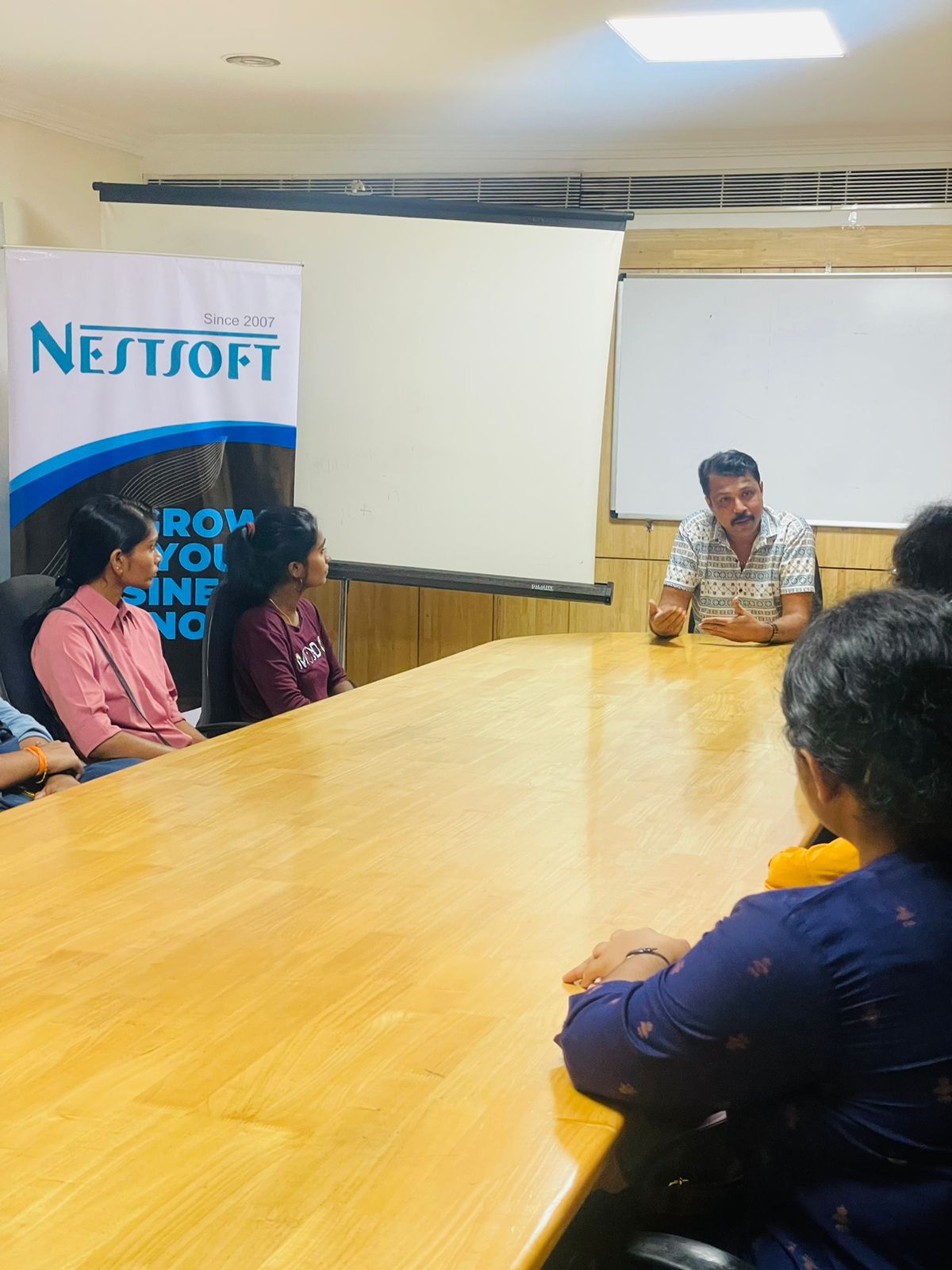
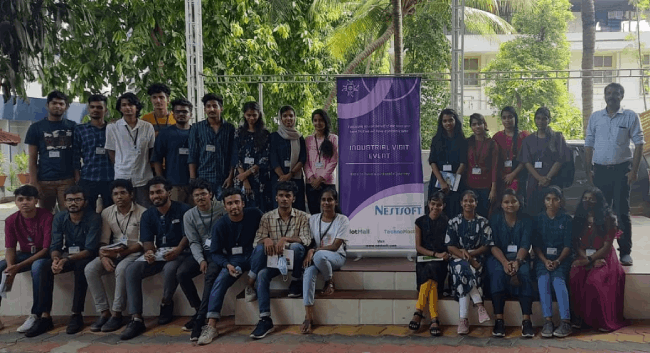
Photos of Training / Internships

Internship/projects in haryana

Trained more than 10000+ students who trust Nestsoft TechnoMaster

Get Your Personal Trainer