Send enquiry ⏎

Flutter Online Live Class by Experts

Our Training/Internship Process

Flutter Online Live Classes in Vijayawada | Free Demo Training

Flutter - Syllabus, Fees & Duration

Module 1:  Introduction

  • Introduction to Flutter

Module 2:  Introduction To Dart

  • Reason why Dart holds the fort strong.
  • Installing Visual Studio Code and the Dart Plugin.
  • Installing Dart SDK.
  • Writing the first Dart Program.

Module 3:  Setting Up Flutter

  • Downloading/Cloning the Flutter SDK.
  • Installing Flutter Plugin within VS Code.
  • Understanding the structure of a Flutter Project.
  • Building a simple app from scratch.

Module 4:  Introducing Widget

  • Widgets and their role in a Flutter app.
  • The MaterialApp and Scaffold widget.
  • AppBar.
  • FloatingActionButton.
  • More widgets - Text, Center and Padding.
  • Recreating the Default Flutter App (UI Only)

Module 5:  Common Widget In Flutter

  • Containers and their role.
  • Importing images from a network.
  • Importing images as assets.
  • Adding icons to widgets.
  • Understanding Row and Column.
  • ListView and ListTile.
  • Building views using ListView.builder.
  • Inkwell and its importance.

Module 6: Stateless And Stateful Widgets- The Concept

  • Stateless vs. Stateful widgets.
  • Defining a State
  • The setState() method.
  • Returning to the Default Flutter App.

Module 7:  Navigating Through Navigation

  • Navigator and routes.
  • Applying push() using MaterialPageRoute.
  • Applying pop().
  • Declaring parameter-less routes (push Named()) in Materia Lapp widget.

Module 8:  Handling User Input

  • Using Text Field.
  • Handling changes to a Text Field.
  • Pass retrieved values using Navigator.

Module 9:  User Interface

  • Applying Theme Data.
  • The Basic Screen Layout.
  • Applying Custom Font.

Module 10:  Asynchronous Functions

  • function.
  • async and await

Module 11: Working With Remote Data

  • The http package.
  • Model Class and JSON parsing.
  • Displaying Remote Data. (NEWS API).

Module 12: Local storage

  • Shared Preferences.

Module 13: Using 3rd Party Packages

  • The url_launcher package.
  • Adding onTap() to NEWS API.

Module 14: Other Useful Widgets

  • Grid View.
  • The Hero Animation
  • Stack
  • Alert Dialog with buttons.

Download Syllabus - Flutter
This syllabus is not final and can be customized as per needs/updates
   
10000+
20+
50+
25+

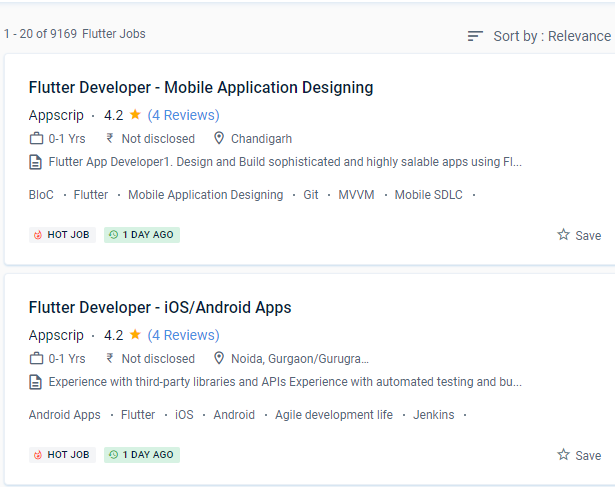
Flutter Jobs in Vijayawada

Enjoy the demand

Find jobs related to Flutter in search engines (Google, Bing, Yahoo) and recruitment websites (monsterindia, placementindia, naukri, jobshybrid.com, indeed.co.in, shine.com etc.) based in Vijayawada, chennai and europe countries. You can find many jobs for freshers related to the job positions in Vijayawada.

  • Flutter Developer
  • Mobile Engineer - Flutter
  • Flutter Mobile App Developer
  • Software Engineer
  • iOS Developer Flutter
  • Technical Mobile Lead - Flutter
  • Flutter Trainer
  • Flutter JS
  • Flutter Lead
  • Java Flutter Developer

Flutter Internship/Course Details

Flutter internship jobs in Vijayawada
Flutter The majority of the confidential writing on Flutter is done in Dart, which is a programming language similar to Java. Google designed it using a tiered architecture to produce a UI that is both expressive and adaptable. Nestsoft's Google Flutter Training in Vijayawada will help you gain a solid understanding of this UI mobile framework so you can construct Native Cross-Platform Mobile Applications quickly. even if you've never programmed before. The capacity of flutter to consume fewer resources is one of its most prominent properties. Everything is acceptable as long as the flutter code passes Google's quality requirements, even if it isn't considered official. Google's Flutter solves any or all of these problems by allowing users to create programmes for both humanoids and iOS with the same codebase. Flutter is based on the Dart programming language, which is both productive and easy to learn. It has an open-source licence, which allows the community to continue to use its engine as well as a vast number of third-party modules and APIs. You'll be able to enjoy stunning widgets that are easily available now that you have your hot engine with high-performance rendering.


Meet a Few of our Industry Experts 🚀 Your Pathway to IT Career

SAVITA

Mobile: +91 9895490866
Location: Online (Vijayawada, India)
Qualification: Be

Experience: I have 1 year experience in PHP developer   more..

SWATHI

Mobile: +91 94975 90866
Location: Online (Vijayawada, India)
Qualification: Msc in Computer science

Experience: Fresher & Automation testing in selenium TestNG Maven XPATH and CSS core java manual testing SDLC STLC Agile Methodology with  more..

Rajinder

Mobile: +91 8301010866
Location: Online (Vijayawada, India)
Qualification: BE CSE

Experience: Web development: HTML CSS Javascript Reactjs Firebase Bootstrap MaterialUI Sass Expressjs MongoDB Computer Networking Operating Systems  more..

Pavel

Mobile: +91 9895490866
Location: Online (Vijayawada, India)
Qualification: Honors

Experience: My name is Pavel Asad I am Bangladeshi I'm a Wix developer I have been working with Wix for 4  more..

Muhabath

Mobile: +91 91884 77559
Location: Online (Vijayawada, India)
Qualification: Btech

Experience: Manual testing Selenium Java Automation testing  more..

Guru

Mobile: +91 9895490866
Location: Online (Vijayawada, India)
Qualification: BCA

Experience: Android kotlin Java JSON Rest APIs Coroutines asynchronous programming SQLite RoomDB Https Firebase Android TV Development lean back mobile alapp  more..

Vijay

Mobile: +91 91884 77559
Location: Online (Vijayawada, India)
Qualification: Graduate

Experience: I am certified Odoo developer working since past 10 years   more..

AVISHEK

Mobile: +91 98474 90866
Location: Online (Vijayawada, India)
Qualification: Graduate

Experience: 20 years experience in magazine page design  more..

Dhrumil

Mobile: +91 91884 77559
Location: Online (Vijayawada, India)
Qualification: Be in computer engeenering

Experience: odoo python  more..

Ananthu

Mobile: +91 8301010866
Location: Online (Vijayawada, India)
Qualification: Bca

Experience: Manual tester sql test case development test scenario agile methodology   more..

Snehal

Mobile: +91 94975 90866
Location: Online (Vijayawada, India)
Qualification: Msc computer science

Experience: I have 2 years of experience in web development   more..

Manish

Mobile: +91 91884 77559
Location: Online (Vijayawada, India)
Qualification: BSC.IT

Experience: I have good knowledge at java full stack i have trained at naresh i technology in Hyderabad I know both  more..

Vikas

Mobile: +91 91884 77559
Location: Online (Vijayawada, India)
Qualification: B.Tech

Experience: I'm excellent in Advance Java Database Frontend developer etc with 1 year of internship experience   more..

Niharika

Mobile: +91 91884 77559
Location: Online (Vijayawada, India)
Qualification: Bca

Experience: Digital marketing Web development frontend  more..

Kartik

Mobile: +91 91884 77559
Location: Online (Vijayawada, India)
Qualification: mscit

Experience: wordpress html css js sql  more..

Jasjit

Mobile: +91 98474 90866
Location: Online (Vijayawada, India)
Qualification: B. E. Electrical

Experience: Product technical support experience of 8+ yrs for clients namely Dell HP Cisco(Linksys) Microsoft Have used fortinet firewall while working  more..

Rohini

Mobile: +91 91884 77559
Location: Online (Vijayawada, India)
Qualification: Btech

Experience: Core java android framework android studio Web Services json rest kotlin Sqlite room db  more..

Sukhwinder

Mobile: +91 91884 77559
Location: Online (Vijayawada, India)
Qualification: MSC IT

Experience: Seo on page off page google analytics Google excell power points Google ads ppc graphic designing and well as video  more..

Thejaswarreddy

Mobile: +91 91884 77559
Location: Online (Vijayawada, India)
Qualification: degree

Experience: Striving Digital Marketing excutive bringing 2+ years of experience in creating on-brand marketing content managing online campaigns SEO and Analytics  more..

sravan

Mobile: +91 98474 90866
Location: Online (Vijayawada, India)
Qualification: mtech cse

Experience: laravel developer with 3years expe |   more..

Vanshika

Mobile: +91 98474 90866
Location: Online (Vijayawada, India)
Qualification: B.Tech

Experience: Computer Skills C & python Programming language  more..

ravi

Mobile: +91 89210 61945
Location: Online (Vijayawada, India)
Qualification: B.Tech

Experience: web development Intern at phn Techlologies pune started coding in java before 6 years have done project in Python and  more..

Axar

Mobile: +91 91884 77559
Location: Online (Vijayawada, India)
Qualification: Bca

Experience: I have work experience in native android with Java Kotlin Firebase Third party library s  more..

Arunkumar

Mobile: +91 91884 77559
Location: Online (Vijayawada, India)
Qualification: BTECH IT

Experience: i am a frontend developer who i has 2 yeaApplication for Meanstack Developer Mean Stack  more..

Success Stories

The enviable salary packages and track record of our previous students are the proof of our excellence. Please go through our students' reviews about our training methods and faculty and compare it to the recorded video classes that most of the other institutes offer. See for yourself how TechnoMaster is truly unique.

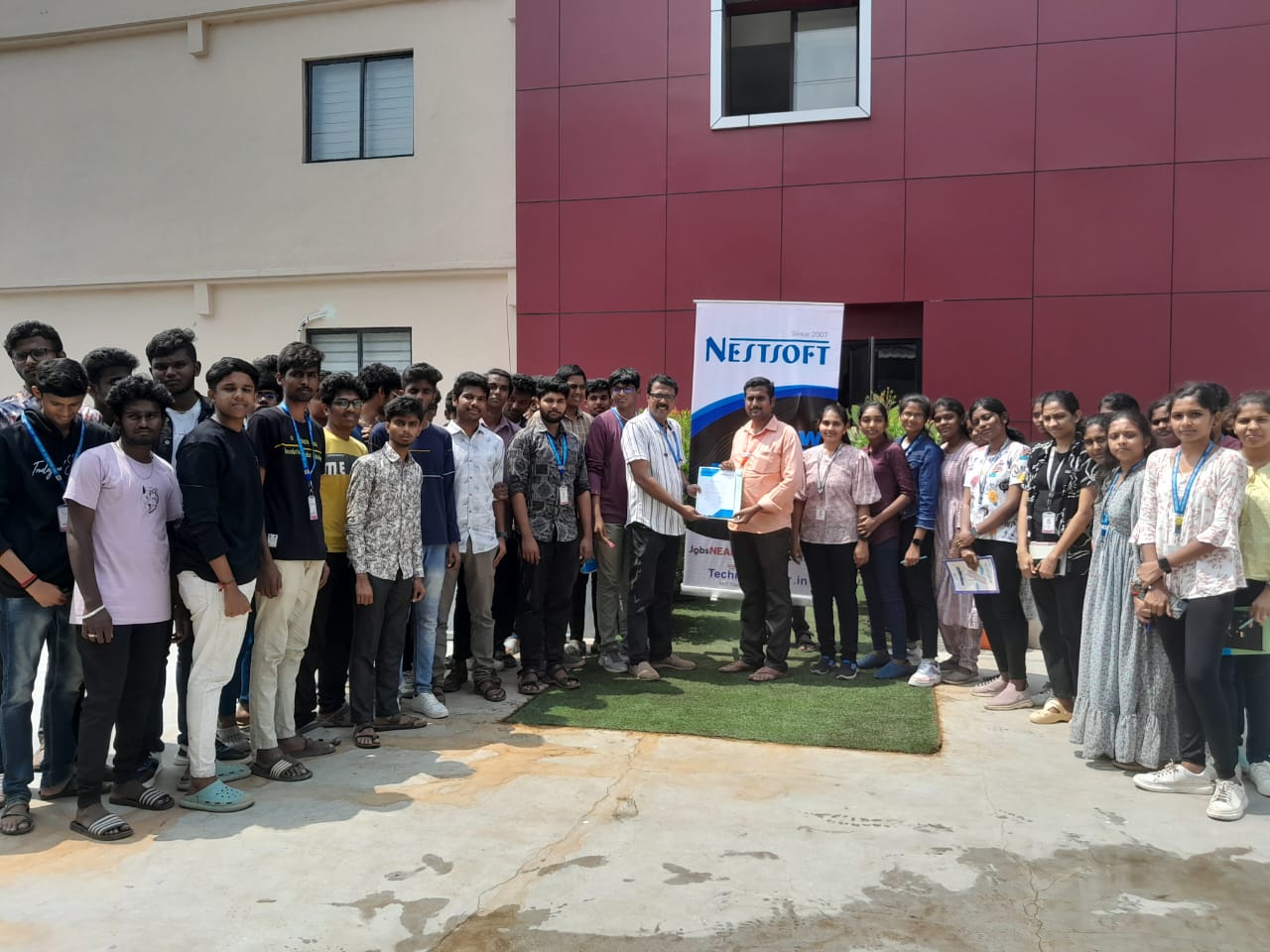
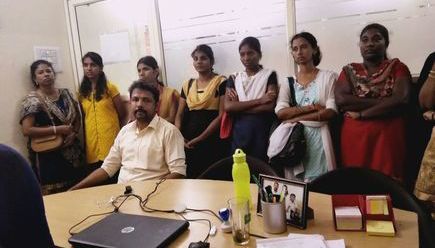
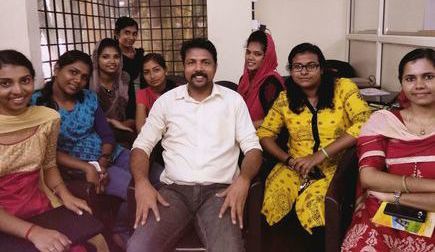
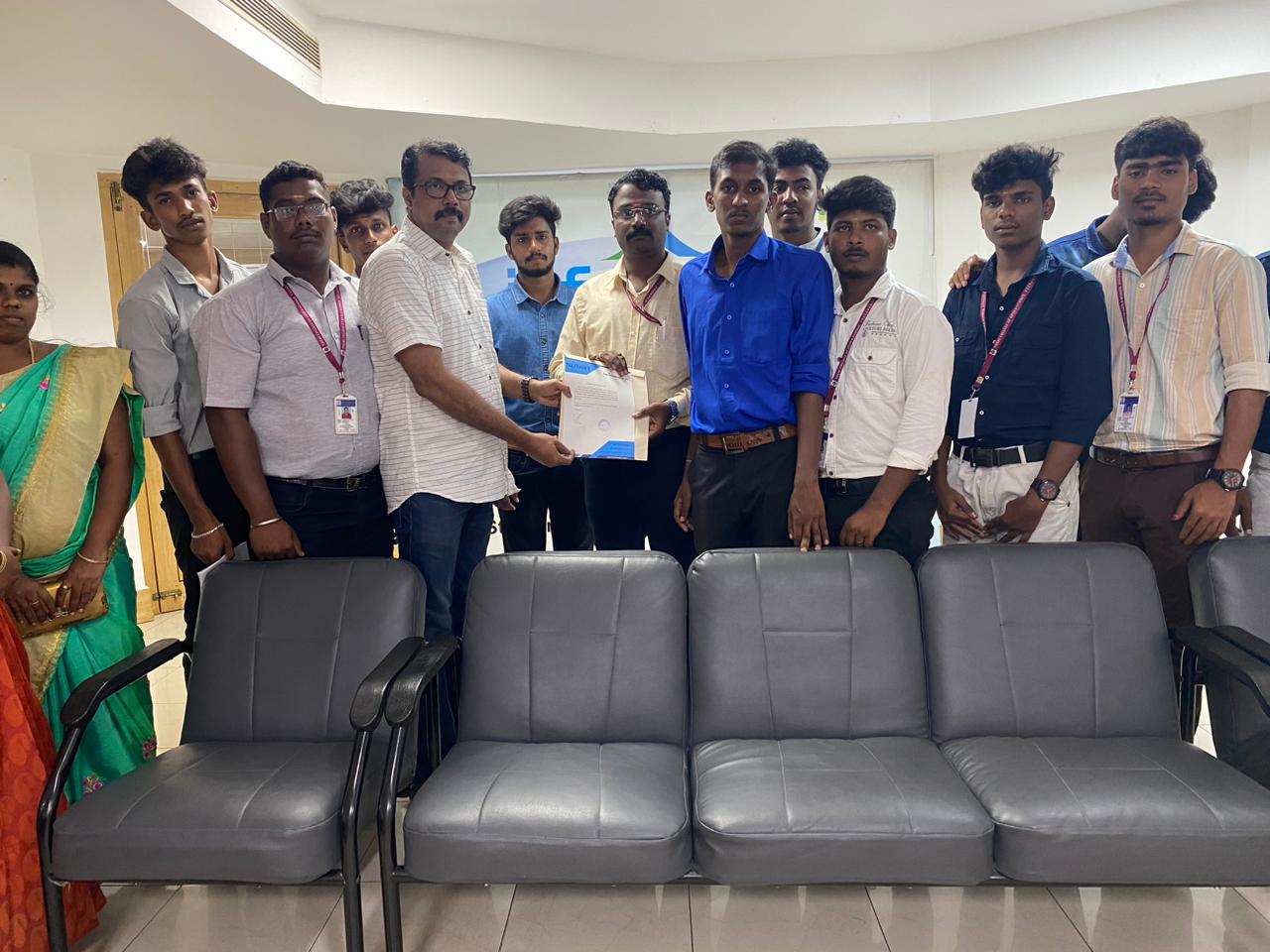
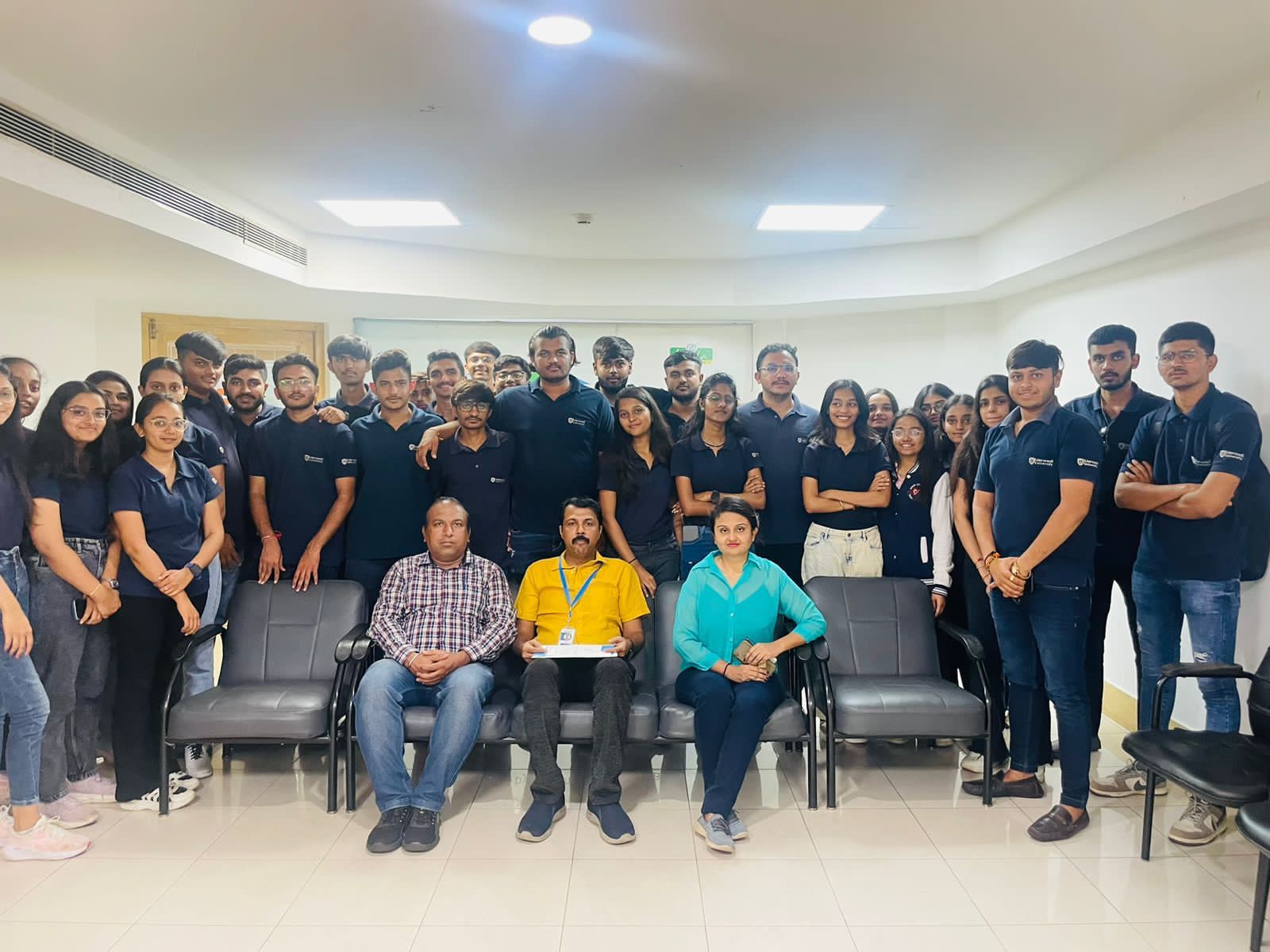
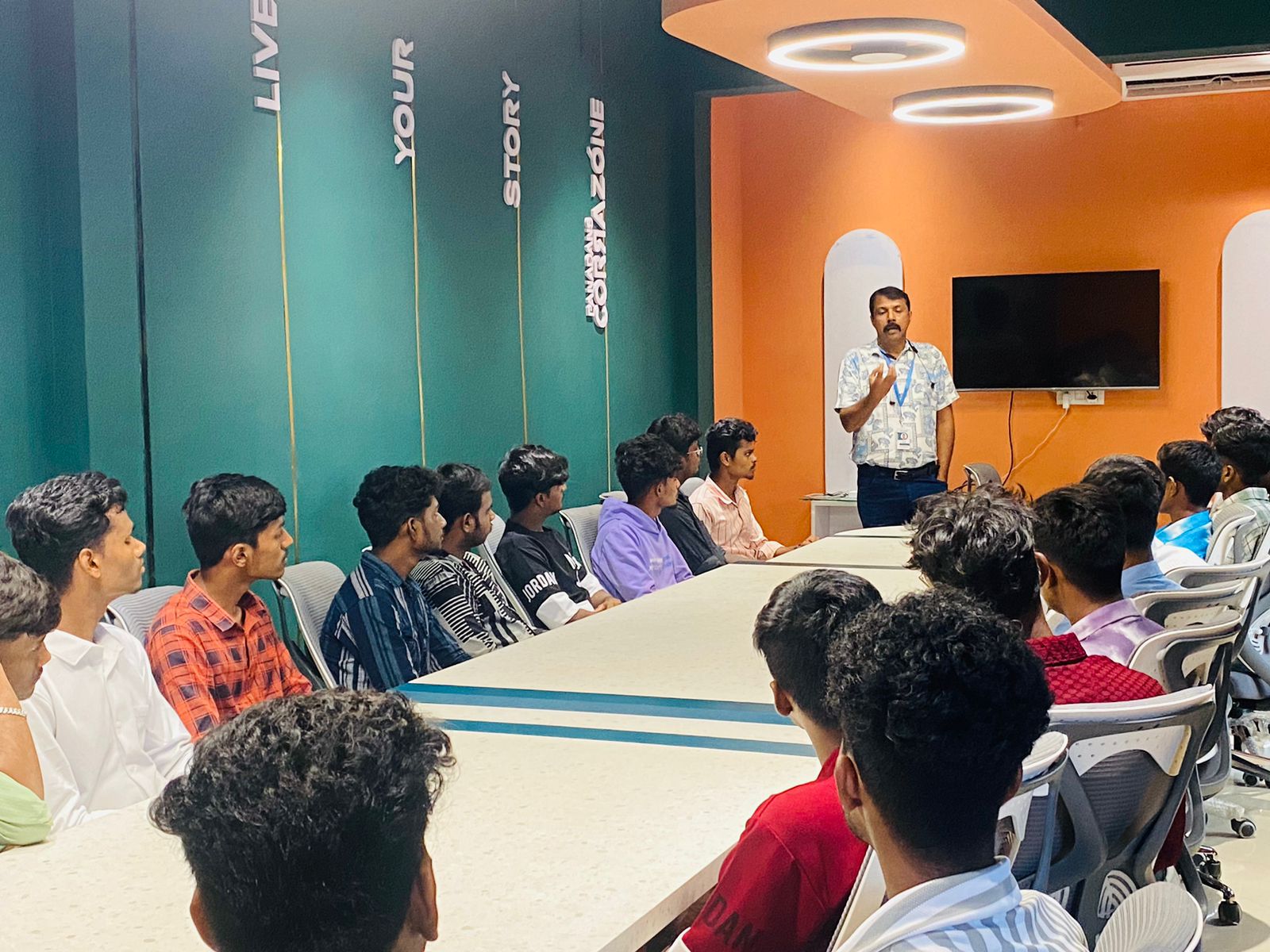
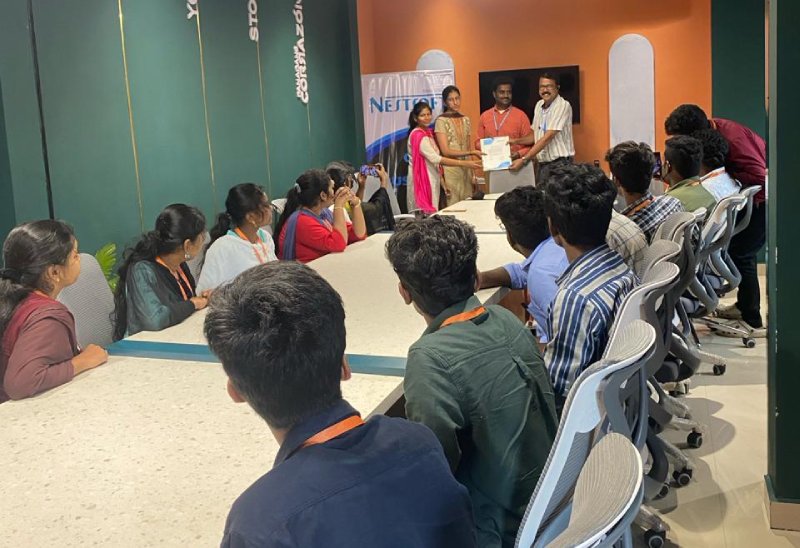
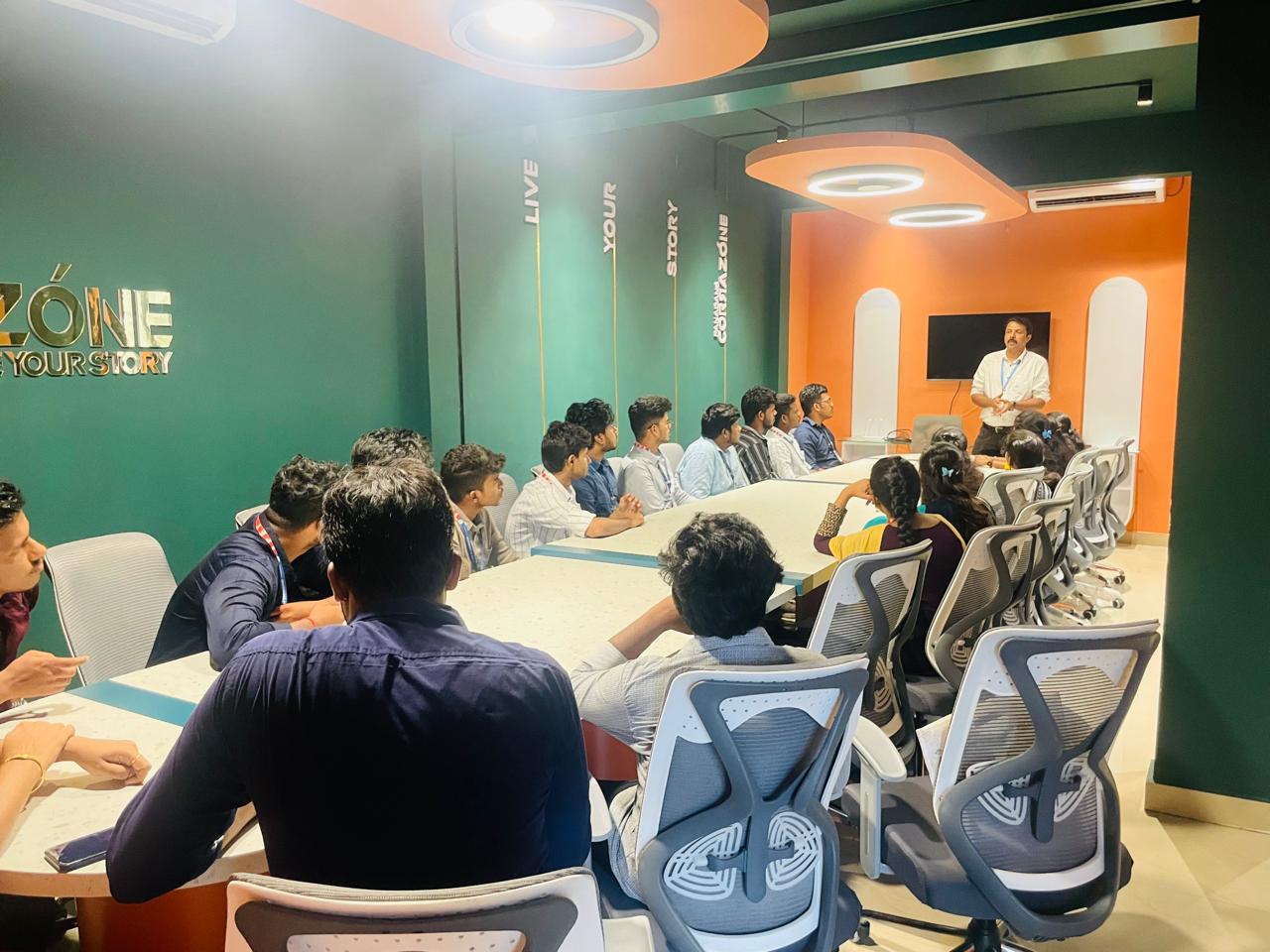
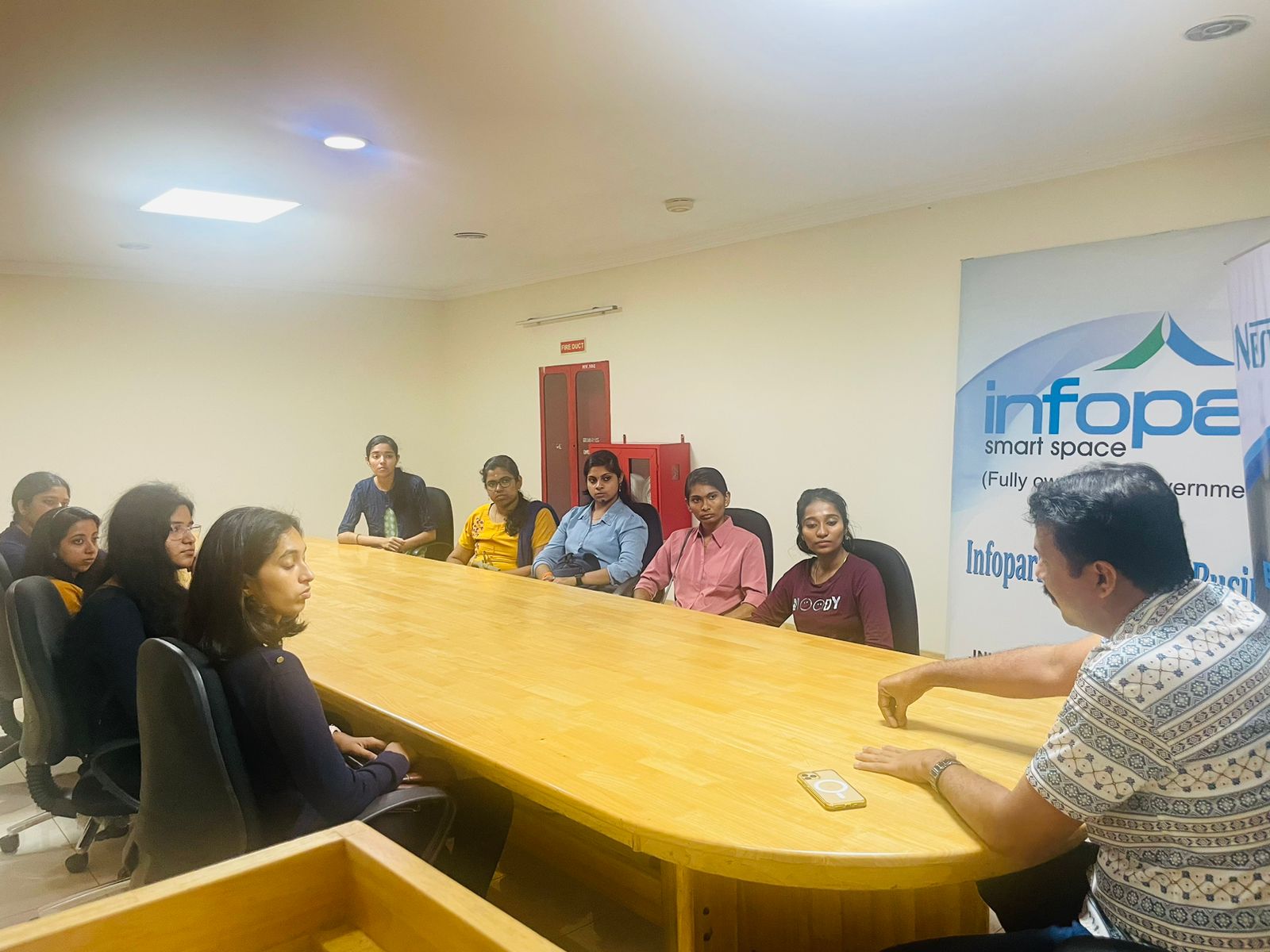
Photos of Training / Internships

Internship/projects in vijayawada

Trained more than 10000+ students who trust Nestsoft TechnoMaster

Get Your Personal Trainer