Send enquiry ⏎

Android Online Live Class by Experts

Our Training/Internship Process

Android Online Live Classes in Bangalore | Free Demo Training

Android - Syllabus, Fees & Duration

Getting Started with Kotlin

  • Define Kotlin
  • Environment Setup
  • First Program Concept
  • Kotlin Variable and Data Type
  • Kotlin Type Conversion
  • Kotlin Operator
  • Input/Output

Control Flow

  • if Expression
  • when Expression
  • for Loop and while Loop
  • Do while Loop
  • Return and Jump
  • Continue Structure

Exploring Kotlin Functions

  • Kotlin Function
  • Recursion Function
  • Default and Named Argument
  • Kotlin Lambdas
  • Higher-Order Function
  • Kotlin Inline Function

Exception Handling

  • Kotlin Try Catch
  • Multiple Catch Block
  • Nested Try Block
  • Kotlin Finally Block
  • Kotlin Throw Keyword

Overview of Collections

  • Mutable Array
  • Kotlin Collections
  • List: listOf()
  • mutableListOf()
  • Kotlin ArrayList
  • arrayListOf()
  • Map: mapOf()
  • Kotlin HashMap
  • hashMapOf() and mutableMapOf()
  • Set: setOf()
  • mutableSetOf() and hashSetOf()

Exploring Kotlin OOPs

  • Class and Object
  • Nested and Inner Class
  • Kotlin Constructor
  • Visibility Modifier
  • Kotlin Inheritance
  • Abstract Class
  • Kotlin Interface
  • Data and Sealed Class
  • Extension Function
  • Kotlin Generics

Introduction to Ranges

  • Integer Type Range
  • Working Ranges
  • Utility Function

Get Started with Kotlin Android

  • Install Android Studio
  • Hello World App
  • Android TextView and EditText
  • Kotlin Android Toast
  • Android Button and Custom Toast
  • Android Explicit and Implicit Intent
  • Android ListView and AlertDialog
  • Android Context Menu and Custom ListView
  • Android Options Menu and Android Popup Menu
  • Android WebView and SeekBar
  • TabLayout with FrameLayout and ViewPager
  • XML Parsing using DOM Parser and SAX Parsers
  • Android XMLPullParser

Download Syllabus - Android
This syllabus is not final and can be customized as per needs/updates
   
10000+
20+
50+
25+

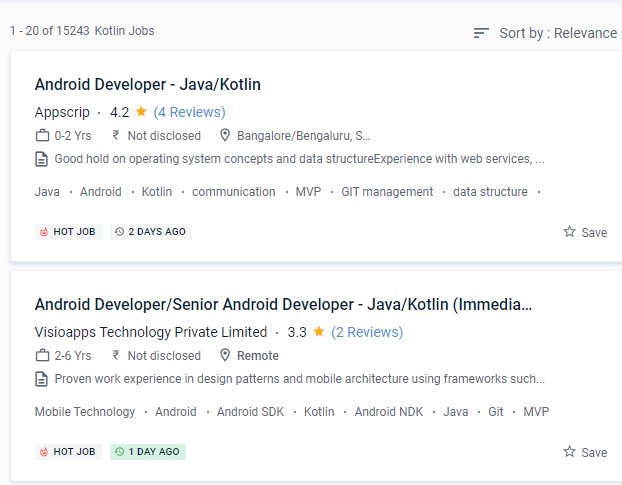
Android Jobs in Bangalore

Enjoy the demand

Find jobs related to Android in search engines (Google, Bing, Yahoo) and recruitment websites (monsterindia, placementindia, naukri, jobshybrid.com, indeed.co.in, shine.com etc.) based in Bangalore, chennai and europe countries. You can find many jobs for freshers related to the job positions in Bangalore.

  • Android Developer
  • Mobile Application developer
  • IOS/Android App Developer
  • Android Trainer
  • Mobile Application Architect
  • Android Kotlin Engineer
  • Kotlin Developer
  • Native Android Developer
  • Mobile Security Engineer
  • Lead Android Engineer

Android Internship/Course Details

Android internship jobs in Bangalore
Android Kotlin is proving to be a pragmatic, modern, and intuitive programming language, with Google declaring it to be the most popular language for android app developers. When developing using Kotlin, you may prevent mistakes like NullPoint Exceptions. In Kotlin, the quantity of code written is less, and as a result, the number of bugs is lower. Kotlin programmers have access to all Java frameworks and libraries while producing simple and succinct code. Since the platform was originally set up, android apps have been rolling in thick and fast through Nestsoft android online training in Bangalore. It is used in the manufacture of several well-known firms. The library needed to create Kotlin Apps is quite tiny, and Kotlin compilation times are already comparable to Java. Nestsoft Android coaching in JAVA or KOTLIN is fit for novices and there are no boundaries. Kotlin has a diverse range of work options in today's globe. It’s a Java Virtual Machine (JVM) and JavaScript programming language written statically.


Meet a Few of our Industry Experts 🚀 Your Pathway to IT Career

Gopika

Mobile: +91 94975 90866
Location: Online (Bangalore, India)
Qualification: Btech in Computer Science and Engineering

Experience: Software testing manual testing test case preparation Bug report preparation sdlc STLC  more..

suhaila

Mobile: +91 98474 90866
Location: Online (Bangalore, India)
Qualification: electronics and communication engineering

Experience: html css bootstrap javascript angular js react js node js mongodbApplication for Meanstack Developer Mean Stack  more..

ARAKANTI

Mobile: +91 98474 90866
Location: Online (Bangalore, India)
Qualification: Btech mechanical engineering

Experience: I have skills like python CFD AUTO CAD I am a fresher I am very eager to learn new things  more..

Haripriya

Mobile: +91 8301010866
Location: Online (Bangalore, India)
Qualification: BCA

Experience: Python Html Javascript Bootstrap css I completed my internship in python Django framework from KINFRA TECHNOPARK   more..

Vijay

Mobile: +91 9895490866
Location: Online (Bangalore, India)
Qualification: Graduate

Experience: I am certified Odoo developer working since past 10 years   more..

Prabhu

Mobile: +91 98474 90866
Location: Online (Bangalore, India)
Qualification: MBA, PGDMM, DSCM

Experience: Supply chain management Logistics networking Warehouse Operations Inventory Management Supply Chain Analytics  more..

Arya

Mobile: +91 8301010866
Location: Online (Bangalore, India)
Qualification: Msc Computer science specialization in Cyber security

Experience: Worked as VAPT intern in Techbyheart Pvt ltd and have done a project in web application penetration testing Discovered vulnerabilities  more..

Muhammed

Mobile: +91 98474 90866
Location: Online (Bangalore, India)
Qualification: Digree

Experience: Web design (wp) Google ads  more..

KAVERI

Mobile: +91 91884 77559
Location: Online (Bangalore, India)
Qualification: Msc cyber security

Experience: vulnerability assessment penetration testing risk assessment threat modeling ethical hacking etc worked with kerala police red team and senselearner pvt  more..

Amrutha

Mobile: +91 91884 77559
Location: Online (Bangalore, India)
Qualification: BCA cloud technology and information security management

Experience: Cloud computing information security management programming dbms  more..

Trupti

Mobile: +91 89210 61945
Location: Online (Bangalore, India)
Qualification: B. Sc

Experience: Hardware and networking |   more..

RITHIKA

Mobile: +91 91884 77559
Location: Online (Bangalore, India)
Qualification: B.Tech

Experience: I am an aspiring UX Designer To boldly purse continuous learning and personal growth while creating user friendly products that  more..

Infant

Mobile: +91 9895490866
Location: Online (Bangalore, India)
Qualification: B. E. CSE

Experience: nearly 1 year of experience in odoo python development worked in Product pricelist items and Xero Odoo Integration   more..

Vishal

Mobile: +91 91884 77559
Location: Online (Bangalore, India)
Qualification: B.Tech

Experience: Automation Testing Manual Testing API testing Postman JMeter Selenium with Python C++ Python MySQL Jira Git  more..

karthik

Mobile: +91 89210 61945
Location: Online (Bangalore, India)
Qualification: M-tech

Experience: WordPress Developer UI UX Designer and full stack web development  more..

Hala

Mobile: +91 9895490866
Location: Online (Bangalore, India)
Qualification: Btech computer science

Experience: Having 1 year and 5 month experience as odoo developer Strong knowledge in odoo modules and customization  more..

megha

Mobile: +91 89210 61945
Location: Online (Bangalore, India)
Qualification: Msc computer science

Experience: I have 2 years of experience in Android development during which I have honed my skills in Java and Kotlin  more..

Hanzala

Mobile: +91 89210 61945
Location: Online (Bangalore, India)
Qualification: Bachelor

Experience: 1 Customer service: I have experience in providing excellent customer service and resolving issues 2 Project management: I have successfully  more..

ASWIN

Mobile: +91 98474 90866
Location: Online (Bangalore, India)
Qualification: Bsc information technology

Experience: Manual testing Sql Java Selenium Cucumber TestNG Jira  more..

Vishal

Mobile: +91 89210 61945
Location: Online (Bangalore, India)
Qualification: Bachelor's of Arts

Experience: Interaction Design | Visual Design | User Research | Wireframing | Information Architecture | Design Thinking |Usability testing | Web  more..

Divya

Mobile: +91 91884 77559
Location: Online (Bangalore, India)
Qualification: First Year in Cyber Security

Experience: Technical Skills:Knowledge of networking fundamentals such as TCP IP routing and switching Understanding of operating systems like Windows Linux and  more..

Dabhi

Mobile: +91 89210 61945
Location: Online (Bangalore, India)
Qualification: BCA

Experience: responsible for creating and maintaining a website using the WordPress content management systems supporting current websites managing client website projects  more..

Sumit

Mobile: +91 94975 90866
Location: Online (Bangalore, India)
Qualification: B Tech

Experience: Strong programming knowledge of Android SDK Services Android API’s GPS XML JSON REST SOAP Push Notification(GCM) Social Integration (Facebook Twitter  more..

shanid

Mobile: +91 98474 90866
Location: Online (Bangalore, India)
Qualification: bca

Experience: angular mongodb express node html git Application for Node JS  more..

Success Stories

The enviable salary packages and track record of our previous students are the proof of our excellence. Please go through our students' reviews about our training methods and faculty and compare it to the recorded video classes that most of the other institutes offer. See for yourself how TechnoMaster is truly unique.

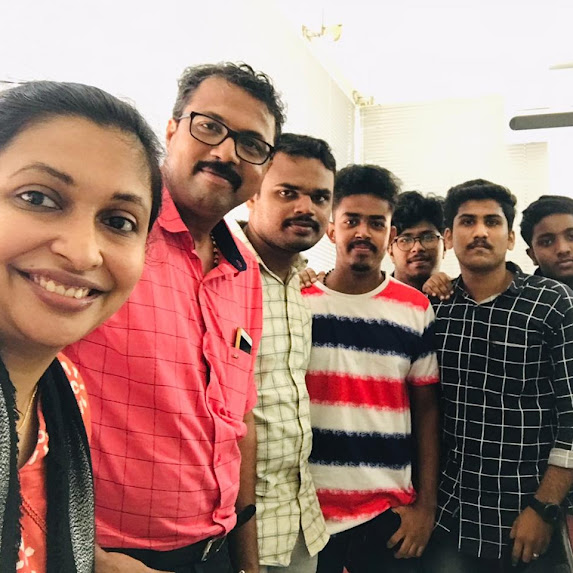
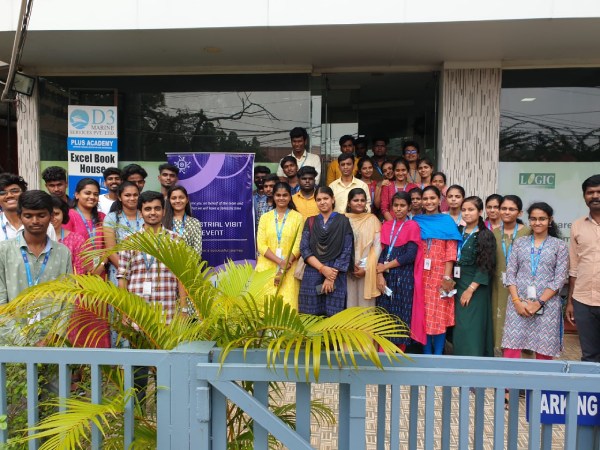
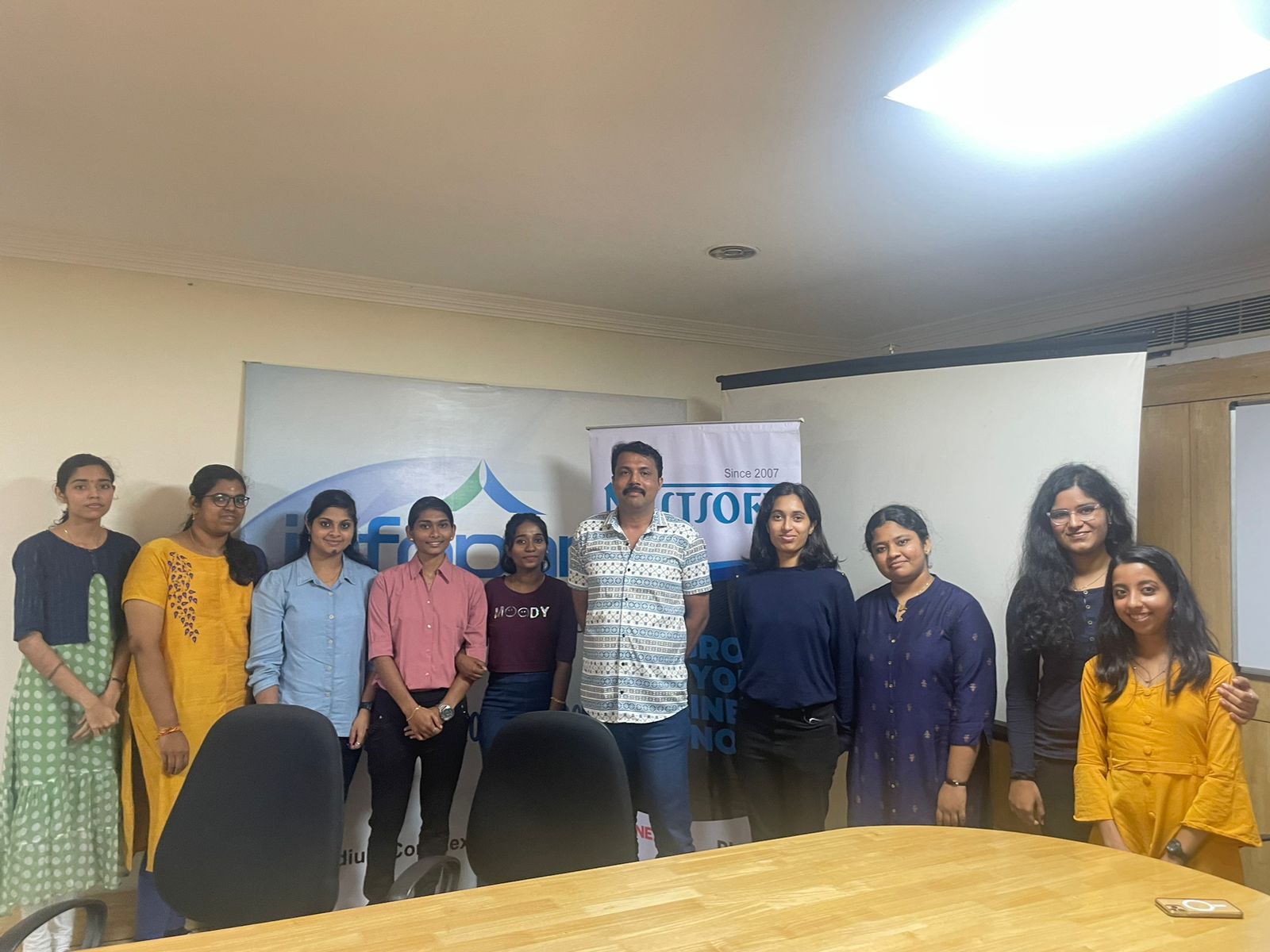
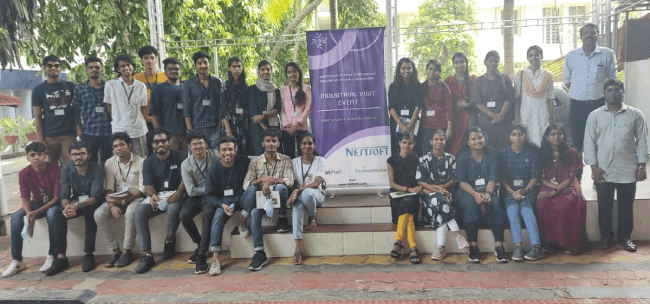
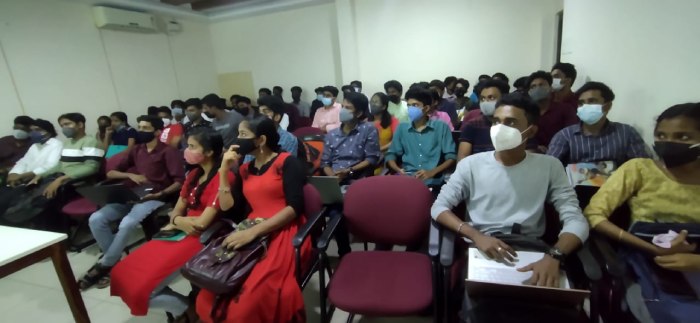
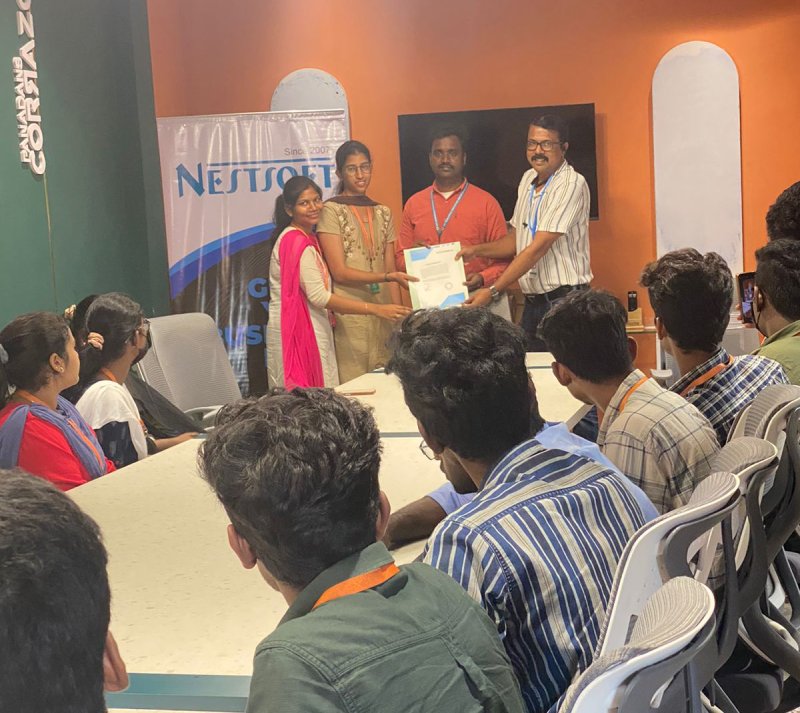
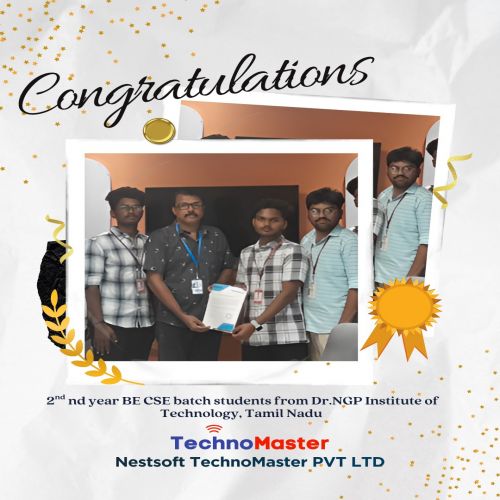
Photos of Training / Internships

Internship/projects in bangalore

Trained more than 10000+ students who trust Nestsoft TechnoMaster

Get Your Personal Trainer