Send enquiry ⏎

MongoDB Online Live Class by Experts

Our Training/Internship Process

MongoDB Online Live Classes in Kerala | Free Demo Training

MongoDB - Syllabus, Fees & Duration

Module 1: Introduction to NoSQL

  • What Is NoSQL?
  • Why NoSQL databases are required
  • Types of NoSQL Database
  • NoSQL vs SQL Comparison
  • ACID & BASE Property
  • CAP Theorem
  • Benefits of NoSQL databases
  • Installation
  • Start and Stop the MongoDB process

Module 2: MongoDB Architecture

  • Document, Collection, Databases
  • JSON and BSON
  • Storage Engines
  • Read Path
  • Journaling
  • Write Path
  • Working Set
  • Capped Collection
  • Oplog collection
  • TTL Index
  • GridFS

Module 3: CRUD Operations

  • MongoDB Data Types
  • Inserting, Update, Deleting the documents
  • Querying the documents
  • Bulk insert operation
  • Updating multiple document
  • Limiting documents
  • Filtering documents

Module 4: Schema Design and Data modeling

  • Dynamic Schema
  • What is Data modeling?
  • RDBMS and MongoDB Data modeling difference
  • Embedding Document
  • Reference Document

Module 5: Indexes

  • Index concepts in MongoDB
  • Types of indexes
  • Indexes and its use cases
  • Creating Indexes
  • Managing Indexes
  • Index strategies

Module 6: Database Administration in MongoDB

  • Database status
  • Troubleshooting issues
  • Current Operations
  • Rotating log files
  • Users and Roles
  • Copy and Clone database
  • DB and Collection Stats
  • Explain plan
  • Profiling
  • Changing configuration files
  • Upgrading the database

Module 7: MongoDB: Backup and Security

  • Concept of backups
  • mongoexport/mongoimport
  • mongodump/mongorestore
  • Oplog backups
  • LVM Backups
  • Backups using MMS/Ops Manager
  • Purpose of security
  • Authentication and authorization
  • Role based access control

Module 8: Replication in MongoDB

  • Concept of replication
  • ReplicaSet member roles
  • Voting and Electing primary
  • Role of Oplog in replication
  • Read and Write Concern
  • Arbiter,Hidden and Delayed replica node
  • Priority settings
  • Replicaset nodes health check
  • Concept of resyncing the nodes
  • Rollbacks during failover
  • Keyfile authentication

Module 9: MongoDB Scalability

  • Concept of Scalability
  • Sharding concept
  • Shardkey and Chunks
  • Choosing shardkey
  • Sharding components
  • Types of Sharding
  • Balanced data distribution
  • Sharded and Non-sharded collection
  • Sharded Replicaset
  • Tag aware sharding

Module 10: MongoDB Monitoring and Other Tools

  • MMS Manager
  • Ops Manager
  • Mongo utility commands
  • Mongo developer tools
  • MongoDB Atlas
  • MongoDB client drivers

Download Syllabus - MongoDB
This syllabus is not final and can be customized as per needs/updates
   
10000+
20+
50+
25+

MongoDB Jobs in Kerala

Enjoy the demand

Find jobs related to MongoDB in search engines (Google, Bing, Yahoo) and recruitment websites (monsterindia, placementindia, naukri, jobshybrid.com, indeed.co.in, shine.com etc.) based in Kerala, chennai and europe countries. You can find many jobs for freshers related to the job positions in Kerala.

  • Full Stack Developer
  • Databases Specialist
  • Database Admin
  • Consulting Engineer
  • Database Engineer
  • MongoDB Engineer
  • Database Administrator
  • Technology Engineer
  • Consulting Engineer
  • MongoDB Trainer

MongoDB Internship/Course Details

MongoDB internship jobs in Kerala
MongoDB data sharding in MongoDB supports storing data across many machines to boost the performance of large-scale databases. you can experiment with database structures simply just wouldn’t be able to attain in SQL and other relative choices. Its NoSQL information works with knowledge very efficiently. e. Learn the most effective skills from the best sources through the best trustworthy academics. Relative databases have rigid schemes that limit flexibility with the data structure. Complete, updated list. as a result MongoDB doesn’t have a strictly defined, consistent schema it's a document store database. All the information is kept in JSON format, i. this will be possible with MongoDB, which can be as versatile because it's powerful.


Meet a Few of our Industry Experts 🚀 Your Pathway to IT Career

Rashee

Mobile: +91 91884 77559
Location: Online (Kerala, India)
Qualification: B. Tech

Experience: HTM CSS JavaScript ReactJS Redux MongoDB WordPress Blender Adobe Photoshop Illustrator Canva Web Developer Intern Assist Design Automation Pvt Ltd  more..

Kodam

Mobile: +91 98474 90866
Location: Online (Kerala, India)
Qualification: Mcom fa

Experience: Functionality testing Regression Testing retesting Blackbox testing ui testing  more..

Asiye

Mobile: +91 91884 77559
Location: Online (Kerala, India)
Qualification: php developer

Experience: php laravel javascript es6 jest node js html5 css3 bootstrap   more..

Archana

Mobile: +91 9895490866
Location: Online (Kerala, India)
Qualification: MCA

Experience: I have knowlegde in Php wordpress sql codeigniter frameworks   more..

Mohini

Mobile: +91 89210 61945
Location: Online (Kerala, India)
Qualification: b.com

Experience: Recently i started my career in graphic design (Canva)now i want to grow myself in graphic industry skills- logo post  more..

Arivarasan

Mobile: +91 94975 90866
Location: Online (Kerala, India)
Qualification: B.E(ECE)

Experience: I have 6 years and 7 months of experience in the Odoo Python framework (ERP) as a backend developer I  more..

Kaushal

Mobile: +91 8301010866
Location: Online (Kerala, India)
Qualification: B.E CSE

Experience: iOS Developer with experience of 3 months I have not yet built any major project on iOS but I do  more..

Falah

Mobile: +91 89210 61945
Location: Online (Kerala, India)
Qualification: Diploma

Experience: Iam very good in Web design &developing  more..

Mallari

Mobile: +91 91884 77559
Location: Online (Kerala, India)
Qualification: BCA

Experience: Hello good day sir ma'am I have a basic knowledge of python html css sql  more..

Kowthalam

Mobile: +91 9895490866
Location: Online (Kerala, India)
Qualification: Btech

Experience: Full stack developer HTML CSS Javascript Java Sql  more..

Krishnapriya

Mobile: +91 89210 61945
Location: Online (Kerala, India)
Qualification: B. Tech

Experience: Java kotlin flutter(basics) REST APIs JSON SQLite MYSQL XML JavaScript  more..

vijayan

Mobile: +91 91884 77559
Location: Online (Kerala, India)
Qualification: BE

Experience: 7 6 Years Exp in iOS application development  more..

Manish

Mobile: +91 98474 90866
Location: Online (Kerala, India)
Qualification: BSC.IT

Experience: I have good knowledge at java full stack i have trained at naresh i technology in Hyderabad I know both  more..

Bharat

Mobile: +91 91884 77559
Location: Online (Kerala, India)
Qualification: Bsc

Experience: angular typescript CSS3 HTML JAVASCRIPT NODEJS MYSQLApplication for Angular JS  more..

Bharath

Mobile: +91 89210 61945
Location: Online (Kerala, India)
Qualification: MBA

Experience: I have hands on experience on machine learning neural networks random forest using python and R software I done some  more..

SUGANYA

Mobile: +91 91884 77559
Location: Online (Kerala, India)
Qualification: BE

Experience: I have 6 month experience for software testing  more..

Reshma

Mobile: +91 91884 77559
Location: Online (Kerala, India)
Qualification: MCA

Experience: Currently I am working as a Software developer in Pythos hub trivandrum php with codeignter framework is used in our  more..

Ashish

Mobile: +91 91884 77559
Location: Online (Kerala, India)
Qualification: BE Mech

Experience: Digital Marketing Social media marketing E-Commerce marketing Website design SEO  more..

jiji

Mobile: +91 8301010866
Location: Online (Kerala, India)
Qualification: Bcom

Experience: Machine learining data analysis data visualization data modeling python Aws mysql  more..

Rajkumar.p

Mobile: +91 8301010866
Location: Online (Kerala, India)
Qualification: BE.ECE

Experience: Completed six month of trainning in odoo development   more..

Bikram

Mobile: +91 9895490866
Location: Online (Kerala, India)
Qualification: B.tech

Experience: I have 1 year experience in canva design  more..

Aditya

Mobile: +91 91884 77559
Location: Online (Kerala, India)
Qualification: B.Tech

Experience: I'm good at C++ python java and also good in web development and Have achieved Good ratings in different different  more..

Arpitha

Mobile: +91 8301010866
Location: Online (Kerala, India)
Qualification: BE

Experience: I have 2 8years experience in front end devlopment skills html5 CSS3 bootstrap javascript jQuery react js   more..

Aboozer

Mobile: +91 91884 77559
Location: Online (Kerala, India)
Qualification: Phd

Experience: I am Aboozer a recent pass out from Aligarh Muslim University I have just completed my PhD degree in Arabic  more..

Success Stories

The enviable salary packages and track record of our previous students are the proof of our excellence. Please go through our students' reviews about our training methods and faculty and compare it to the recorded video classes that most of the other institutes offer. See for yourself how TechnoMaster is truly unique.

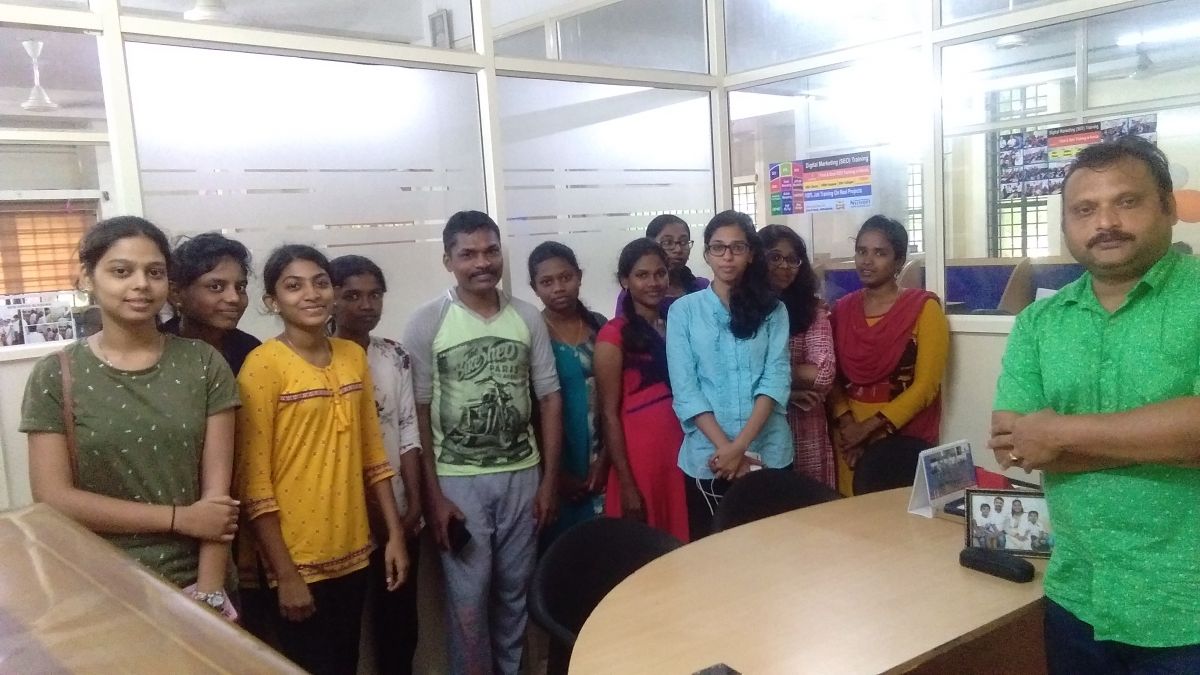
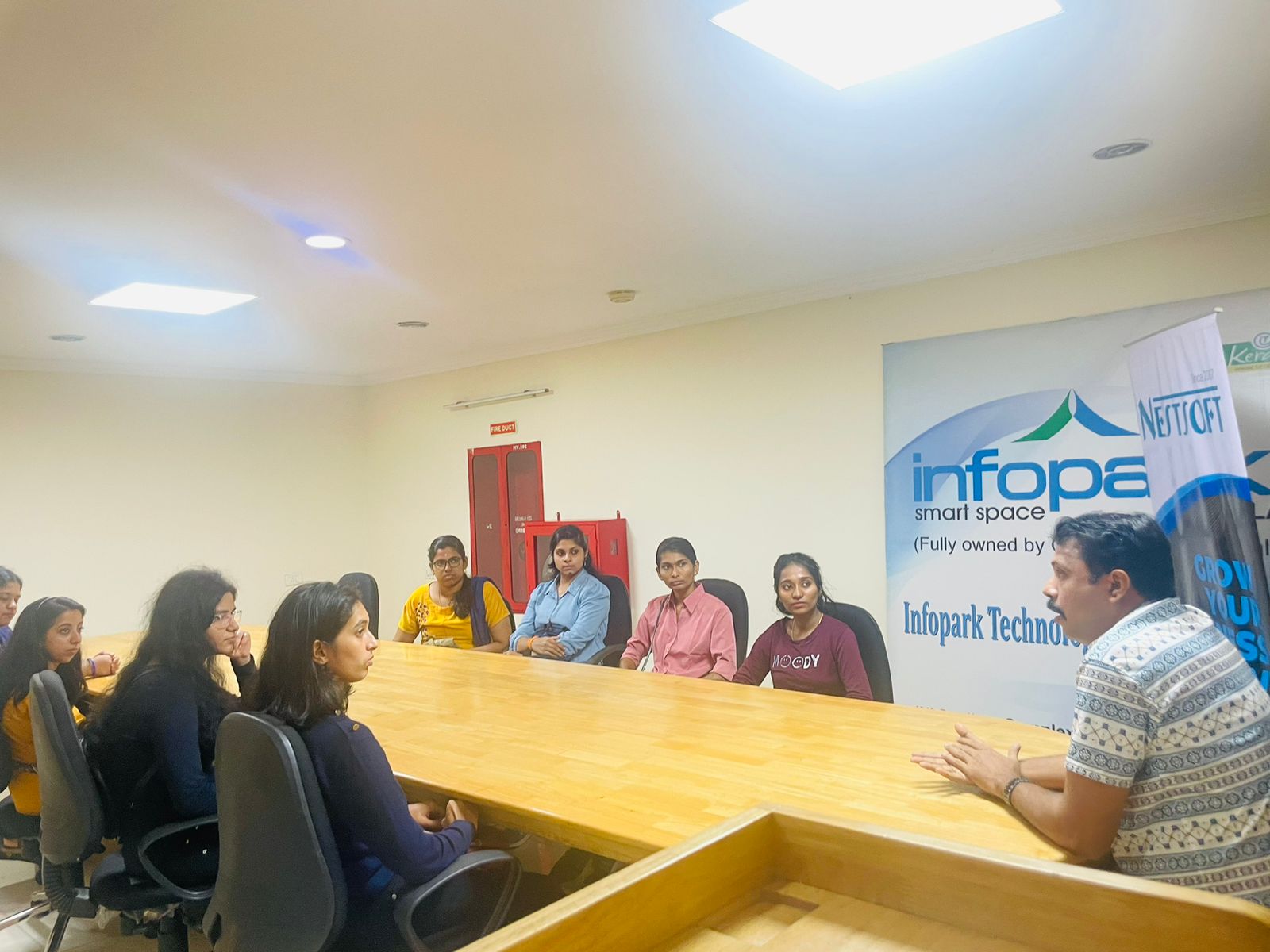
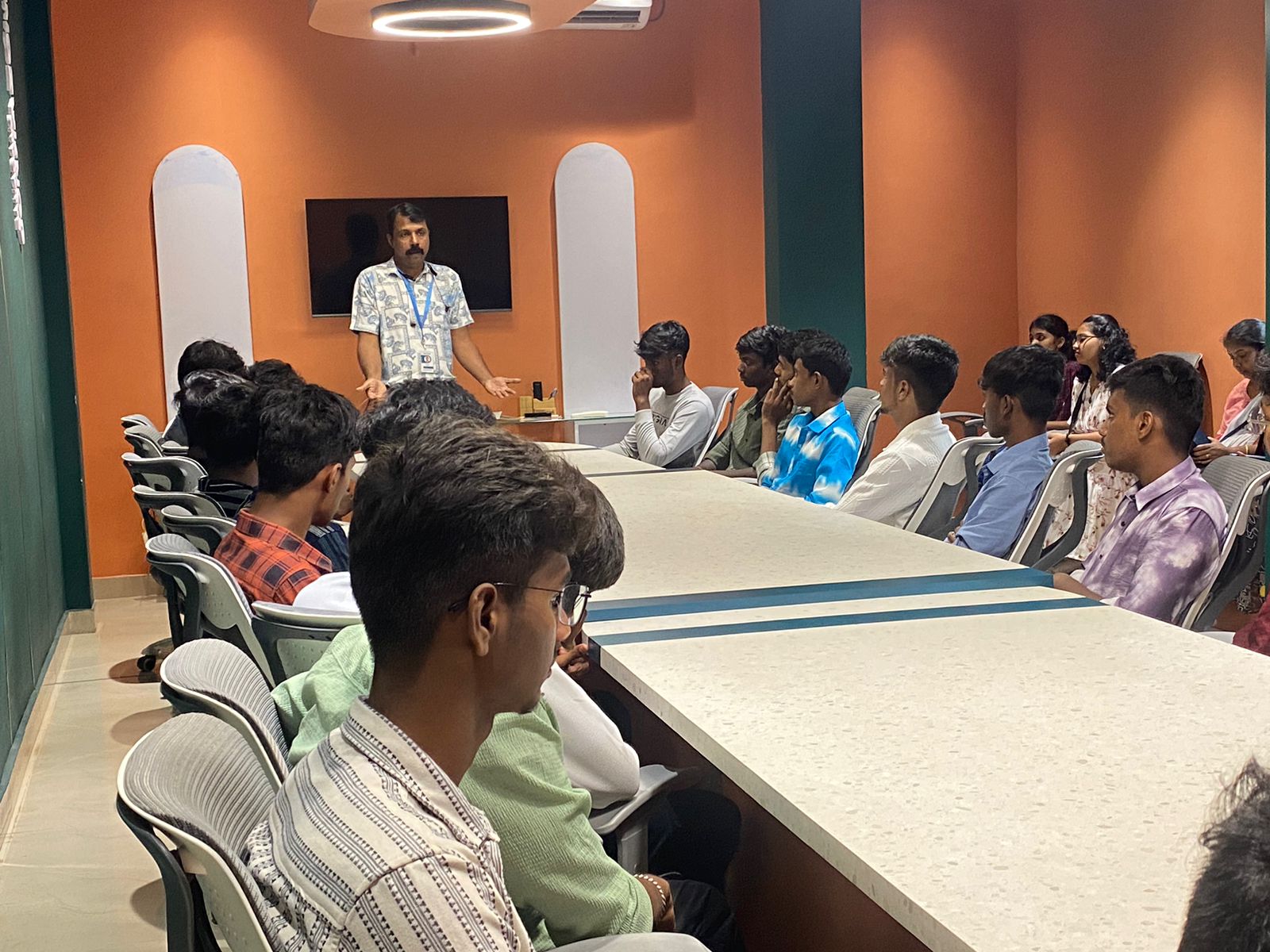
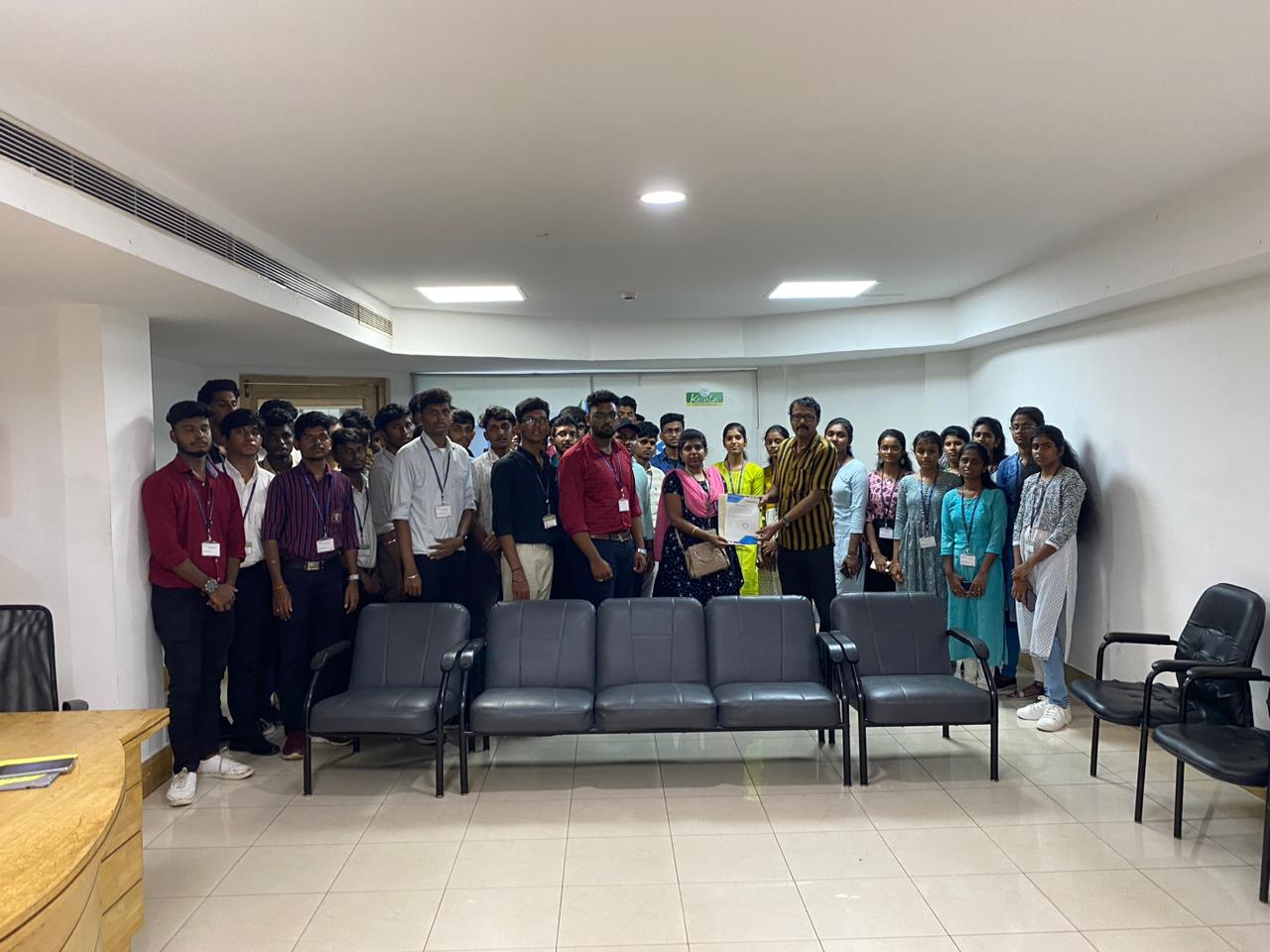
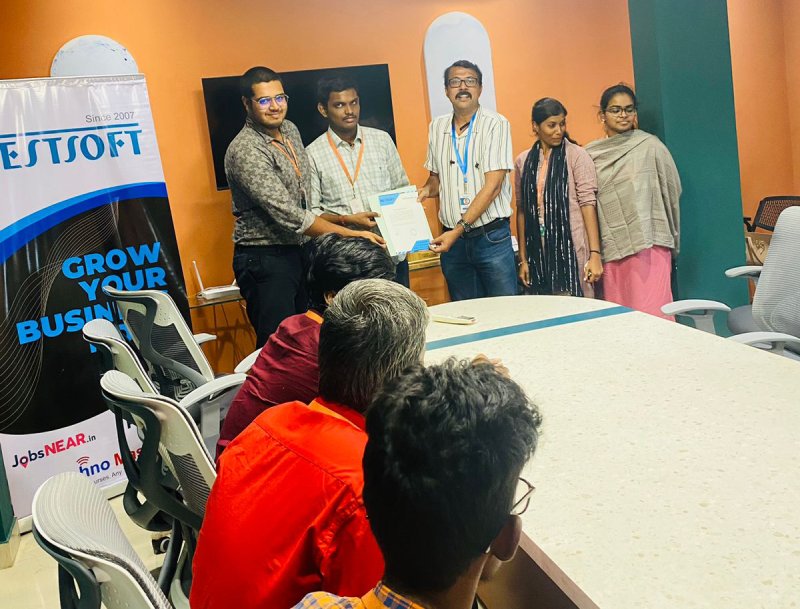
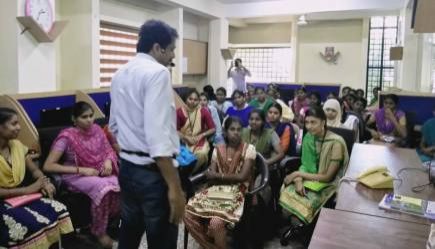
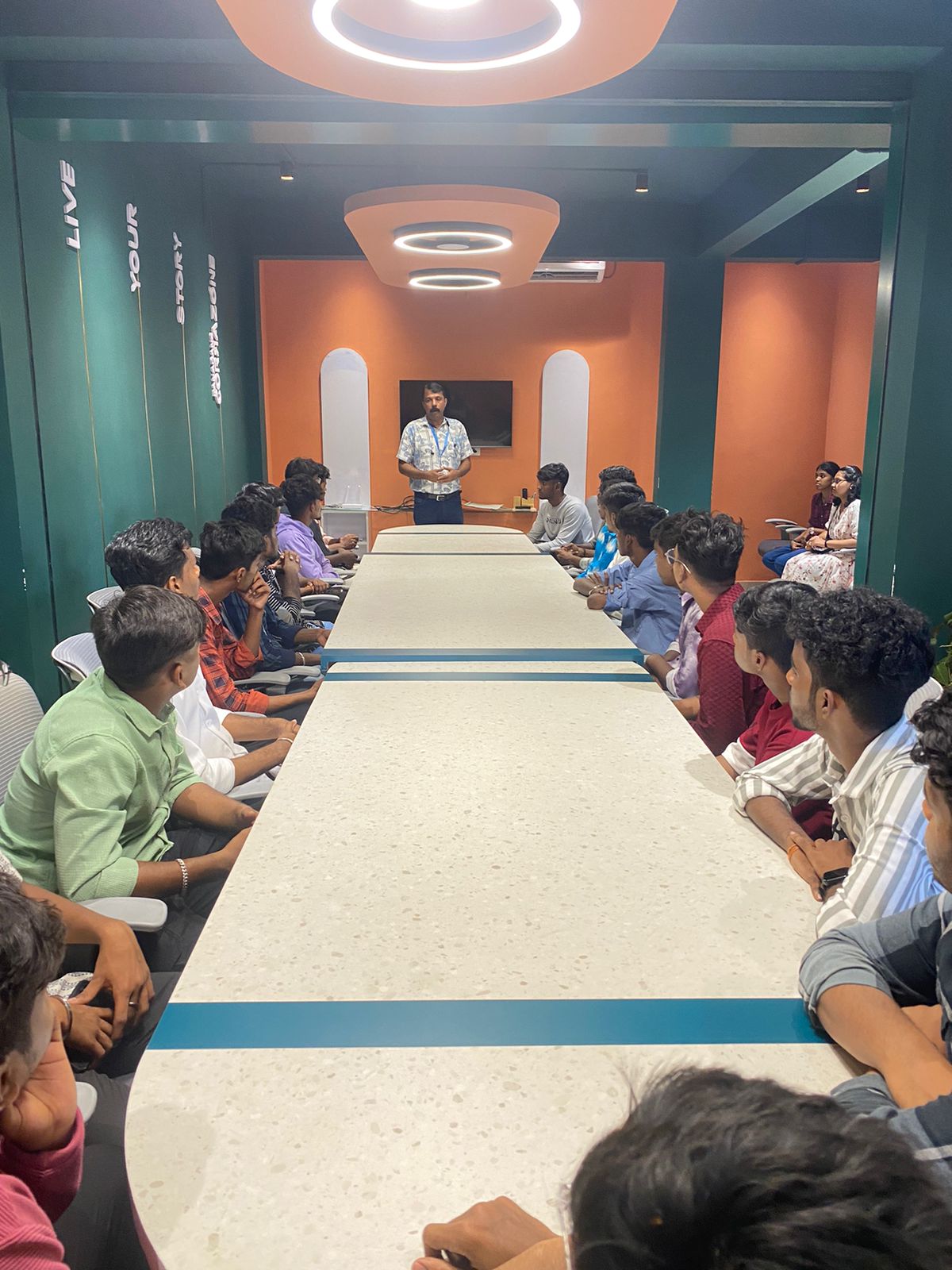
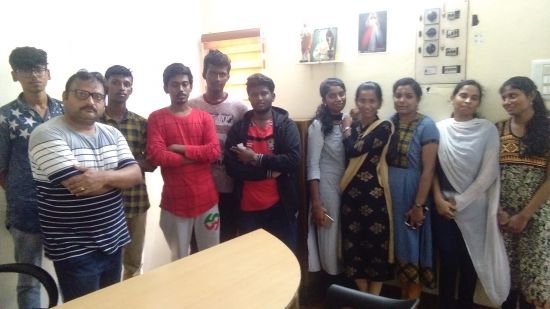
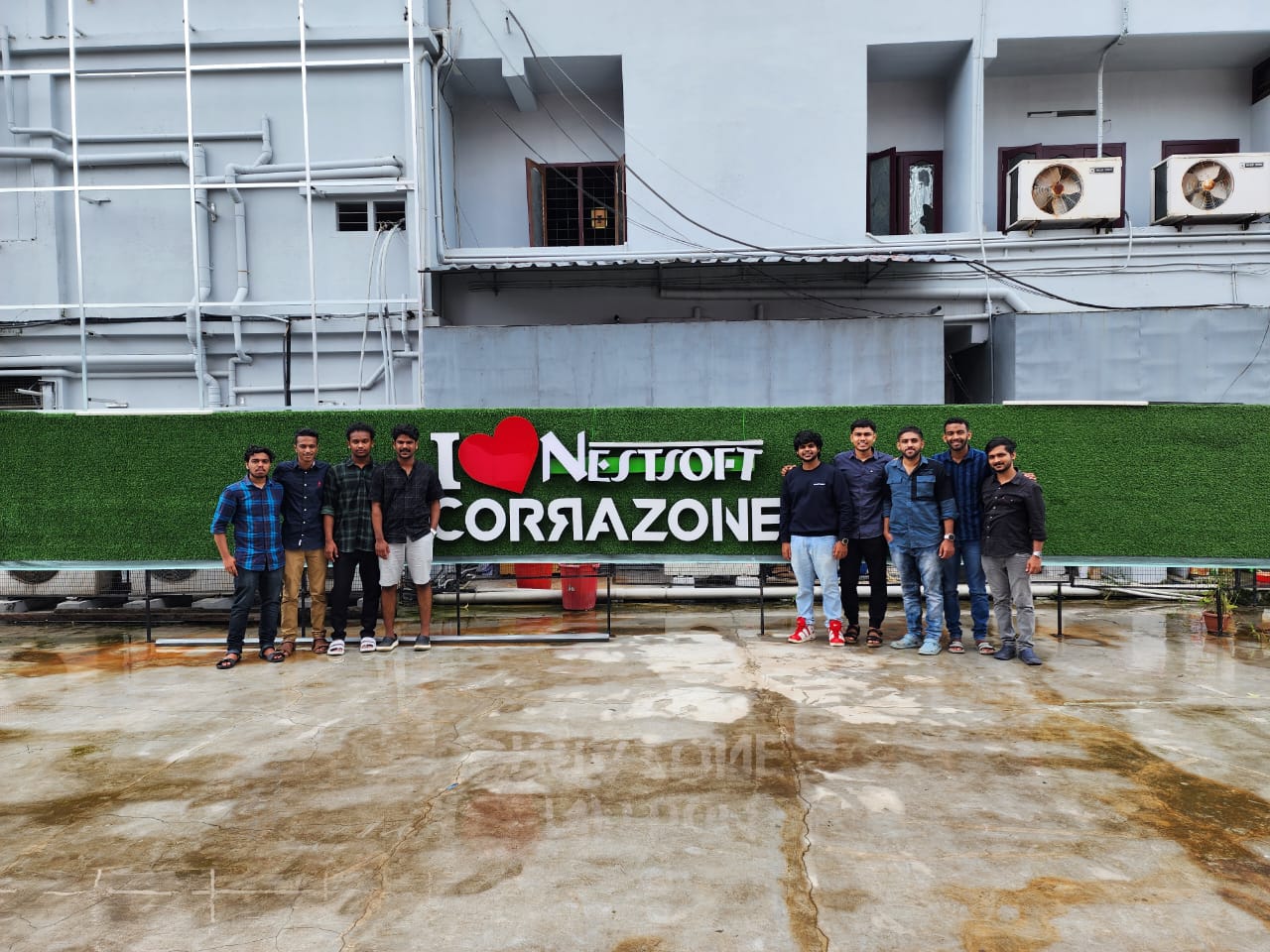
Photos of Training / Internships

Internship/projects in kerala

Trained more than 10000+ students who trust Nestsoft TechnoMaster

Get Your Personal Trainer