Send enquiry ⏎

Fortinet Firewall Online Live Class by Experts

Our Training/Internship Process

Fortinet Firewall Online Live Classes in Kottayam | Free Demo Training

Fortinet Firewall - Syllabus, Fees & Duration

MODULE 1

  • System setup
  • Fort guard subscription services
  • Logging
  • Firewall policies
  • Policies
  • Policies lab

MODULE 2

  • Firewall
  • Firewall types
  • How to control access
  • Managing firewall
  • NAT
  • Denial of service (DoS)

MODULE 3

  • Basic VPN
  • VPN uses, advantages and types
  • Need of firewall in VPN
  • Threat free tunneling
  • VPN Bandwidth management
  • SSL VPN
  • SSL VPN with RADIUS and forti token
  • SSL VPN using web and tunnel mode
  • Dialup IPsec VPN

MODULE 4

  • Authentication
  • Requirement and types of authentication
  • Group authentication
  • Traffic discovery
  • AD, LD AP, OR RADIUS

MODULE 5

  • Antivirus
  • Functioning of Anti-Virus & Anti-Spam
  • Basics of Virus, Spyware, Malware, Phishing, and Pharming.
  • Web/Mail/FTP Anti-Virus
  • Gateway level Anti-Virus/Anti-Spam
  • Instant Messaging
  • Virus Outbreak Detection
  • Recurrent Pattern Detection
  • RBL, IP Reputation
  • Understanding of Intrusion
  • Signature-based detection
  • Statistical anomaly-based detection
  • Stately protocol analysis detection
  • Network-Based IPS & Wireless Based IPS
  • Network Behaviour Analysis
  • Host-Based IPS

MODULE 6

  • Spam filtering
  • Web filtering
  • Need for web filtering
  • Web 2.0 filtering
  • Filtering with keywords, URL
  • Filtering web traffics

MODULE 7

  • Application firewall
  • Evolution of Application Firewall
  • File Filtering
  • Application & P2P Filtering
  • Instant Messaging Filters
  • Custom Filters
  • Compliance based filtering

MODULE 8

  • WiFi
  • Wifi settings
  • Wifi MAC filter
  • Wifi monitoring

MODULE 9

  • Network availability
  • High availability
  • Load balancing
  • Understand balancing
  • Multilink manager
  • Active-Active load balancing and gateway failover
  • Active – Passive configuration and gateway failover
  • MPLS failover to VPN
  • Automatic ISP failover detection

Download Syllabus - Fortinet Firewall
This syllabus is not final and can be customized as per needs/updates
   
10000+
20+
50+
25+

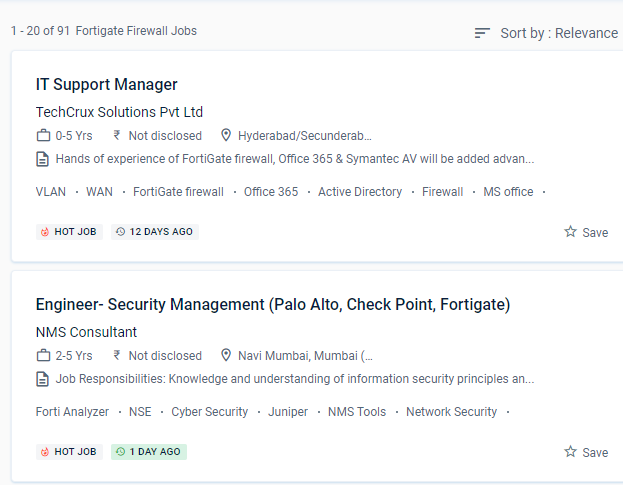
Fortinet Firewall Jobs in Kottayam

Enjoy the demand

Find jobs related to Fortinet Firewall in search engines (Google, Bing, Yahoo) and recruitment websites (monsterindia, placementindia, naukri, jobshybrid.com, indeed.co.in, shine.com etc.) based in Kottayam, chennai and europe countries. You can find many jobs for freshers related to the job positions in Kottayam.

  • Network engineer Fortinet firewall
  • Network security
  • Domain Specialist Oracle Cloud Infrastructure
  • Cybersecurity-Engineer
  • Network security -specialist
  • Fortinet engineer
  • Network Engineer
  • Technical account manager
  • Information security manager
  • System engineer- Fortinet

Fortinet Firewall Internship/Course Details

Fortinet Firewall internship jobs in Kottayam
Fortinet Firewall These features, however, are CPU-intensive and are known for bringing even high-end commercial NGFWs to a halt. NESTSOFT train IT and Fortinet ecosystem workers in information, configuration, and management to safeguard networks of enterprises whose most valuable asset is their data. Rather than being borderless, networks have become porous, with unprecedented numbers of points of access and endpoints. Use port forwarding, source NAT, and destination NAT to your advantage. Small and medium-sized businesses, as well as major firms, data processicentersres, and Internet providers, can benefit from Fortigate's extensive offerings. It is the most widely used security appliance from Fortinet, and it provides Unified Threat Management via a platform that incorporates both physical and virtual security appliances. For administration, use the GUI and CLI. This will necessitate a wide range of capabilities, including high-performance decryption, post-decryption deep packet inspection, detection of malicious URLs, identification of command and control operations, malware download, and threat correlation. Based on the Fortinet course in Kottayam learn how to manage setup, monitoring, and operations with FortiGate appliances. According to the latest Anti-Phishing Working Group (APWG) report, SSL was employed by 75% of all phishing sites in the first quarter of 2020.


Meet a Few of our Industry Experts 🚀 Your Pathway to IT Career

Ajeesh

Mobile: +91 9895490866
Location: Online (Kottayam, India)
Qualification: MCA

Experience: Dear sir madam I am sending this application for the position of PHP developer I have 6+ years of experience  more..

Siddharth

Mobile: +91 9895490866
Location: Online (Kottayam, India)
Qualification: Btech and Mtech

Experience: Greetings A few highlights: - Combined professional experience of 2+ years - Masters in Computer Science & Engineering - Blog  more..

Namita

Mobile: +91 89210 61945
Location: Online (Kottayam, India)
Qualification: B.A in economics

Experience: Completed a course of Full Stack Web development from ITVEDANT institute Thane I have learned skills like SQL HTML CSS  more..

Rakhi

Mobile: +91 94975 90866
Location: Online (Kottayam, India)
Qualification: Mca

Experience: Software testing intern   more..

Saikat

Mobile: +91 98474 90866
Location: Online (Kottayam, India)
Qualification: B.tech

Experience: Programming Python SQL Data structures and Algorithms Machine Learning Algorithms Linear regression Logistic regression KNN Support Vector Machines Decision Trees  more..

Anomitra

Mobile: +91 98474 90866
Location: Online (Kottayam, India)
Qualification: B Tech (CSE)

Experience: Next JS Tailwind JavaScript Figma HTML and CSS UI UX development MERN Stack Node JS Python Machine Learning Project Management  more..

Jithumon

Mobile: +91 9895490866
Location: Online (Kottayam, India)
Qualification: diploma

Experience: php codeignatr   more..

Silpa

Mobile: +91 94975 90866
Location: Online (Kottayam, India)
Qualification: MCA

Experience: I have 3 6 years of experience in asp net and sql server 6 months experience in asp net core  more..

Nilava

Mobile: +91 94975 90866
Location: Online (Kottayam, India)
Qualification: Btech cse

Experience: Programming Languages: C and C++ (Proficient) JavaScript (Intermediate) Python (Beginner) Database and Language: Experience in Mongo DB SQL {Intermediate) Frameworks:  more..

Anandkrishnan

Mobile: +91 91884 77559
Location: Online (Kottayam, India)
Qualification: B tech

Experience: Manual and automation testing   more..

Bijitha

Mobile: +91 98474 90866
Location: Online (Kottayam, India)
Qualification: MCA

Experience: I have a total work experience of 1 year 1 month I worked as a System administrator (Oracle support) during  more..

Iswarya

Mobile: +91 9895490866
Location: Online (Kottayam, India)
Qualification: BSc computer science

Experience: Web development html css javascript typescript angular 2+ to 15 angularJS react  more..

karthik

Mobile: +91 91884 77559
Location: Online (Kottayam, India)
Qualification: M-tech

Experience: WordPress Developer UI UX Designer and full stack web development  more..

kishor

Mobile: +91 91884 77559
Location: Online (Kottayam, India)
Qualification: BCCA

Experience: As a React Native Developer i have 1 2 years of experience of building cross platform application where i have  more..

Roshan

Mobile: +91 94975 90866
Location: Online (Kottayam, India)
Qualification: BE Computer Science And Engineering

Experience: Java Selenium Webdriver TestNg Bdd Cucumber Api testing and RestAssured MERN Stack Android Dev   more..

Gowsalya

Mobile: +91 89210 61945
Location: Online (Kottayam, India)
Qualification: M,sc computer science

Experience: Core Java Manual testing Automation testing  more..

Adwetha

Mobile: +91 91884 77559
Location: Online (Kottayam, India)
Qualification: b.tech

Experience: c c++ python teamwork hardworking leadership communication skills   more..

ABHIJITH

Mobile: +91 89210 61945
Location: Online (Kottayam, India)
Qualification: B tech Computer science

Experience: Testing Skills 1 Software testing 2 Manual testing 3 Test cases 4 Software development life cycle 5 Software testing life  more..

Midhun

Mobile: +91 8301010866
Location: Online (Kottayam, India)
Qualification: MCA

Experience: Completed Software testing course from STC  more..

Aditya

Mobile: +91 9895490866
Location: Online (Kottayam, India)
Qualification: be mechanical

Experience: java selenium spring api bavkend testing manual testing  more..

Neha

Mobile: +91 94975 90866
Location: Online (Kottayam, India)
Qualification: MBA-IT

Experience: 6 months experience at Synchronik as a jr developer and project co-ordinator   more..

Bhuvan

Mobile: +91 98474 90866
Location: Online (Kottayam, India)
Qualification: BE

Experience: Web developer java python  more..

Sreekanth

Mobile: +91 8301010866
Location: Online (Kottayam, India)
Qualification: Btech

Experience: Manual testing automation testing SQL core java  more..

Vidhya

Mobile: +91 8301010866
Location: Online (Kottayam, India)
Qualification: Mca

Experience: React angular Nodejs netApplication for Angular JS  more..

Success Stories

The enviable salary packages and track record of our previous students are the proof of our excellence. Please go through our students' reviews about our training methods and faculty and compare it to the recorded video classes that most of the other institutes offer. See for yourself how TechnoMaster is truly unique.

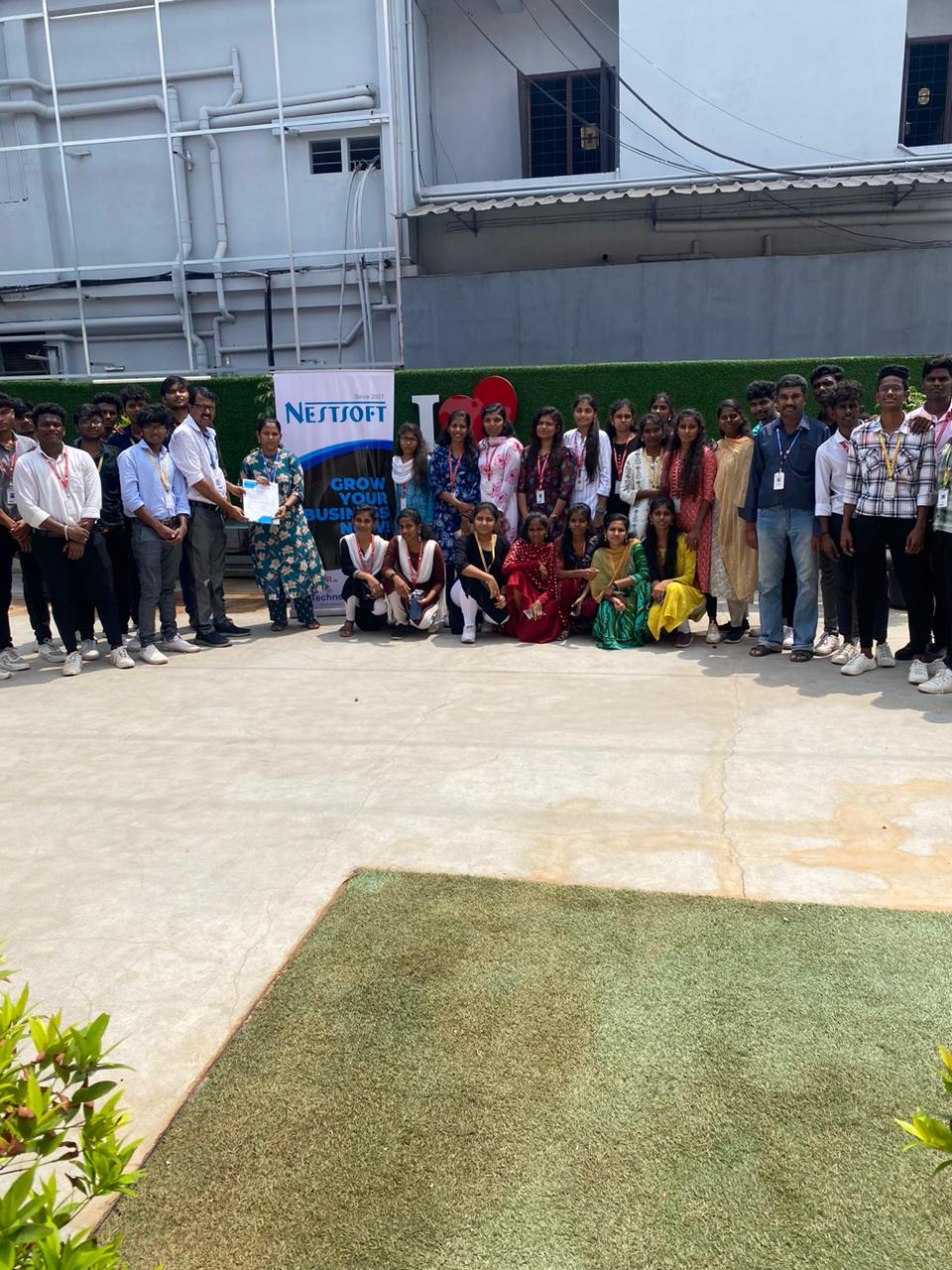
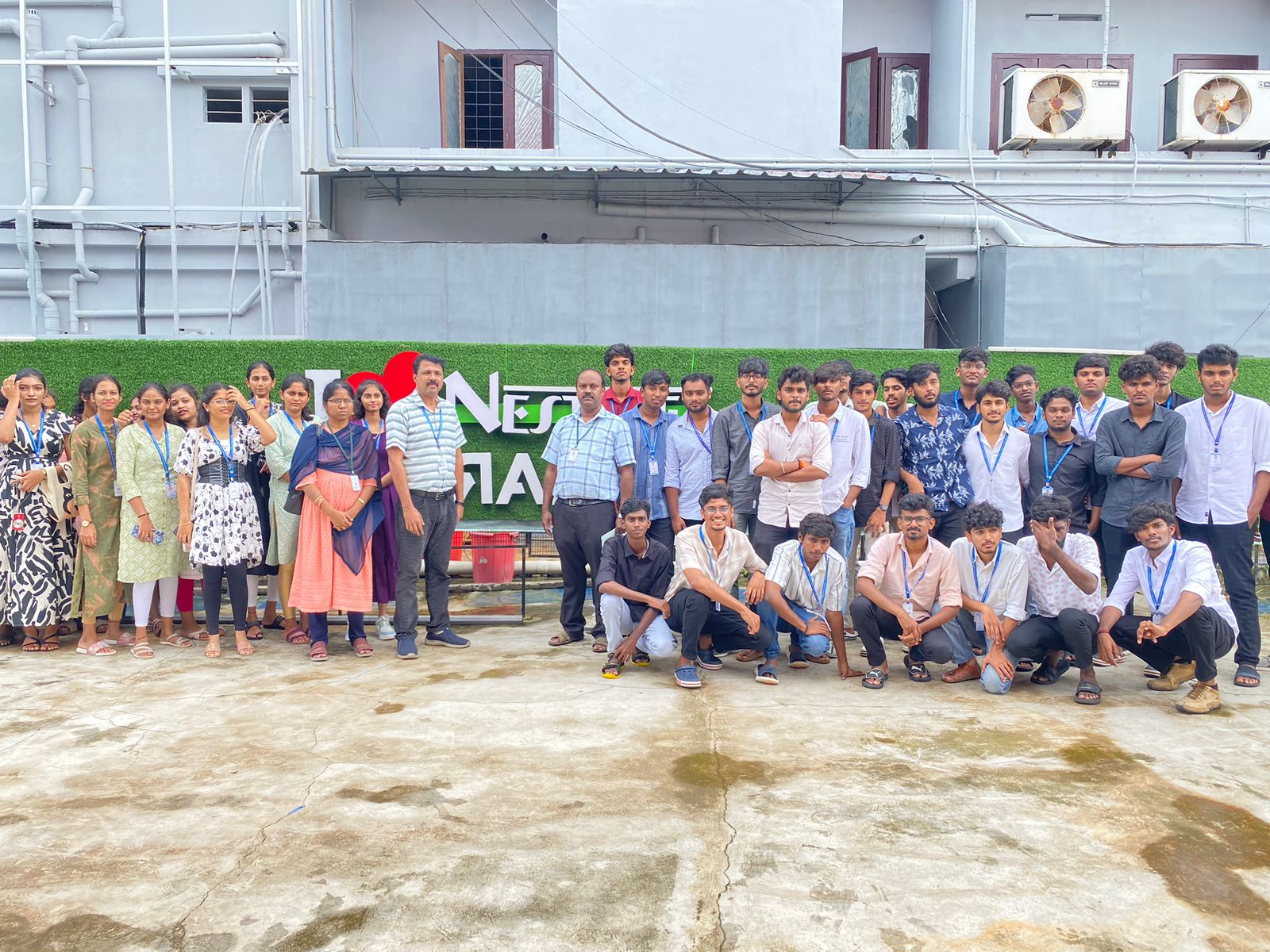
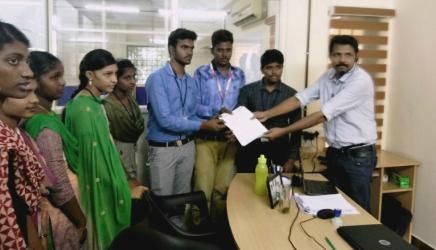
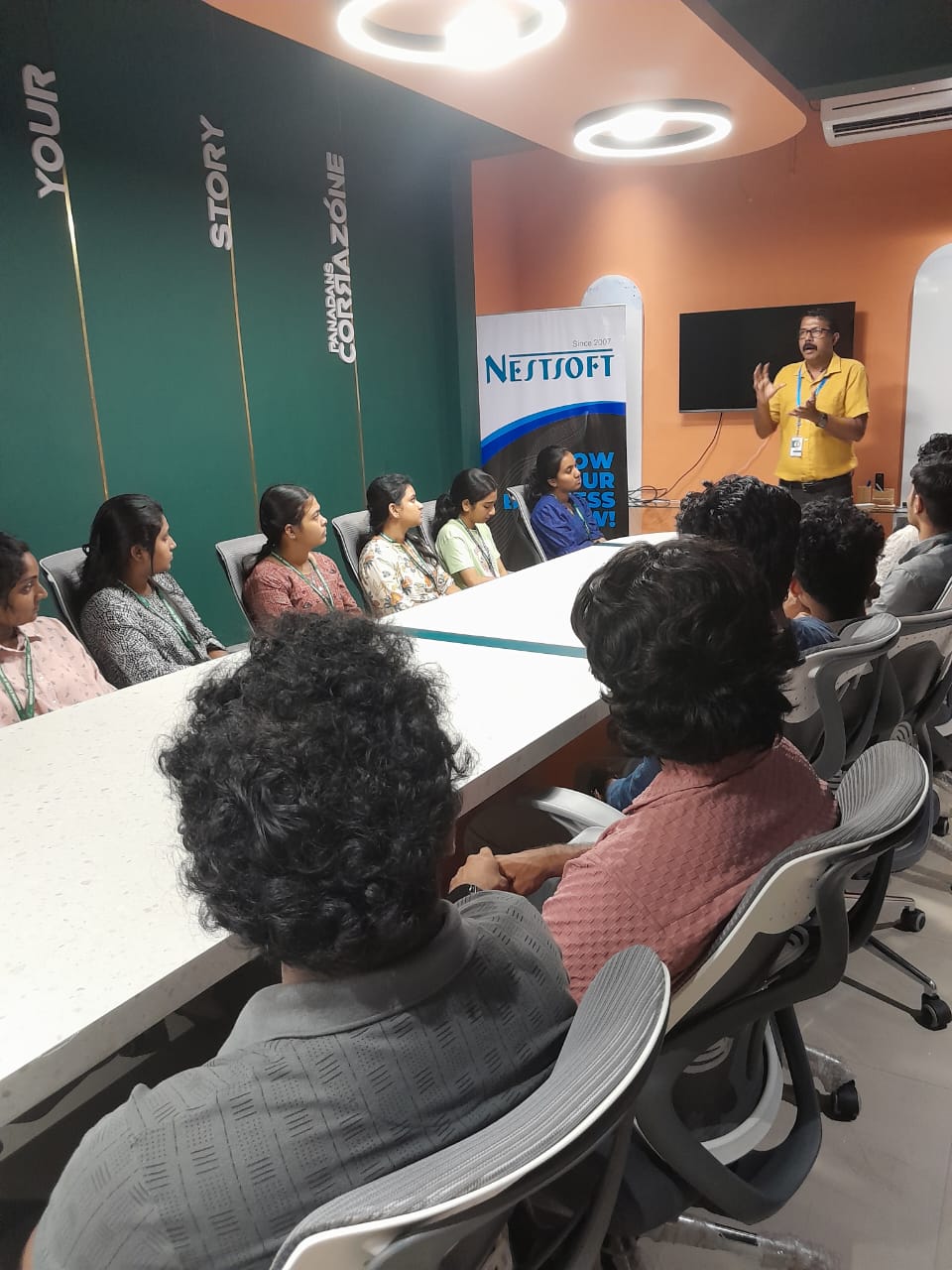
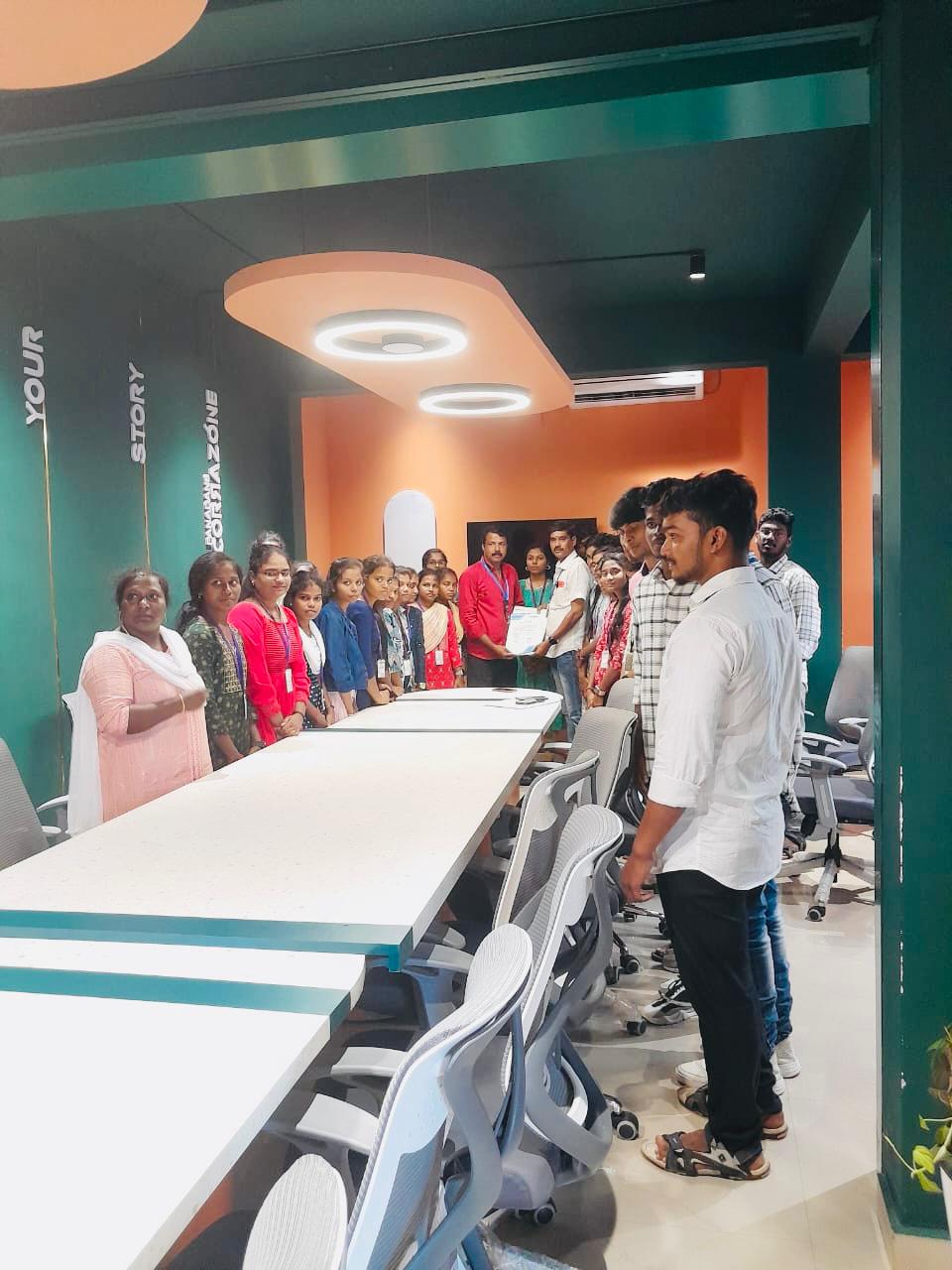
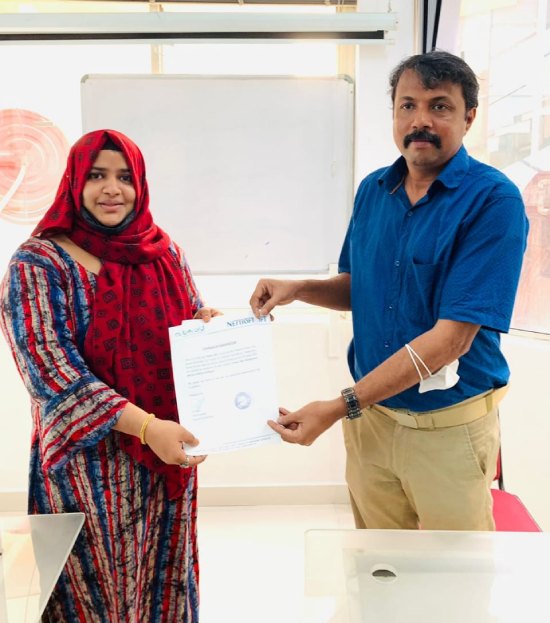
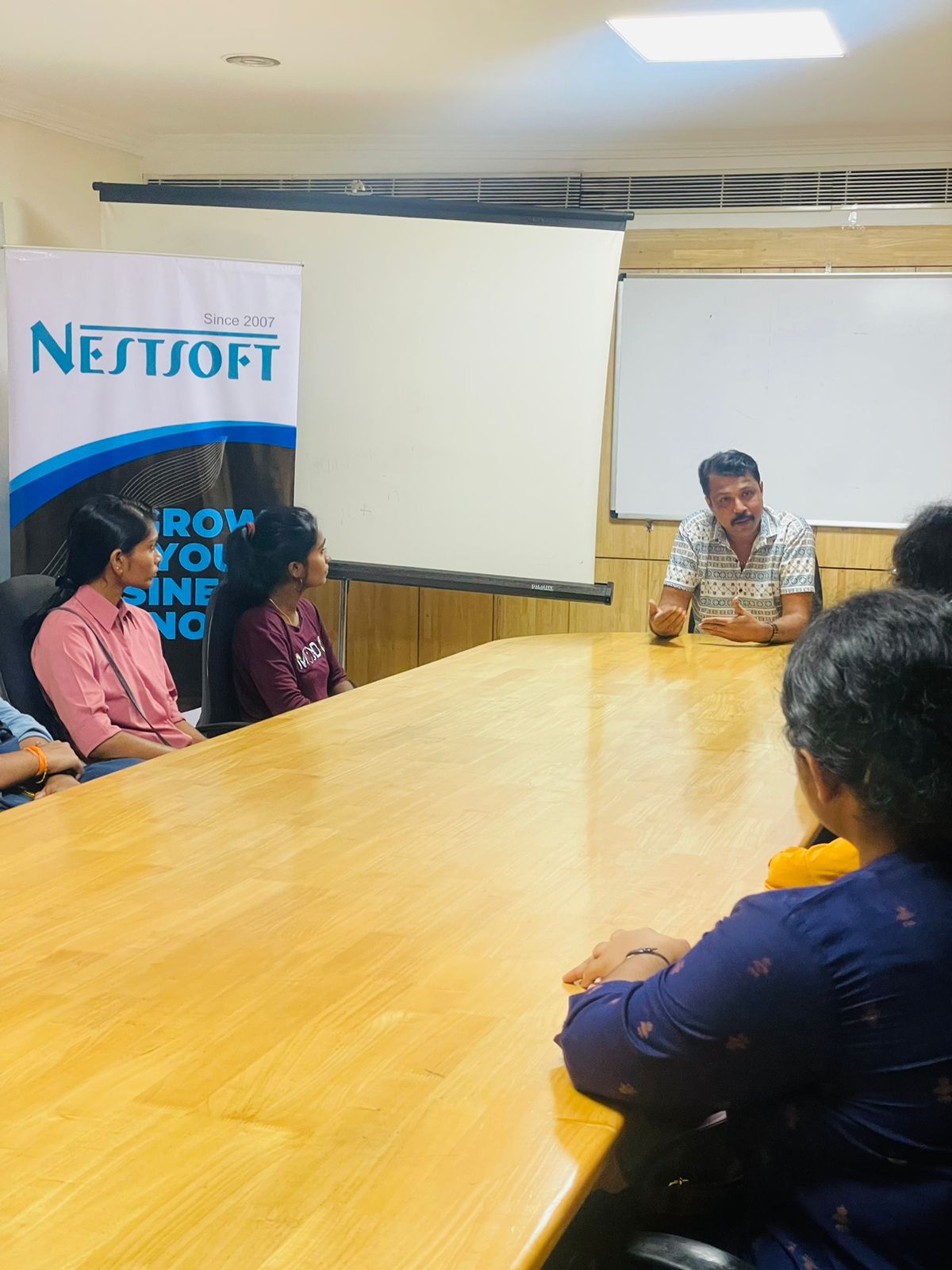
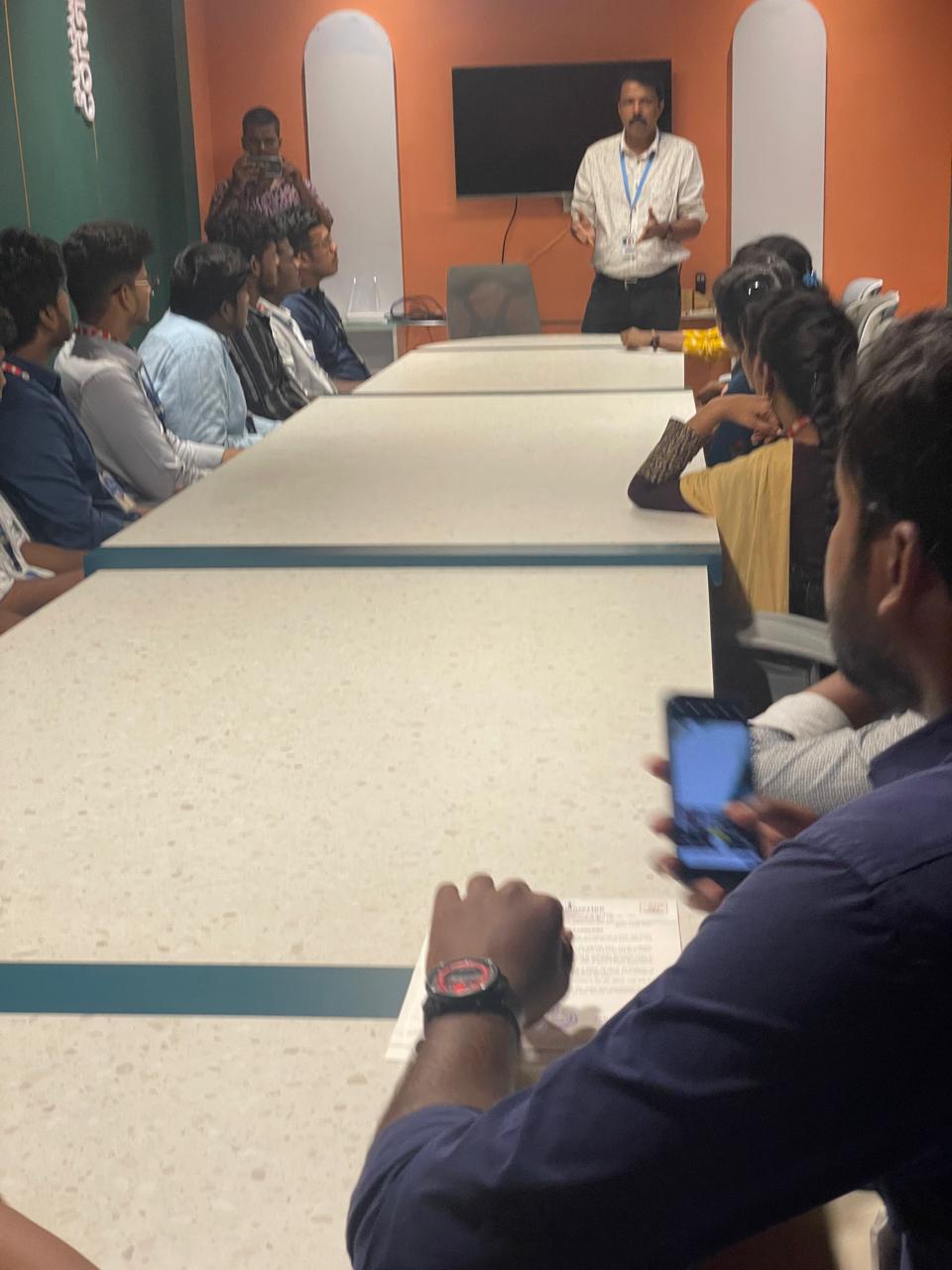
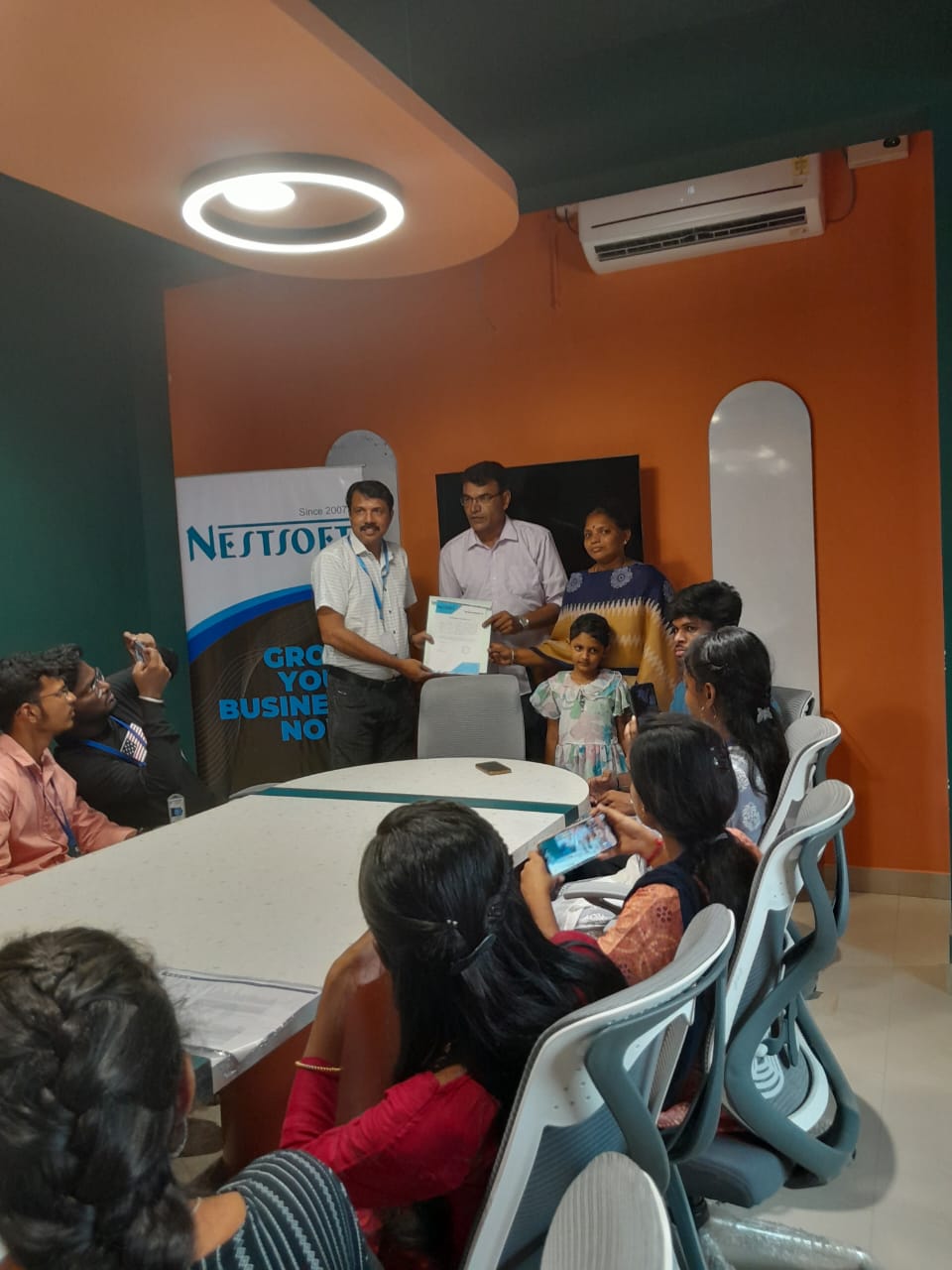
Photos of Training / Internships

Internship/projects in kottayam

Trained more than 10000+ students who trust Nestsoft TechnoMaster

Get Your Personal Trainer