Send enquiry ⏎

CSS Online Live Class by Experts

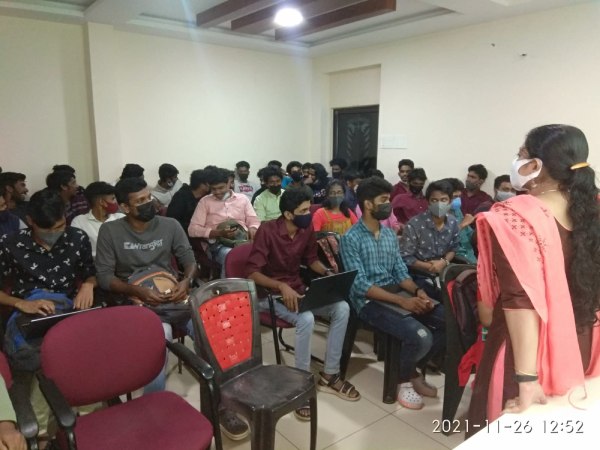
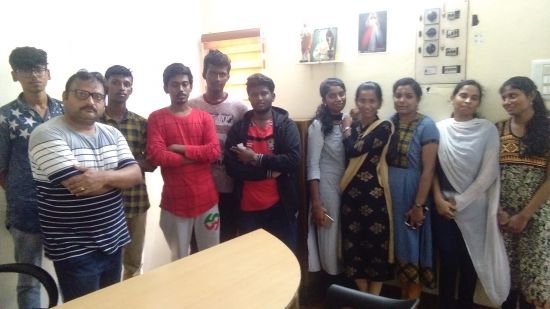
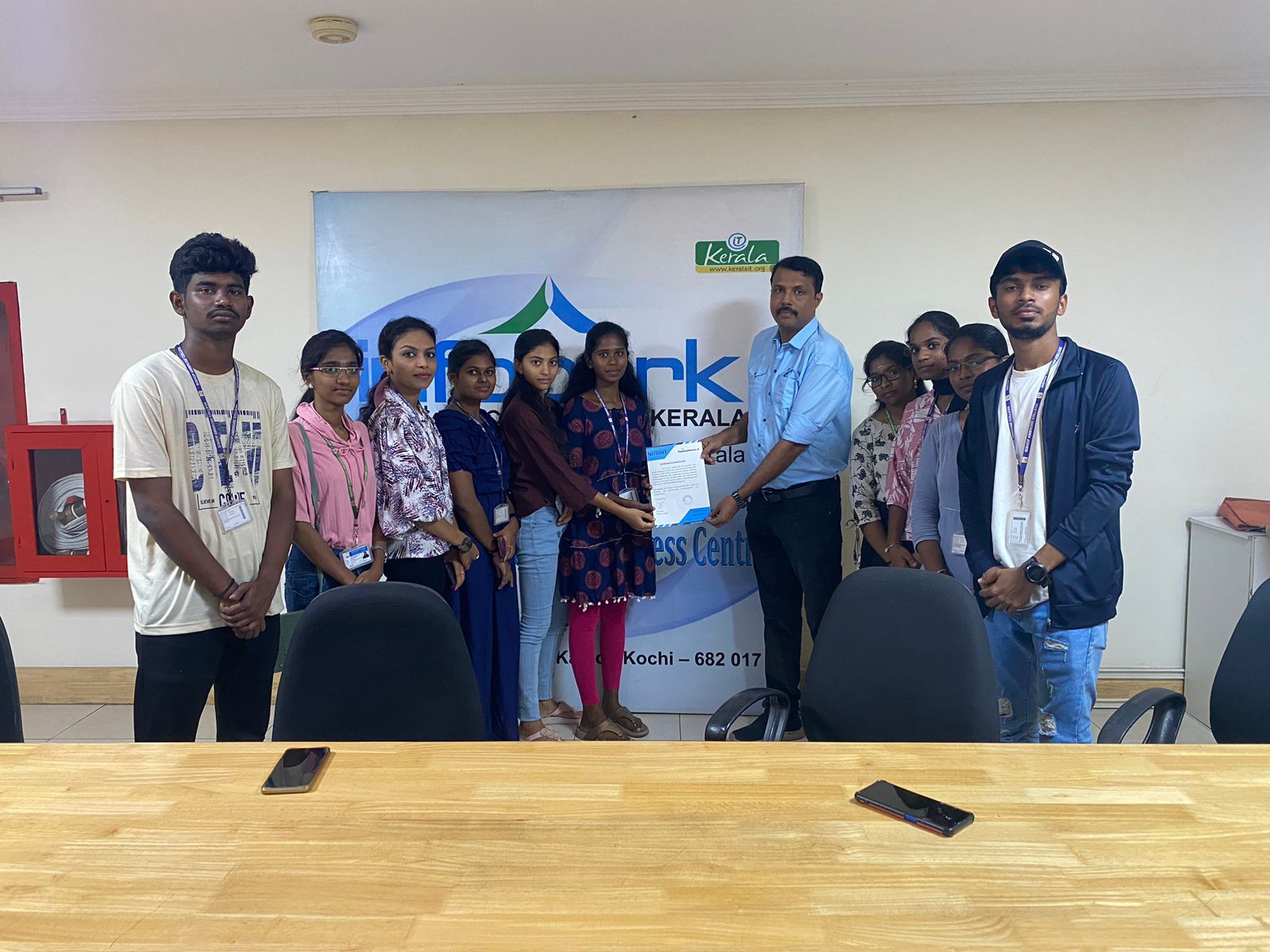
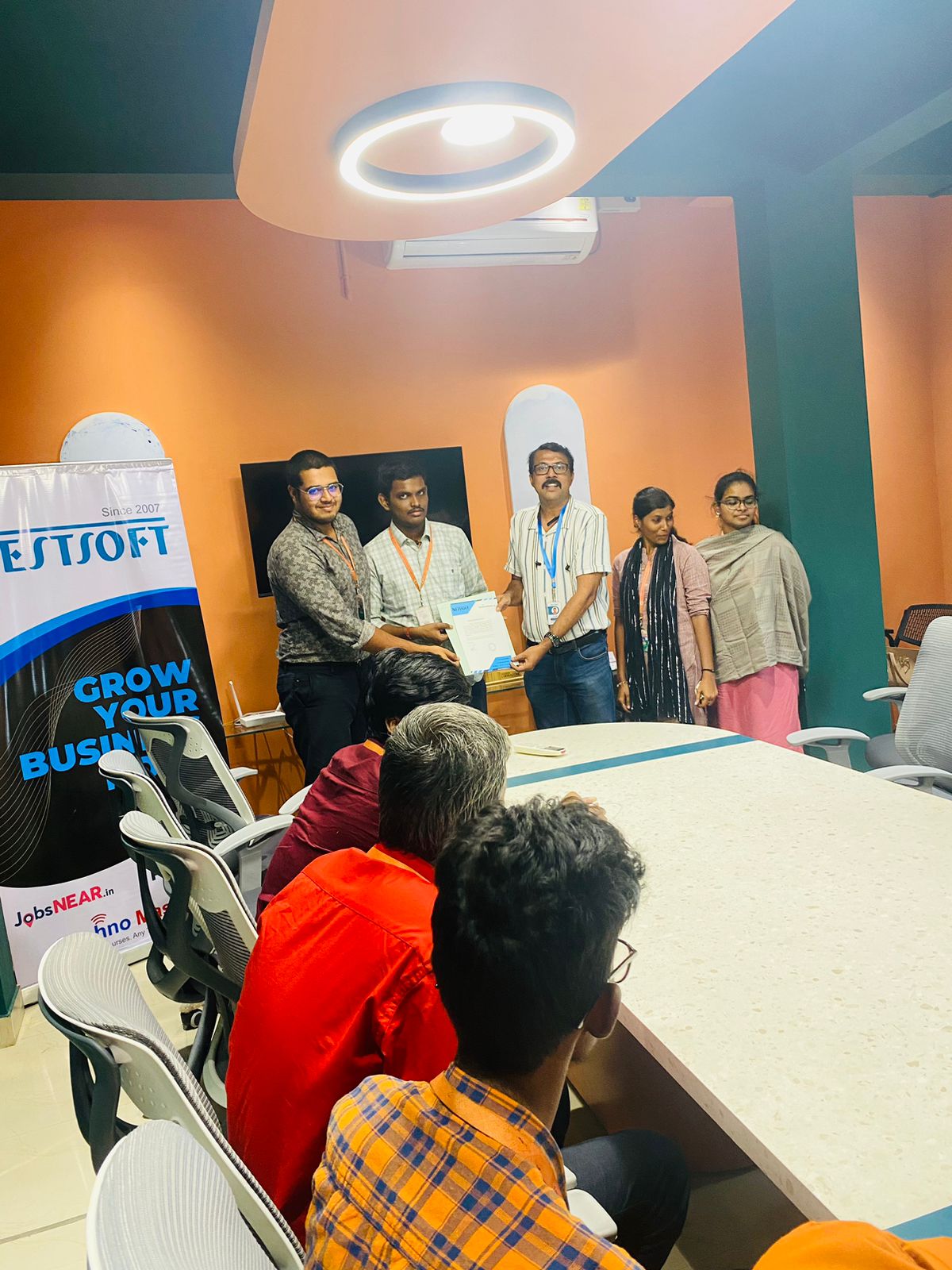
Our Training/Internship Process

CSS Online Live Classes in Kerala | Free Demo Training

CSS - Syllabus, Fees & Duration

Introduction

  • HTML structure and content
  • Advantages of CSS
  • Creating and using style sheets
  • CSS Rules: The Basic Syntax

CSS Boxes and CSS Selectors

  • The CSS box model
  • CSS and logical HTML structure
  • Styling boxes, borders, margins, and padding
  • Using IE6 standards mode
  • Sh4ecifying CSS distances
  • and many other CSS techniques

Fonts and Text

  • Using custom fonts
  • Font properties
  • Web font formats
  • Type Kit, font squirrel

Text Formatting in CSS

  • Fundamentals of text formatting
  • Typefaces, alternatives, and defaults
  • Font characteristics
  • Formatting blocks of text
  • Using arbitrary inline tags

CSS Selectors and Selections

  • Using HTML element IDs in CSS
  • Using CSS descendant selectors
  • Descendant selector examples
  • Child, sibling, and pseudo-class selectors
  • And many other CSS techniques.

CSS positioning

  • Choosing the right CSS
  • Technique for positioning blocks
  • The position property, floats, and margins
  • Static positioning and normal flow
  • Absolute positioning outside normal flow
  • Fixed positioning outside normal flow

CSS page Layout

  • Alternative methods of CSS positioning
  • Styling lists
  • Redefining the behaviour of inline and block elements
  • Table formatting in CSS
  • Styling table cell borders
  • page layout with table dish4lay properties

Cascade, precedence, Specificity, and Inheritance in CSS

  • Cascading and cascade order
  • Resolving style conflicts by Origin & Importance
  • Resolving style conflicts by Specificity & Order

CSS Layers and Translucency

  • Different forms of layered presentations in CSS
  • Layering with the z-index property
  • Different methods for creating translucency effects
  • The CSS3 opacity property

Using CSS in the Real World

  • Deploying CSS
  • CSS formatting vs. HTML formatting
  • Standard tags and semantic markup
  • Screen size and fluid design
  • Table layout and CSS positioning
  • Cross-platform testing

Useful CSS Tips

  • Usage of CSS Sprites
  • Pseudo Selectors
  • CSS Minify
  • Cheat Sheet for CSS3

Download Syllabus - CSS
This syllabus is not final and can be customized as per needs/updates
   
10000+
20+
50+
25+

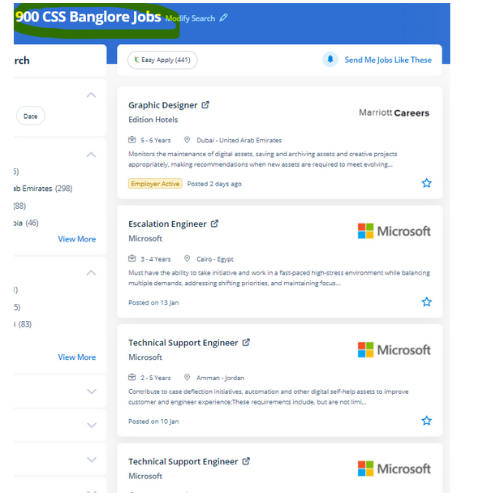
CSS Jobs in Kerala

Enjoy the demand

Find jobs related to CSS in search engines (Google, Bing, Yahoo) and recruitment websites (monsterindia, placementindia, naukri, jobshybrid.com, indeed.co.in, shine.com etc.) based in Kerala, chennai and europe countries. You can find many jobs for freshers related to the job positions in Kerala.

  • Web Designer
  • CSS Developer
  • UI designer
  • Front end developer
  • CSS specialist
  • CSS trainer
  • Web Ui Designer
  • CSS Administrative
  • UI UX Designer
  • Graphic Web Designer

CSS Internship/Course Details

CSS internship jobs in Kerala
CSS Nestsoft provides the most effective CSS coaching style for a web page and building CSS classes from a beginner level to a professional level. CSS has several job opportunities these days. . CSS also helps with absolute positioning, you'll be able to position your component where ever you wish on the web page. thus entire website's look will change by editing one style sheet therefore one style sheet ensures that your websites have consistent styling throughout your website. The developer will write and edit CSS codes by using CSS text editor software. Our CSS training session will assist you to start learning CSS for web design and development then you may be able to build and design trendy, responsive websites. one of the advantages of CSS is one single line code change affects the complete website so it does not would like far more maintenance time. Actually, CSS does not would like more time and stress to develop a website due to its speed and simple maintenance. completing this CSS coaching at Nessoft, you can step ahead in your career as a designer and build the newest interactive pages for your website viewers.


Meet a Few of our Industry Experts 🚀 Your Pathway to IT Career

megha

Mobile: +91 91884 77559
Location: Online (Kerala, India)
Qualification: BSC PHYSICS

Experience: Hi I am a professional UX UI DEVELOPER with skills including PHOTOSHOP Illustrator Shopify mobile app development javascript Node js  more..

Navjot

Mobile: +91 91884 77559
Location: Online (Kerala, India)
Qualification: BTech CSE

Experience: I have 3 years of experience as Angular developer I am ready to start from today onwards Please revert if  more..

Ridhin

Mobile: +91 91884 77559
Location: Online (Kerala, India)
Qualification: BTech(IT)

Experience: odoo python javascript psql xml and git  more..

Rosemerin

Mobile: +91 8301010866
Location: Online (Kerala, India)
Qualification: Mtech

Experience: Canva design angular development html java  more..

Jitender

Mobile: +91 91884 77559
Location: Online (Kerala, India)
Qualification: MCA

Experience: Html css php c c++ mysql | (Work from Home)  more..

Sumanth

Mobile: +91 89210 61945
Location: Online (Kerala, India)
Qualification: B tech

Experience: I have 3 years experience in cyber security analyst soc L1 and L2 firewall siem azure ips ids firewall |  more..

Hala

Mobile: +91 89210 61945
Location: Online (Kerala, India)
Qualification: Btech computer science

Experience: Having 1 year and 5 month experience as odoo developer Strong knowledge in odoo modules and customization  more..

Govind

Mobile: +91 94975 90866
Location: Online (Kerala, India)
Qualification: Diploma

Experience: Hi i am govind parmar i am looking for new opportunities and Experienced Web development and WordPress developer with 4  more..

Punitkumar

Mobile: +91 9895490866
Location: Online (Kerala, India)
Qualification: Bachelor of computer science

Experience: I have a knowledge of cloud computing and python I have a completed my diploma in cyber security and Ethical  more..

umakanta

Mobile: +91 9895490866
Location: Online (Kerala, India)
Qualification: Diploma in Computer Science & Technology

Experience: php laravel mysql mongodb javascript jquery rest api soap api bootstrap aws react node js express jsApplication for PHP Laravel  more..

Yedhukrishna

Mobile: +91 98474 90866
Location: Online (Kerala, India)
Qualification: Diploma in computer science

Experience: Automation and manual testing testcase preparation bug report smoke testing sanity testing testNG cucumber jira postman jmeter  more..

Basil

Mobile: +91 91884 77559
Location: Online (Kerala, India)
Qualification: BCA

Experience: Understanding and design thinking Data analytics Video Marketing Graphic Designing   more..

Manoj

Mobile: +91 91884 77559
Location: Online (Kerala, India)
Qualification: Bachelors

Experience: I am Manoj P having a total of 3 5 years of hands-on experience in software testing Key Skills :  more..

Bhuvan

Mobile: +91 91884 77559
Location: Online (Kerala, India)
Qualification: BE

Experience: Web developer java python  more..

Subash

Mobile: +91 89210 61945
Location: Online (Kerala, India)
Qualification: B.A English Language and Literature

Experience: Skills : Python JavaScript Django Flask MySQL PostgreSQL MongoDB React Redux HTML CSS Tailwind CSS Bootstrap Experience: I have an  more..

Nikhil

Mobile: +91 91884 77559
Location: Online (Kerala, India)
Qualification: msc

Experience: manual and automation testing  more..

Pournima

Mobile: +91 94975 90866
Location: Online (Kerala, India)
Qualification: BE

Experience: I am a NET developer with 3 years of experience in developing and maintaining web applications using ASP NET MVC  more..

renuka

Mobile: +91 89210 61945
Location: Online (Kerala, India)
Qualification: MSC IT

Experience: 1 year experience in WordPress developer  more..

ABIN

Mobile: +91 91884 77559
Location: Online (Kerala, India)
Qualification: MCA

Experience: Java javascript html css bootstrap jQuery react js SQL mongo db photoshop python Attend web development training Attend react js  more..

sarang

Mobile: +91 9895490866
Location: Online (Kerala, India)
Qualification: Btech

Experience: Dear sir I am Sarang R lm completed Btech in CUSAT University I have 6 months trainee experience as an  more..

Arun

Mobile: +91 98474 90866
Location: Online (Kerala, India)
Qualification: BE(ECE)

Experience: Basically I am Android and web developer and I have more than 7 months of work experience if you think  more..

sumana

Mobile: +91 89210 61945
Location: Online (Kerala, India)
Qualification: Post graduate

Experience: I have total 7 years exp in seo smo ads email marketing wordpress html design  more..

Perazhagan

Mobile: +91 8301010866
Location: Online (Kerala, India)
Qualification: Bsc plant biotechnology

Experience: Basic java Basic selenium Software testing Write test cases in manual and automation testing Defect track with using jira tool  more..

Athul

Mobile: +91 89210 61945
Location: Online (Kerala, India)
Qualification: B Tech Mechanical Engineering

Experience: I am a fresher Test engineer with 6 months of experience in manual testing Knowledge of various SDLC models Test  more..

Success Stories

The enviable salary packages and track record of our previous students are the proof of our excellence. Please go through our students' reviews about our training methods and faculty and compare it to the recorded video classes that most of the other institutes offer. See for yourself how TechnoMaster is truly unique.

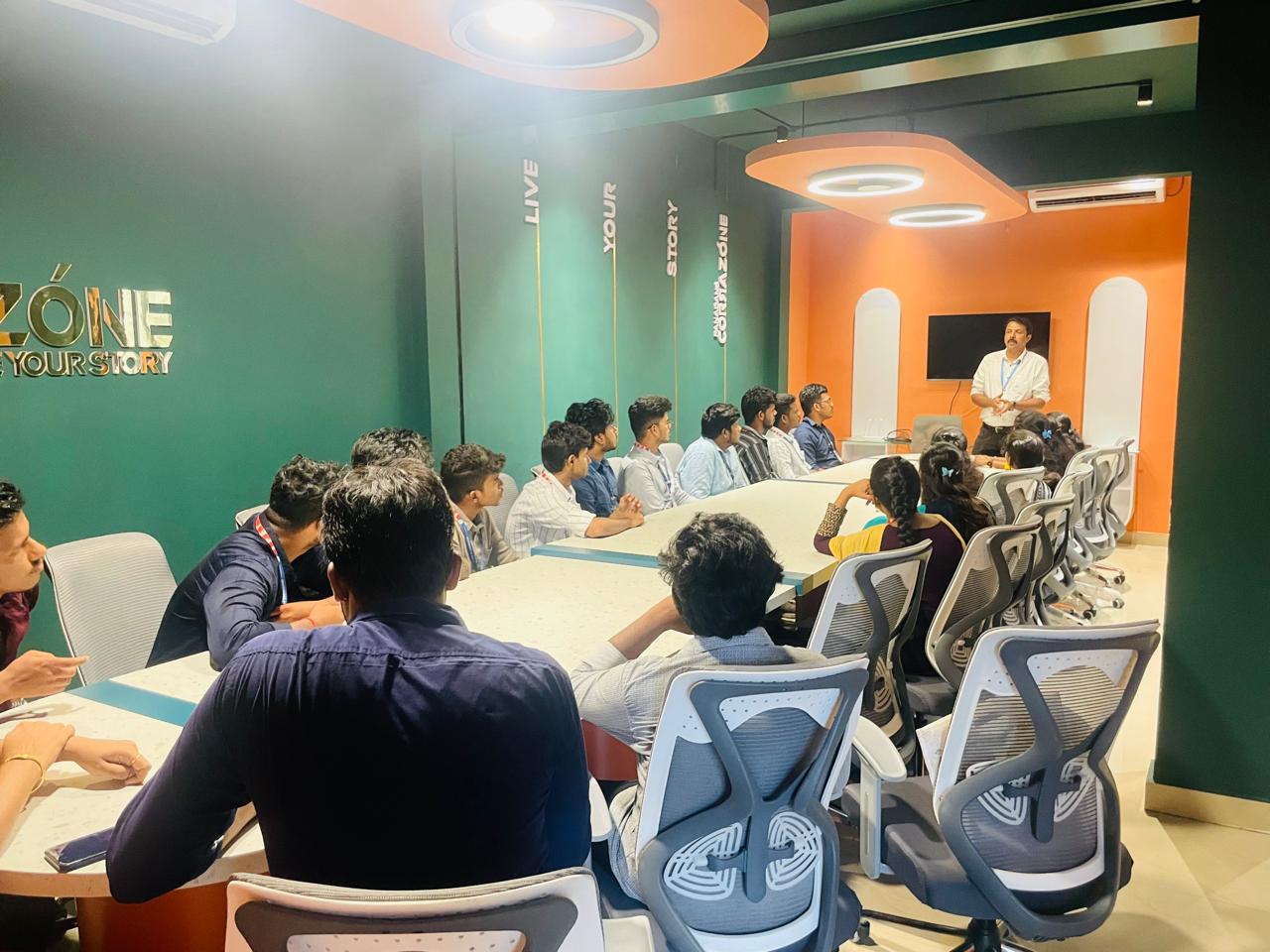
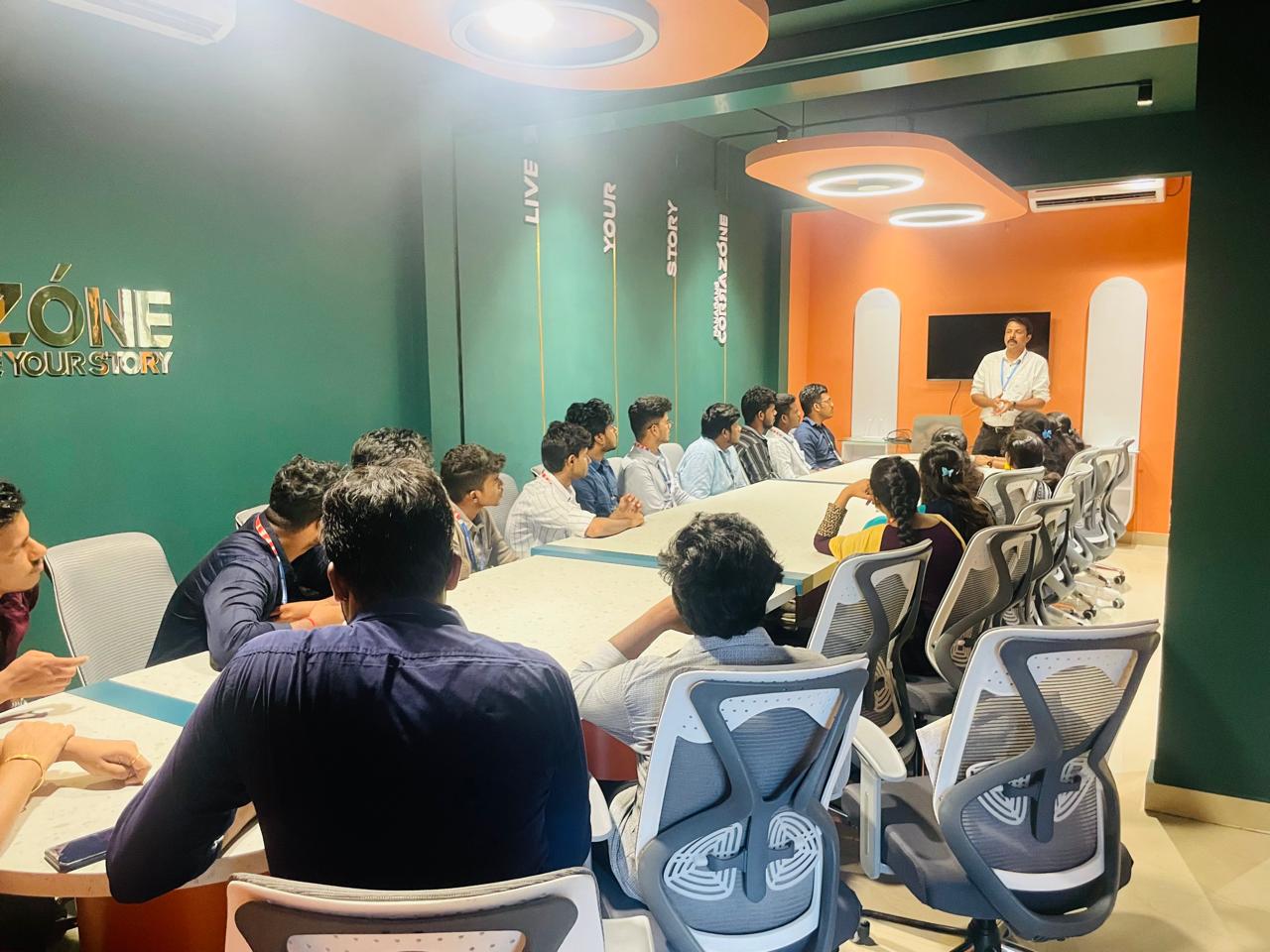
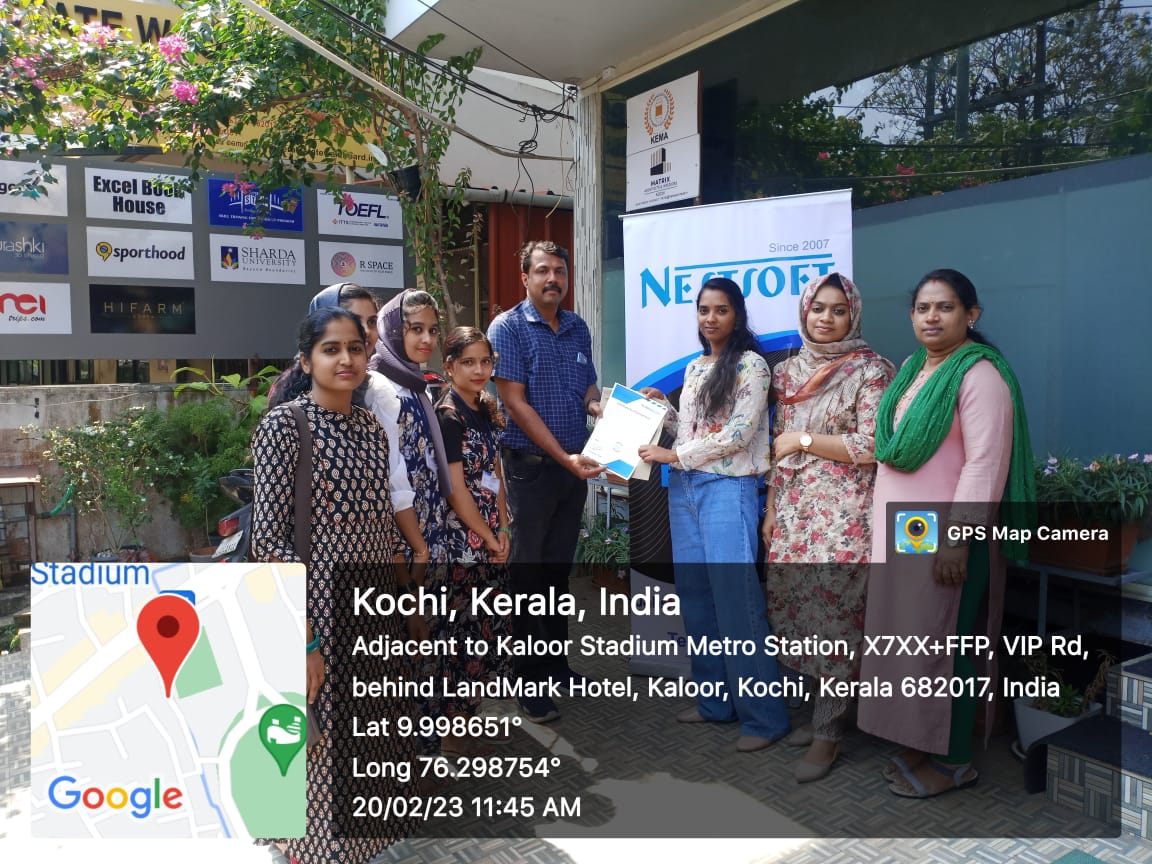
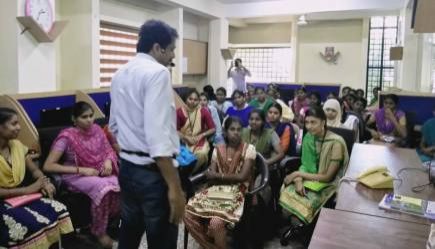
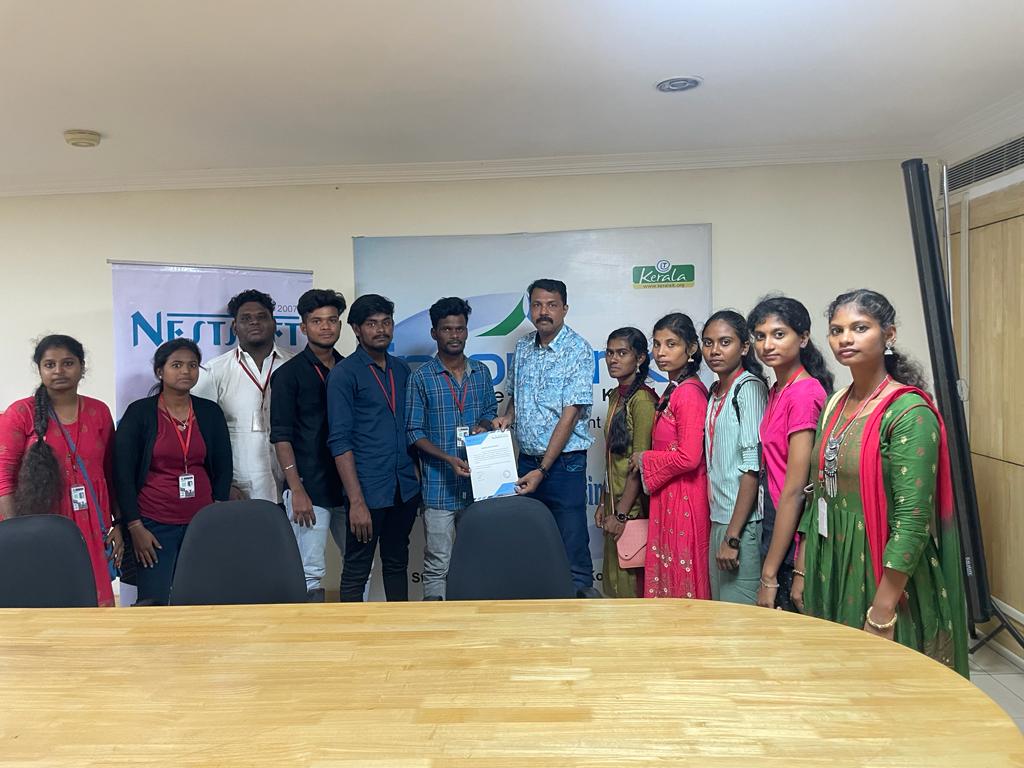
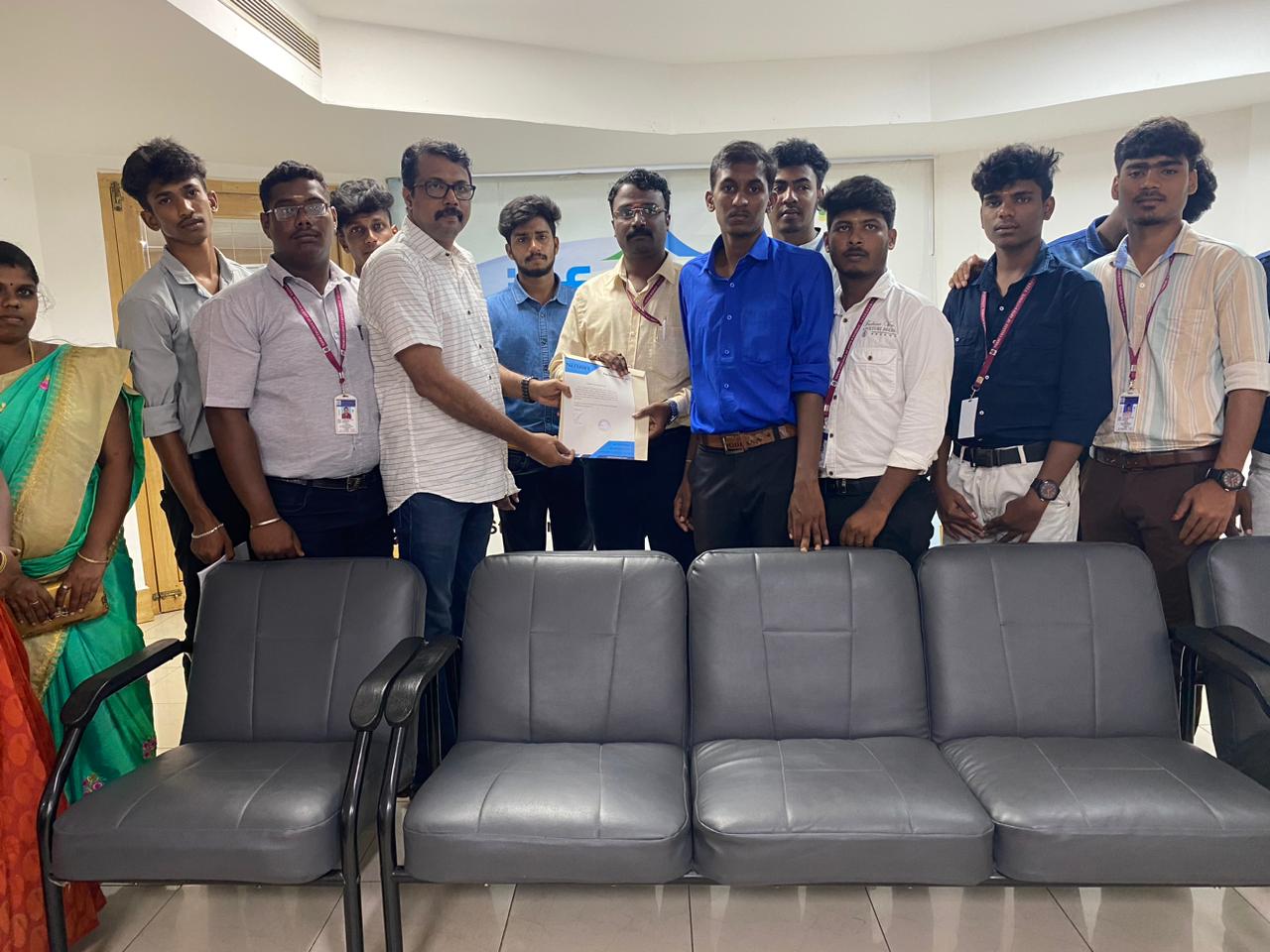
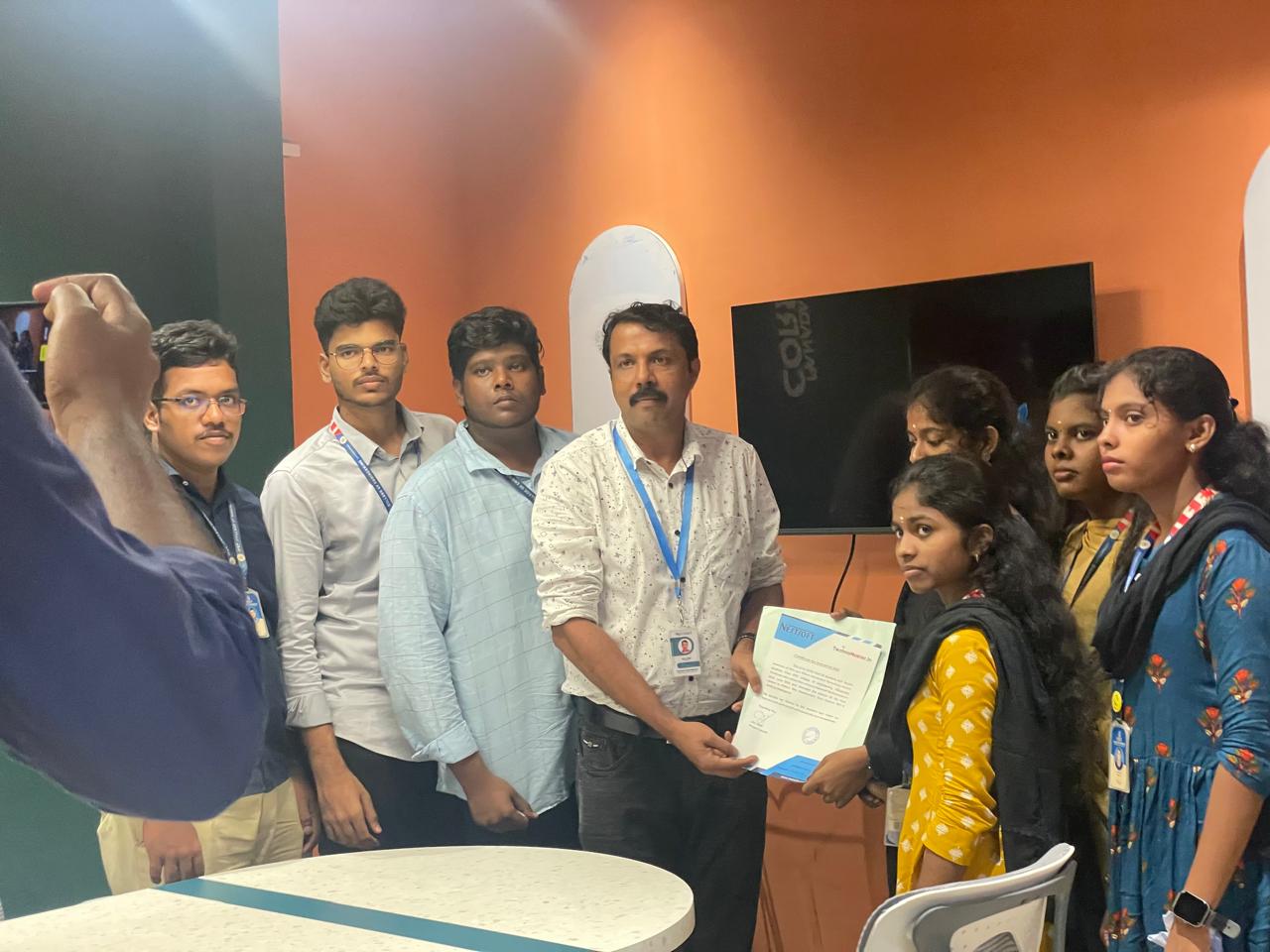
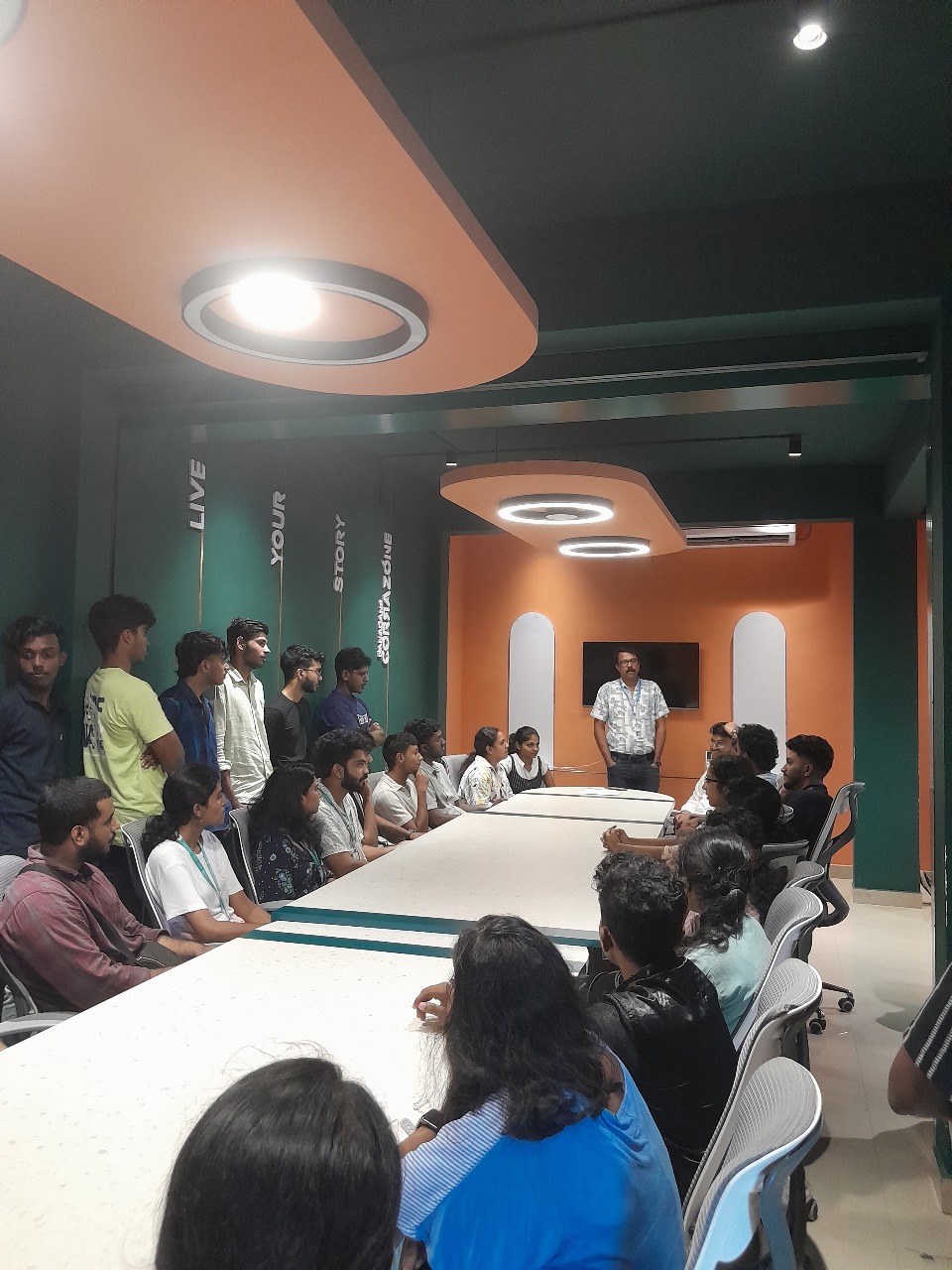
Photos of Training / Internships

Internship/projects in kerala

Trained more than 10000+ students who trust Nestsoft TechnoMaster

Get Your Personal Trainer