Send enquiry ⏎

CorelDRAW Online Live Class by Experts

Our Training/Internship Process

CorelDRAW Online Live Classes in Visakhapatnam | Free Demo Training

CorelDRAW - Syllabus, Fees & Duration

Module 1: Introduction to CorelDRAW

  • Installing CorelDRAW Graphics Suite 2019
  • Basics of CorelDRAW
    • Vector Graphics and Bitmaps
    • Starting and Opening Drawings
    • Previewing Drawings
    • Viewing Modes
    • Saving and Closing Drawings
  • CorelDRAW Workspace
  • Creative Tools and Content
  • Touchscreen and Wheel Devices

Module 2: Lines, Shapes, and Outlines

  • Lines, Outlines, and Brushstrokes
  • Shapes and Shape Objects
  • Symmetrical Drawing

Module 3: Working with Objects, Symbols, and Layers

  • Introduction to Objects
  • Linking and Embedding Objects
  • Layers and Symbols
  • Managing and Tracking Projects

Module 4: Colour, Fills, and Transparencies

  • Colour
    • Colour Models and Depth
    • Choosing Colours
    • Creating and Editing Colour Palettes
  • Uniform Fills and Fountain Fills
  • Vector and Bitmap Pattern Fills
  • Texture, PostScript, and Mesh Fills
  • Object Transparency
  • Managing Colours

Module 5: Exploring Special Effects

  • Lenses
  • Adding 3D Effects
  • Mosaics

Module 6: Working with Text

  • Adding and Manipulating Text
  • Formatting Text
  • Managing Fonts
  • Writing Tools

Module 7: Templates and Styles

  • Templates
    • Using and Finding Templates
    • Managing Templates
    • Creating and Editing Templates
  • Introducing Styles and Style Sets
    • Creating, Applying, and Editing Styles and Style Sets
    • Managing Default Object Properties
    • Importing and Exporting Style Sheets
  • Colour Styles
    • Creating and Applying Colour Styles
    • Editing and Viewing Colour Styles
    • Exporting and Importing Colour Styles

Module 8: Pages and Layout

  • Pages and Layout Tools
    • Page Layout and Background
    • Adding and Deleting Pages
    • Rulers
    • Document Grid and Pixel Grid
  • Tables
    • Adding Tables
    • Selecting, Moving, and Navigating Table Components
    • Inserting and Deleting Table Rows and Columns
    • Formatting Tables and Cells
    • Converting Tables to Text

Module 9: Introduction to Bitmaps

  • Working with Bitmaps
    • Converting Vector Graphics to Bitmaps
    • Importing and Cropping Bitmaps
    • Bitmap Dimensions and Resolution
    • Straightening Bitmaps
    • Image Adjustment Lab
    • Adjusting Colour and Tone
    • Tone Curve Filter
  • Special Effects Categories
  • Bitmap Colour Modes
  • Introducing Trace
    • RAW Camera Files

Module 10: Web Graphics

  • File Formats
    • Importing and Exporting Files
    • Exporting to PDF
    • Supported File Formats
  • Customising and Automating
    • Setting Basic Preferences
    • Customising CorelDRAW
    • Using Macros and Scripts for Automating Ta
  • Download Syllabus - CorelDRAW
    This syllabus is not final and can be customized as per needs/updates
   
10000+
20+
50+
25+

CorelDRAW Jobs in Visakhapatnam

Enjoy the demand

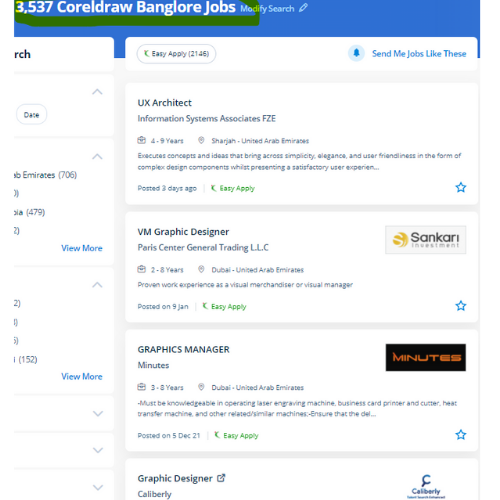
Find jobs related to CorelDRAW in search engines (Google, Bing, Yahoo) and recruitment websites (monsterindia, placementindia, naukri, jobshybrid.com, indeed.co.in, shine.com etc.) based in Visakhapatnam, chennai and europe countries. You can find many jobs for freshers related to the job positions in Visakhapatnam.

  • Corel Draw Designer
  • Graphic Designer
  • CorelDraw trainer
  • UI/UX Designer
  • Digital graphic designer
  • Multimedia designer
  • Graphics manager
  • Layout artist
  • Creative graphic designer
  • Interior designer

CorelDRAW Internship/Course Details

CorelDRAW internship jobs in Visakhapatnam
CorelDRAW We will train you remotely, after completion of the course if you have got any doubt then our team can always assist you. we know CorelDraw could be a Vector graphics editor and designer computer code software it offers us a variety of exciting tools that creates the operating of CorelDraw software simple. Nestsoft conducts the coaching courses for CorelDraw with our industry expert trainers. Our live training classes are handled by specialists in this field and also the syllabus starts from the fundamentals to the most advanced of the subject. This stunning design software meets the everyday requests of working architects. it is simply accessible in other designing software because It works with file format PNG and CDR. CorelDraw offers some geometrical shapes as a tool that facilitates you in exploring your plan in your own manner with no limitations. you'll create professional logos, brochures, business cards, and alternative advertising elements with the help of these tools and would possibly provide them different appearances consistent with the wants of your client. It's quite probably the foremost thought of illustrations progressing to a program accessible on the lookout. Interested candidates could register for our CorelDraw training course.


Meet a Few of our Industry Experts 🚀 Your Pathway to IT Career

Raihana

Mobile: +91 8301010866
Location: Online (Visakhapatnam, India)
Qualification: BCA

Experience:  Monitor security alerts and incidents  Analyze security events to identify potential threats and vulnerabilities  Assist in incident  more..

Sai

Mobile: +91 89210 61945
Location: Online (Visakhapatnam, India)
Qualification: B.tech (C.S.E)

Experience: Experience In Training students one to one and also group Experience in Training students on real time projects for WordPress  more..

Shawn

Mobile: +91 89210 61945
Location: Online (Visakhapatnam, India)
Qualification: B.E

Experience: Manual testing Automation Testing Api testing Database testing Mobile testing Web app testing  more..

Yogendra

Mobile: +91 91884 77559
Location: Online (Visakhapatnam, India)
Qualification: MCA

Experience: php & Wordpress Exp 7yrs  more..

Sathya

Mobile: +91 98474 90866
Location: Online (Visakhapatnam, India)
Qualification: Diploma

Experience: I am writing to apply for the UI UX Designer position that was posted on your website I have a  more..

Anuj

Mobile: +91 94975 90866
Location: Online (Visakhapatnam, India)
Qualification: MBA

Experience: I have 2 year experience as IT Analyst in HCL technologies I am pursuing my Full stack developer course from  more..

Jeyalakshmi

Mobile: +91 9895490866
Location: Online (Visakhapatnam, India)
Qualification: MBA

Experience: Totally 4 years of experience into software testing 2 5 years of experience in automation testing automating using selenium integrated  more..

Ankita

Mobile: +91 94975 90866
Location: Online (Visakhapatnam, India)
Qualification: Masters in hospital administration

Experience: Teaching mentoring student counseliing and pereonality development  more..

Vishup

Mobile: +91 9895490866
Location: Online (Visakhapatnam, India)
Qualification: BE Mechanical

Experience: Html css javascript & bootstrap Java and oracle sql 1 year of experience as a Frontend Developer   more..

Naga

Mobile: +91 94975 90866
Location: Online (Visakhapatnam, India)
Qualification: Bachelor Degree

Experience: Hands-on experience in Selenium Automation testing BDD Cucumber and REST Assured API testing Created multiple automation projects for different web  more..

Vipin

Mobile: +91 94975 90866
Location: Online (Visakhapatnam, India)
Qualification: Graduate

Experience: Experienced IT professional with a background in hardware networking and technical support Transitioned into the DevOps field in 2022 currently  more..

Apeksha

Mobile: +91 89210 61945
Location: Online (Visakhapatnam, India)
Qualification: B.E(computer engineering)

Experience: My name is Apeksha and I am currently passout from Savitribai phule University pune I have done my bachelor's degree  more..

Akash

Mobile: +91 91884 77559
Location: Online (Visakhapatnam, India)
Qualification: B Tech (Mechanical)

Experience: C programming language C++  more..

Shafeeque

Mobile: +91 91884 77559
Location: Online (Visakhapatnam, India)
Qualification: Bca Ongoing

Experience: 3+ years experience in php mysql fullstack development   more..

Sameer

Mobile: +91 8301010866
Location: Online (Visakhapatnam, India)
Qualification: Currently pursuing my Bachelors

Experience: I have a certificate from cisco networking academy you can check it on my linkedin |   more..

Basil

Mobile: +91 98474 90866
Location: Online (Visakhapatnam, India)
Qualification: BCA

Experience: Understanding and design thinking Data analytics Video Marketing Graphic Designing   more..

Shadab

Mobile: +91 98474 90866
Location: Online (Visakhapatnam, India)
Qualification: High School

Experience: Working with php wordpress and all related technologies from 10 years   more..

romesh

Mobile: +91 94975 90866
Location: Online (Visakhapatnam, India)
Qualification: MCA

Experience: I am working as a mean stack developer in E-Tech Services pvt ltd since 11 January 2022 Application for Meanstack  more..

Snehal

Mobile: +91 98474 90866
Location: Online (Visakhapatnam, India)
Qualification: Bsc computer science

Experience: I have 1 yaer experience in wordpress  more..

Bhagyashree

Mobile: +91 91884 77559
Location: Online (Visakhapatnam, India)
Qualification: Master of computer Applications MCA

Experience: I have trained for six months in java full stack developer skills  more..

Namrata

Mobile: +91 91884 77559
Location: Online (Visakhapatnam, India)
Qualification: B.tech

Experience: Manual testing API Cypress Javascript SQL  more..

Christy

Mobile: +91 94975 90866
Location: Online (Visakhapatnam, India)
Qualification: bachelor of engineering

Experience: i have 7 5 years of experience in oracle PLSQL extensive knowledge of oracle data migration and oracle 19c database  more..

Krishna

Mobile: +91 94975 90866
Location: Online (Visakhapatnam, India)
Qualification: B.E in Cyber Security

Experience: I've explored a vast backdoor in Cyber Security domain (Mostly Black hat) I've worked on variety of black hat project  more..

Prince

Mobile: +91 91884 77559
Location: Online (Visakhapatnam, India)
Qualification: B.Tech in Computer Science

Experience: 1+ year of experience with php JavaScript Laravel Html Css BootstrapApplication for PHP Laravel  more..

Success Stories

The enviable salary packages and track record of our previous students are the proof of our excellence. Please go through our students' reviews about our training methods and faculty and compare it to the recorded video classes that most of the other institutes offer. See for yourself how TechnoMaster is truly unique.


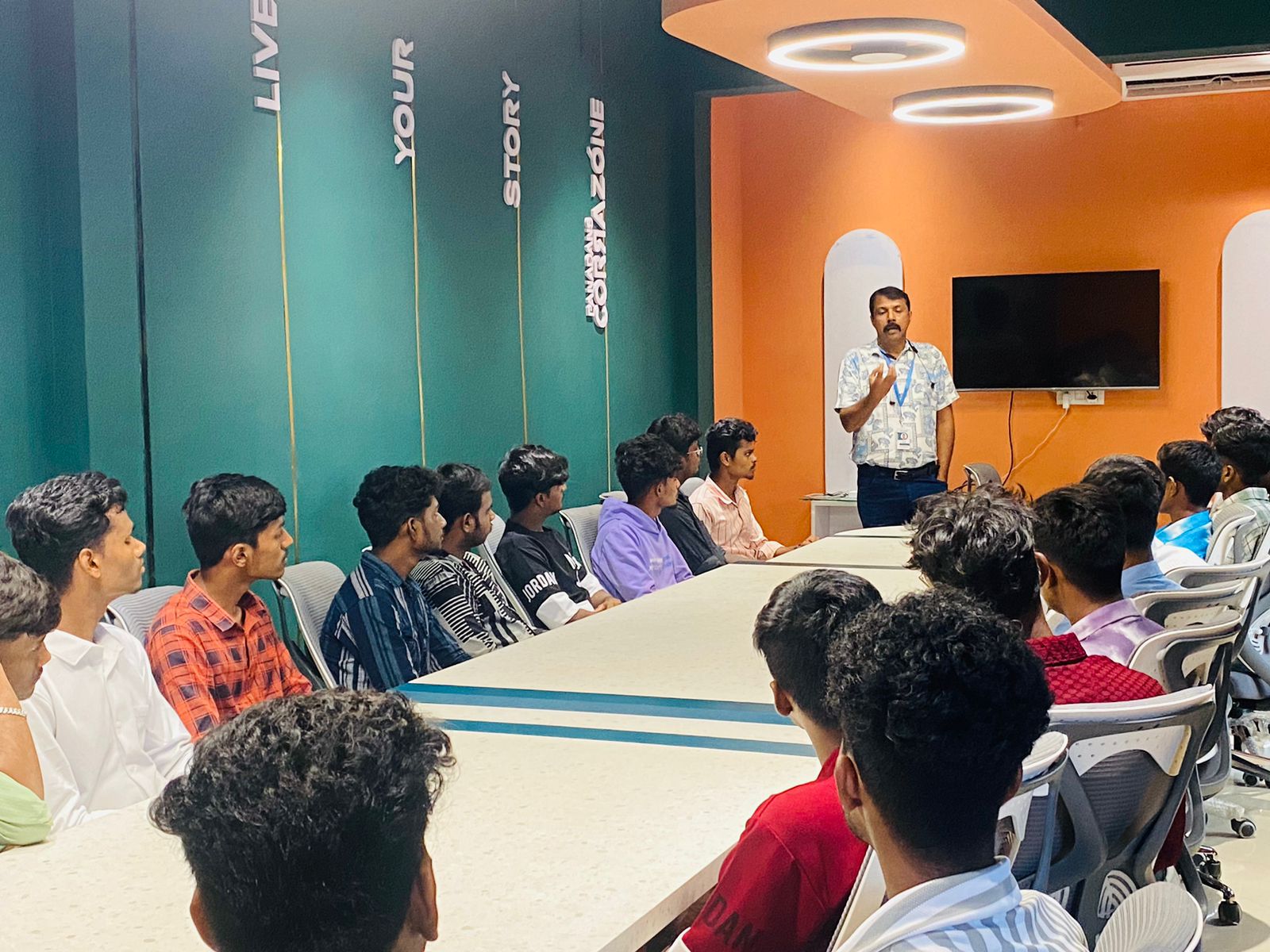
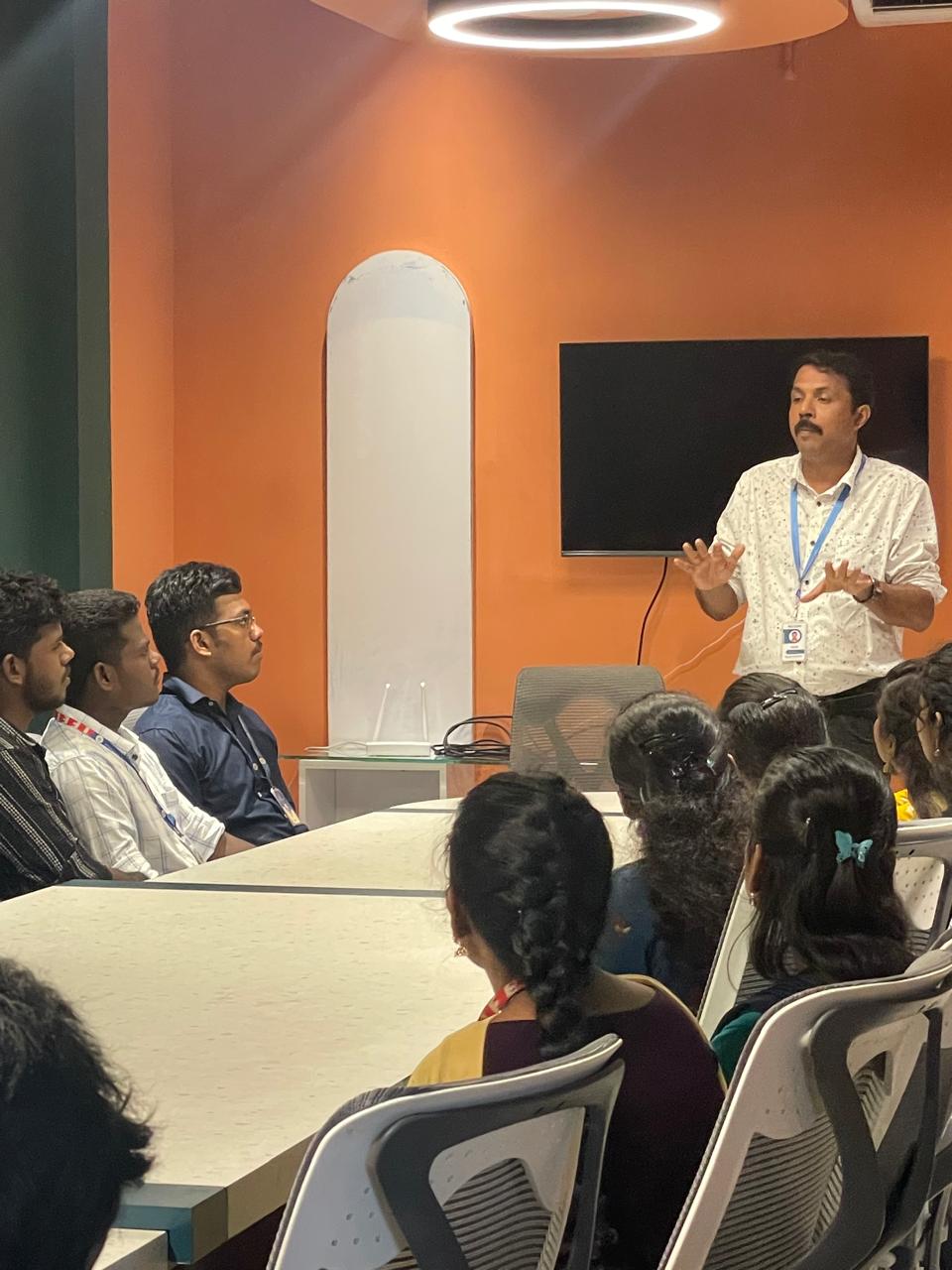
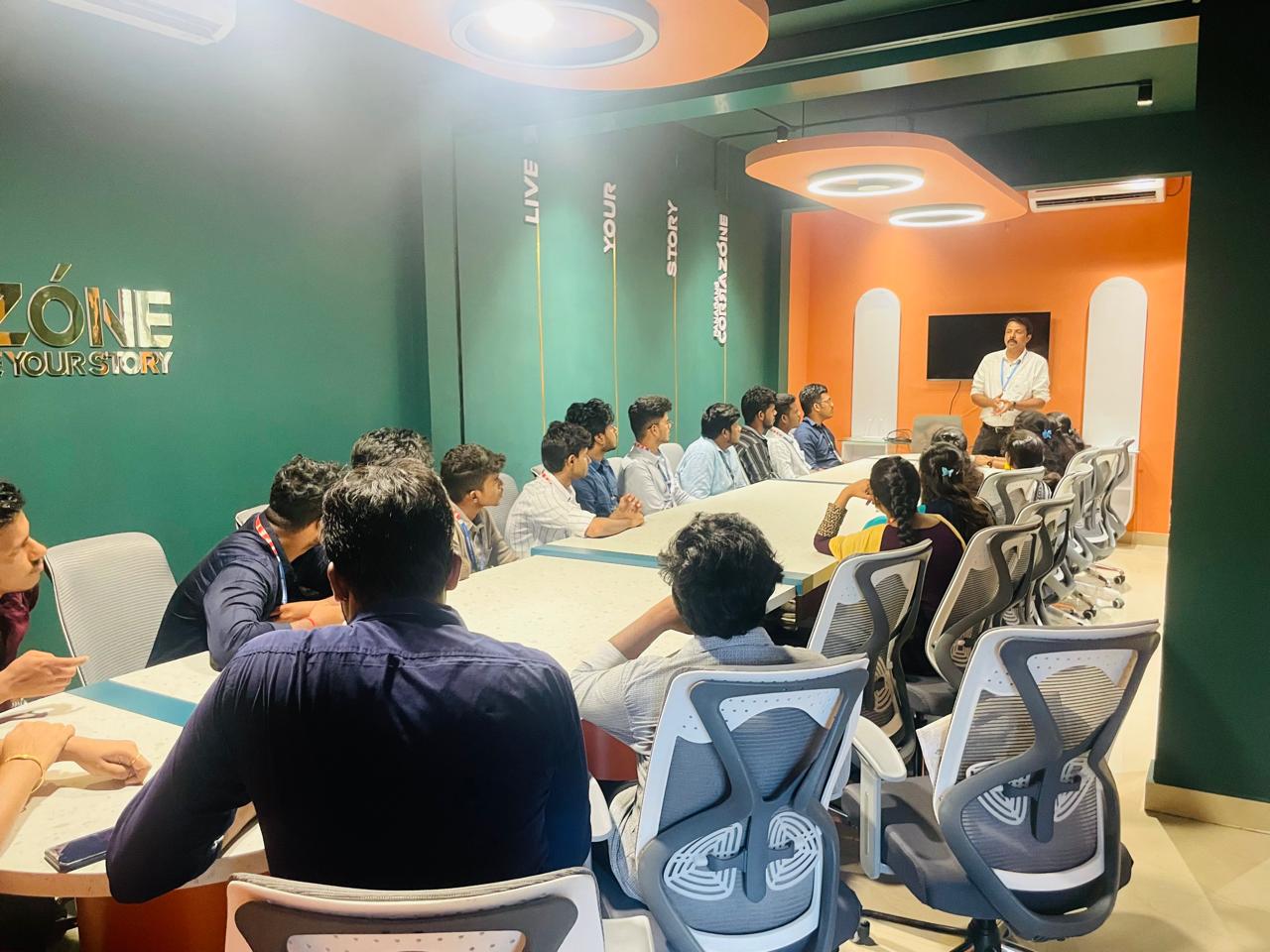
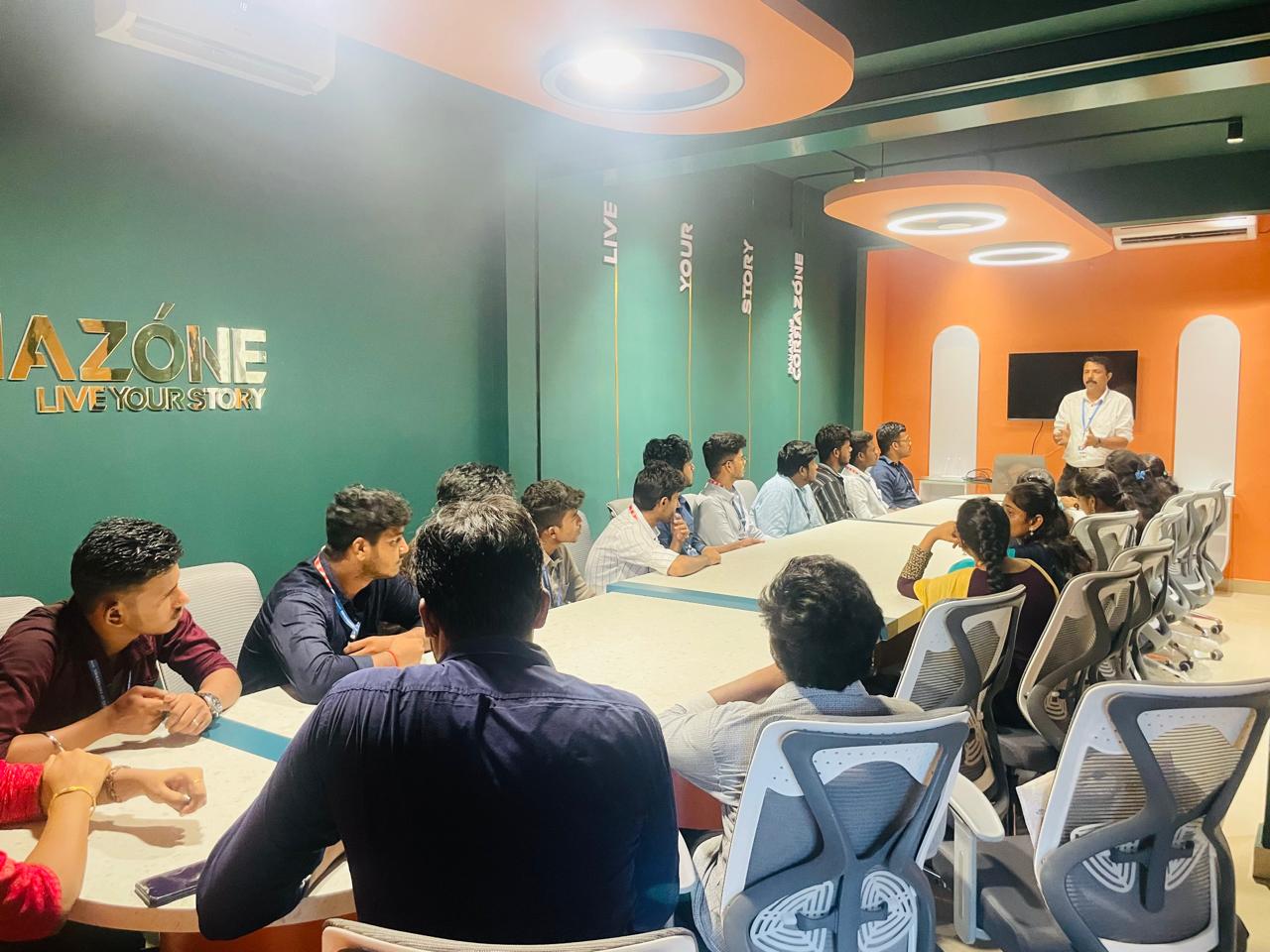
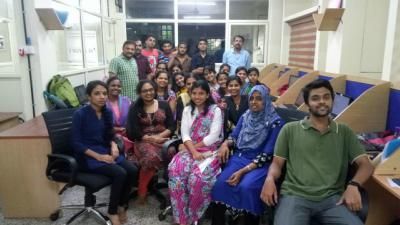
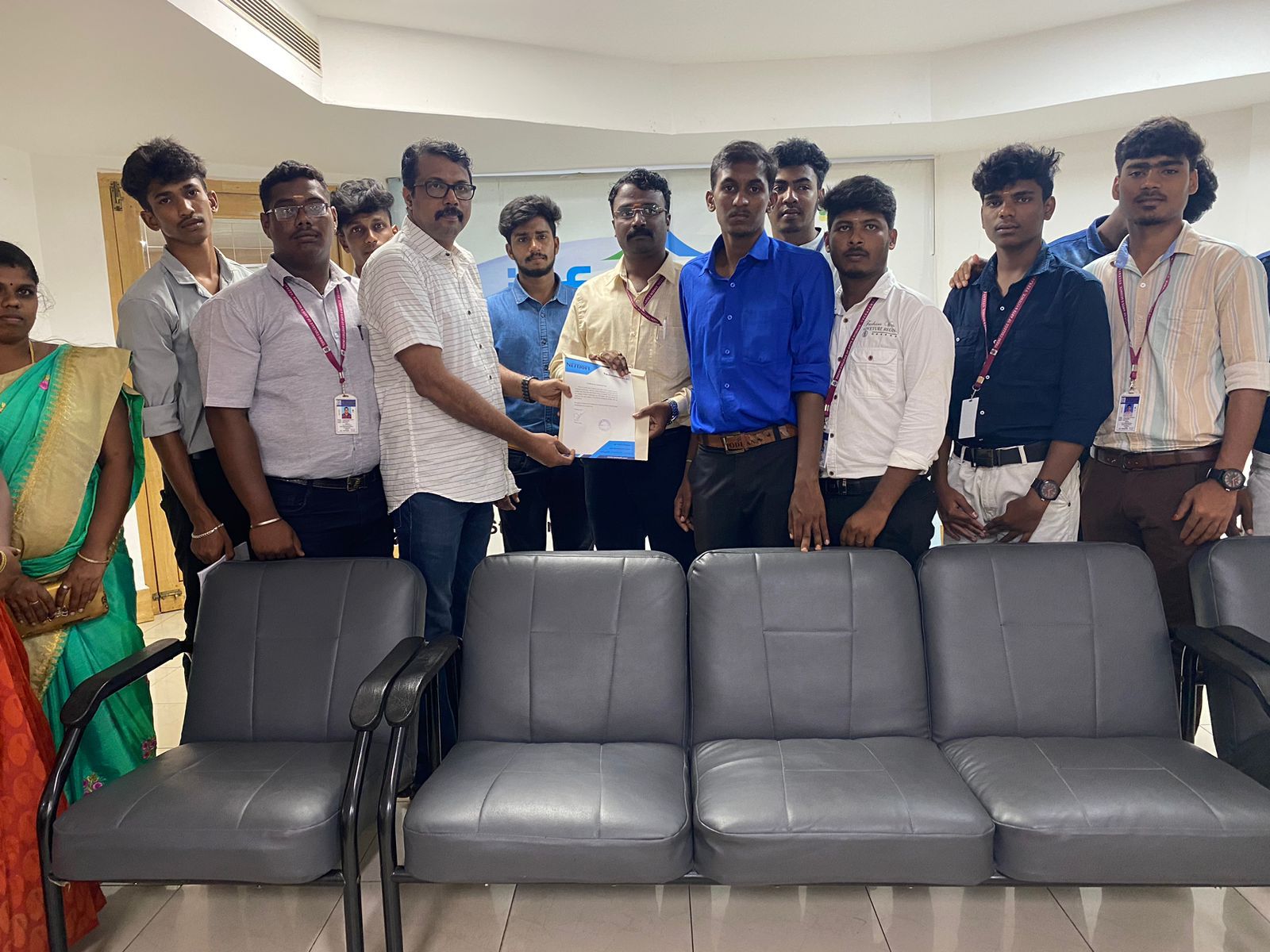
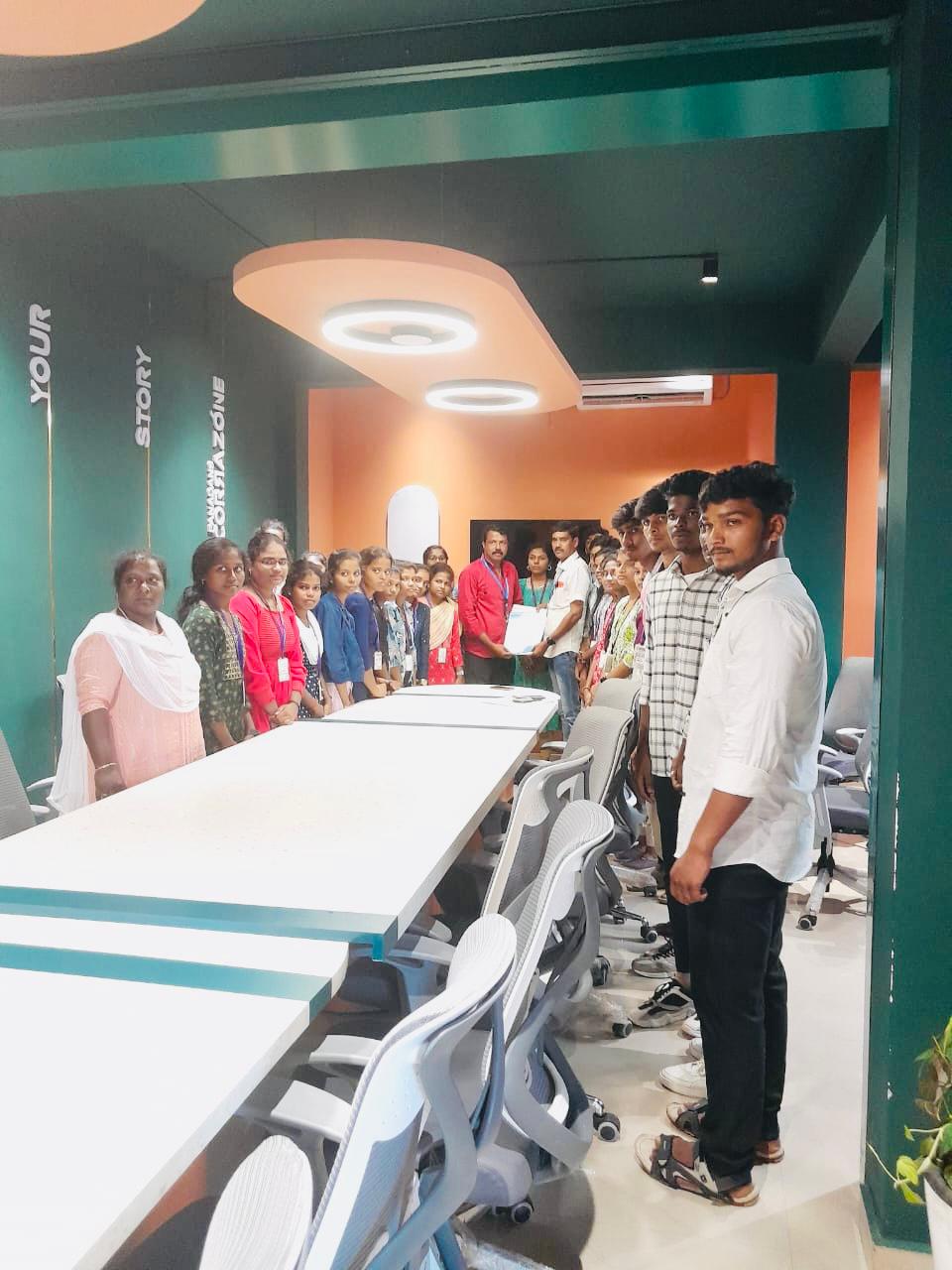
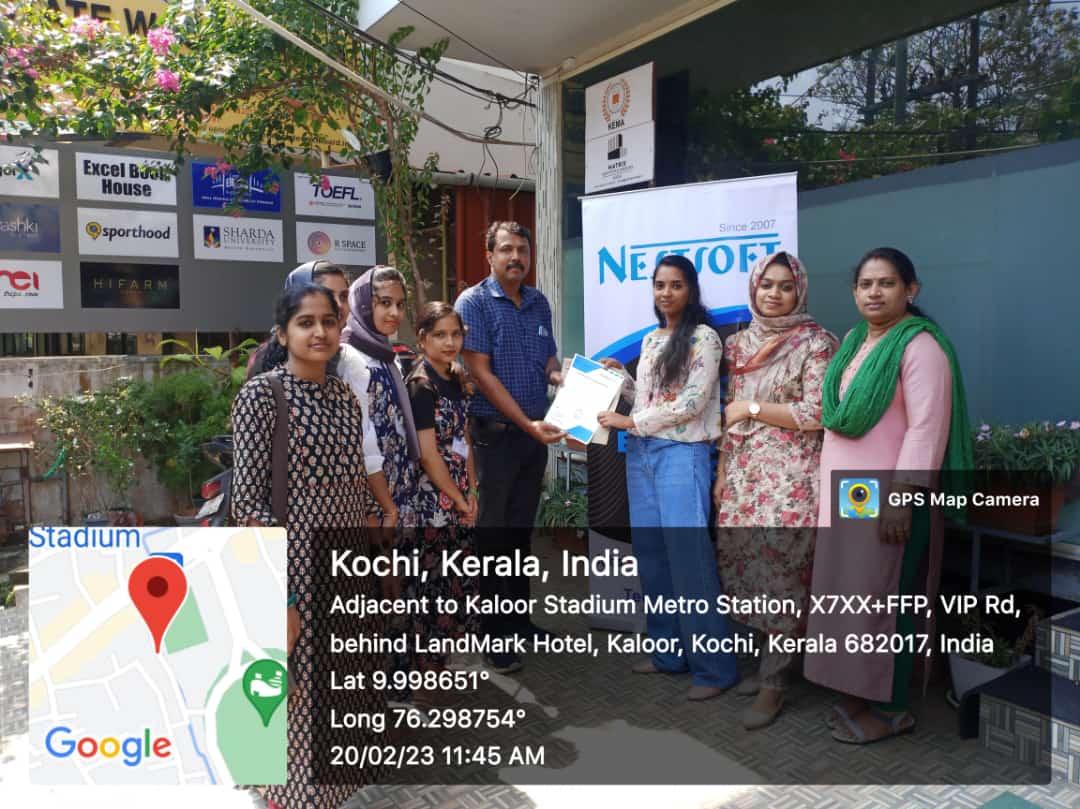
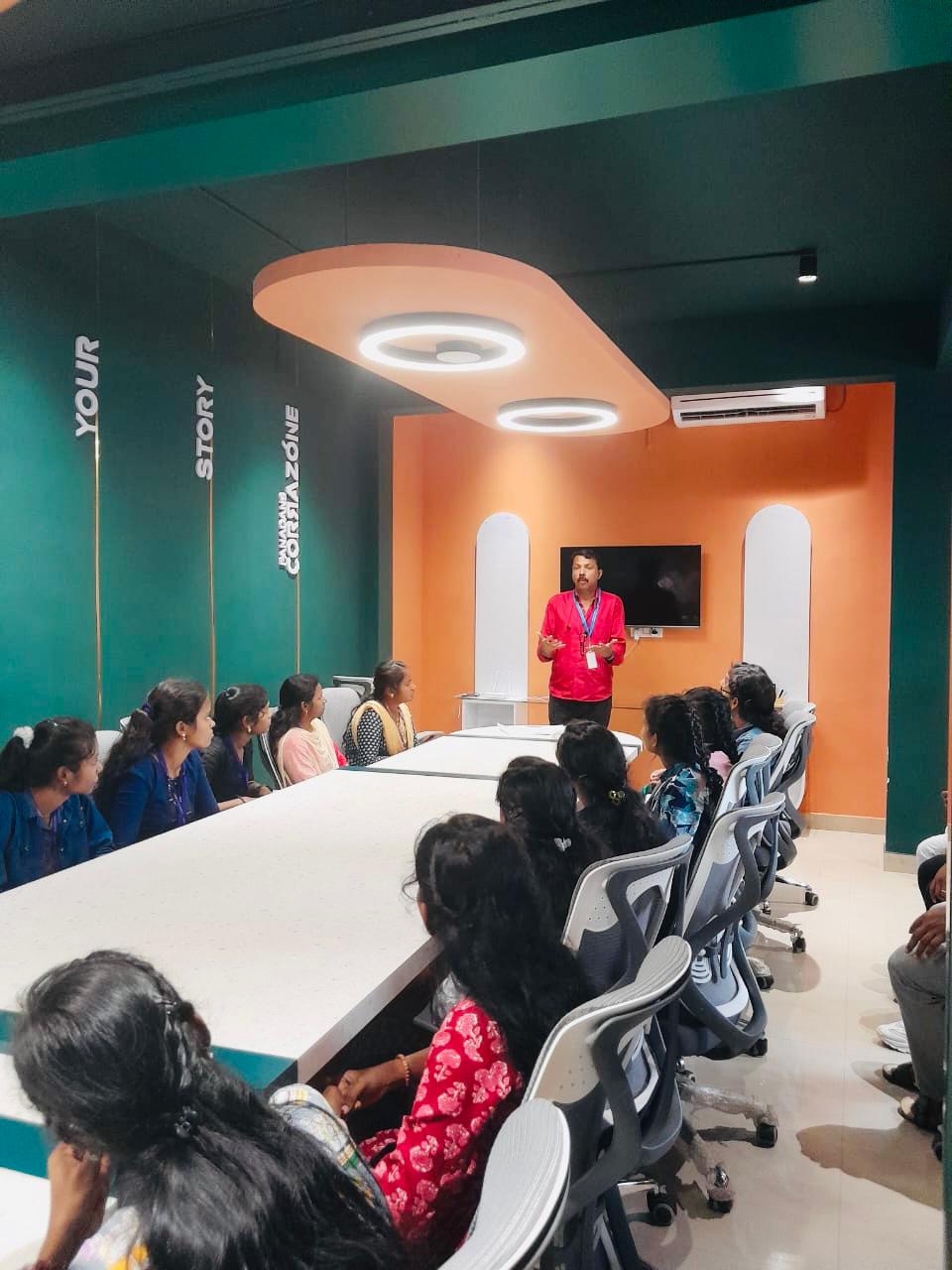
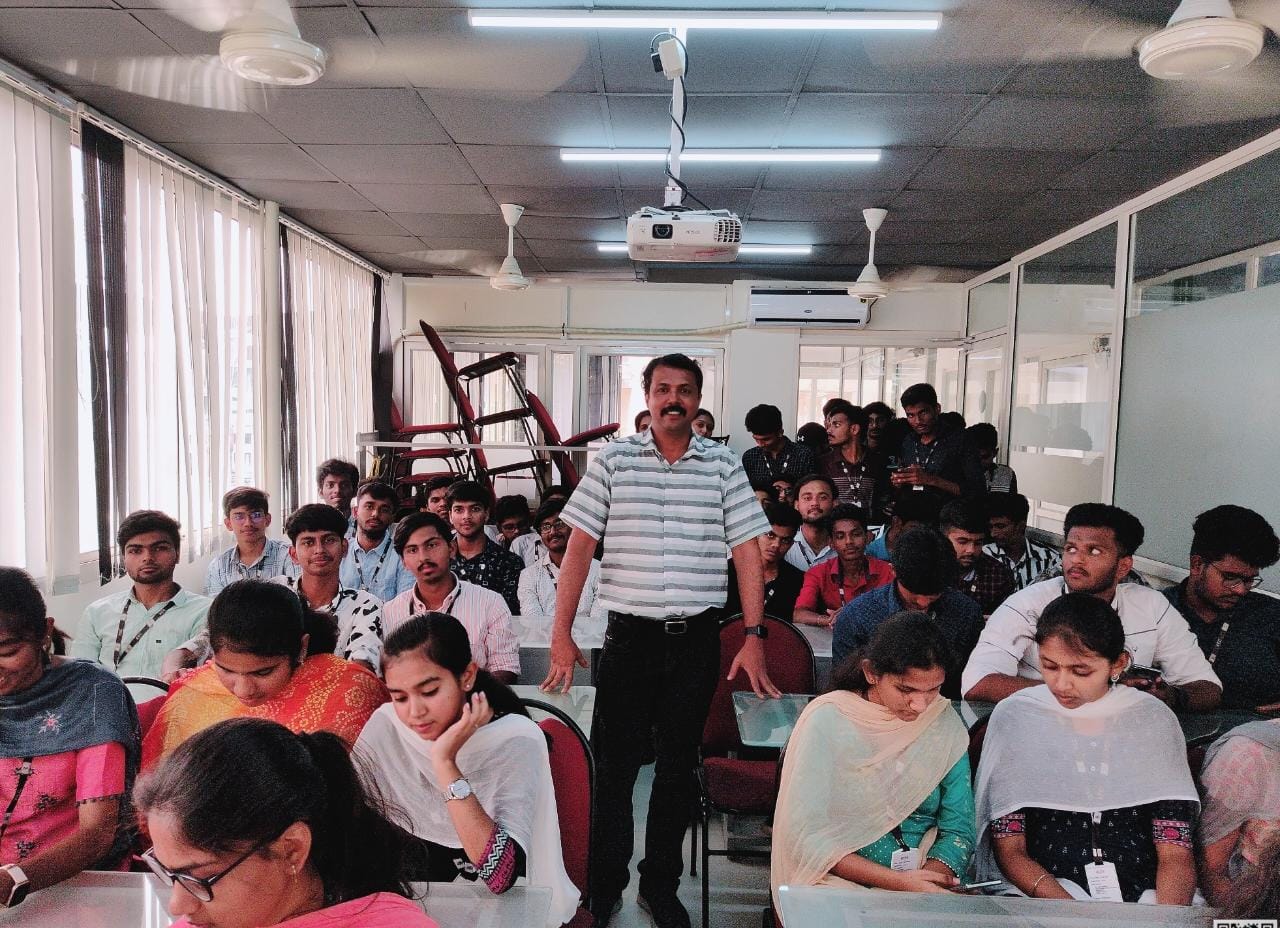
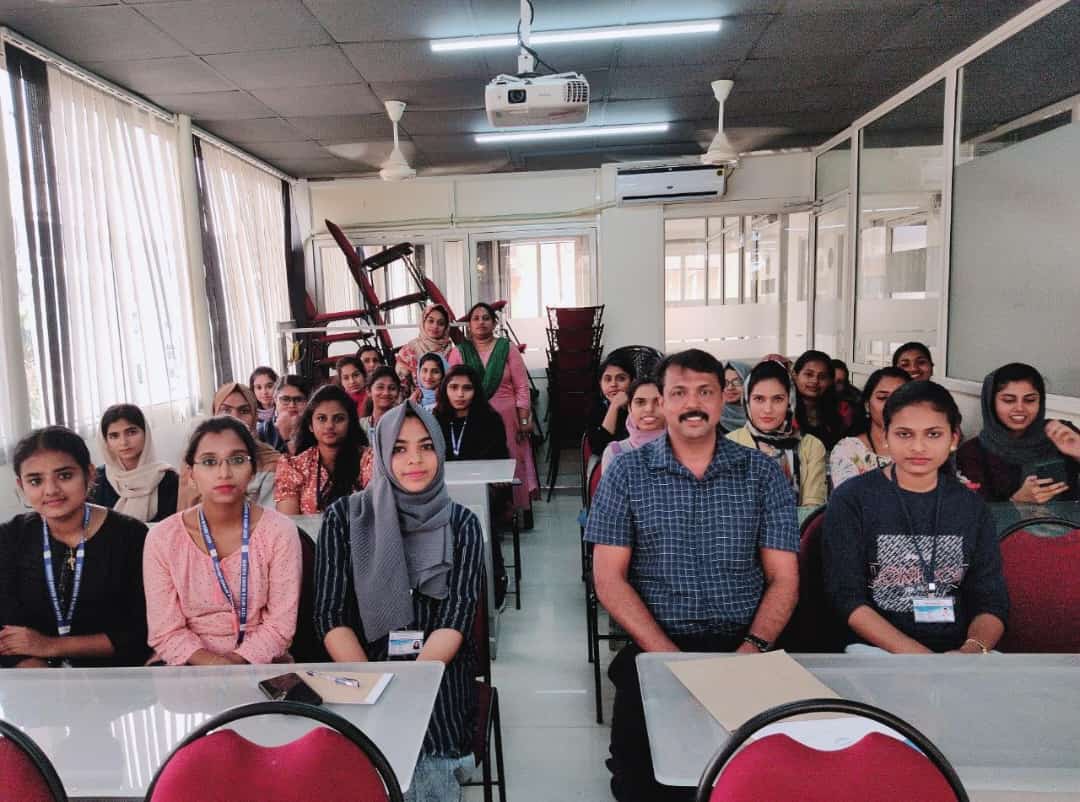
Photos of Training / Internships

Internship/projects in visakhapatnam

Trained more than 10000+ students who trust Nestsoft TechnoMaster

Get Your Personal Trainer