Send enquiry ⏎

Autodesk 3Ds Max Online Live Class by Experts

Our Training/Internship Process

Autodesk 3Ds Max Online Live Classes in Agra | Free Demo Training

Autodesk 3Ds Max - Syllabus, Fees & Duration

Getting to Know 3ds Max

  • Touring the Interface
  • The Viewports
  • Getting to Know the Command Panel
  • Working with Objects
  • Transforming Objects
  • Copying an Object
  • Understanding the Perspective Viewing Tools
  • Using Multiple Viewports

Introducing 3ds Max Objects

  • Understanding Standard Primitives
  • Adjusting Objects' Parameters
  • Accessing Parameters
  • Modeling Standard Primitives with Modifiers
  • Using the Modifier Stack Tools
  • Making Clones That Share Properties
  • Using Various Modifiers
  • Understanding Extended Primitives
  • Working with Groups

Creating Shapes with Splines

  • Drawing using Splines
  • Lathing a Spline
  • Modifying a Shape Using Sub-object Levels
  • Flipping Surface Normals
  • Creating Thickness with a Spline
  • Combining and Extruding Splines
  • Introducing Other Spline Types
  • Editing Splines

Editing Meshes and Creating Complex Objects

  • Polygon Modeling Techniques
  • Using Graphite Modeling Tools
  • Creating buildings using modifiers

Working with External Design Data

  • Importing AutoCAD Plans into 3ds Max
  • Extruding the Walls

Creating AEC Objects

  • Creating a Parametric Wall
  • Adjusting the Wall’s Parameters
  • Adding Doors and Windows to Walls
  • Creating a Parametric Window
  • Creating Stairs
  • Creating Foliage

Organizing and Editing Objects

  • Naming Objects
  • Organizing Objects by Layers
  • Setting Up Layers
  • Assigning Objects to Layers
  • Assigning Color to Layers
  • Lofting an Object
  • Lofting a Shape Along a Path
  • Using Different Shapes Along the Loft Path
  • Extruding with the Sweep Modifier
  • Aligning Objects

Light and Shadow

  • Understanding the Types of Lights
  • Adding a Spotlight to Simulate the Sun
  • Rendering a View
  • Adding Shadow Effects
  • Softening Shadow Edges

Shading and Texturing

  • Understanding Bitmap Texture Maps
  • Diffuse Color Maps
  • Understanding Surface Properties
  • Adding Materials to Objects
  • Understanding Material Libraries
  • Editing Materials
  • Using Bump Maps
  • Understanding Mapping Coordinates
  • Adjusting the UVW Mapping Gizmo
  • Assigning Materials to Parts of an Object
  • Creating a Multi/Sub-Object Material

Using the 3ds Max Camera

  • Understanding the 3ds Max Camera
  • Adding a Camera
  • Editing the Camera Location with the Viewport Tools
  • Setting Up an Interior View
  • Creating an Environment
  • Working with Walkthrough-Assistant

Creating Animations

  • Using Animation controls
  • Using Keyframe animation
  • Bouncing a Ball
  • Adding Camera Motion
  • Adjusting the Camera Path
  • Creating Preview Animation
  • Compressing and Expanding Time
  • Rendering the Animation

Mental Ray Concepts

  • Understanding Mental Ray
  • Understanding Global Illumination
  • Understanding Final Gather
  • Assigning the Mental Ray Renderer
  • Using the Rendered Frame Window Controls

Gamma Correction

  • Understanding Gamma and Linear Workflow
  • Applying gamma correction

Materials

  • Understanding Autodesk materials
  • Understanding Arch & Design materials
  • Creating various materials

Rendering

  • Improving Rendering Quality
  • Rendering an Exterior Scene
  • Rendering an Interior Scene

VRay

  • What is VRay and how to setup VRay
  • Global Illumination in VRay
  • VRay Image Saving Options
  • VRay Lights
  • VRay Camera

Rendering Scenes

  • Rendering an interior scene using V-Ray
  • Rendering an exterior scene using V-Ray

Download Syllabus - Autodesk 3Ds Max
This syllabus is not final and can be customized as per needs/updates
   
10000+
20+
50+
25+

Autodesk 3Ds Max Jobs in Agra

Enjoy the demand

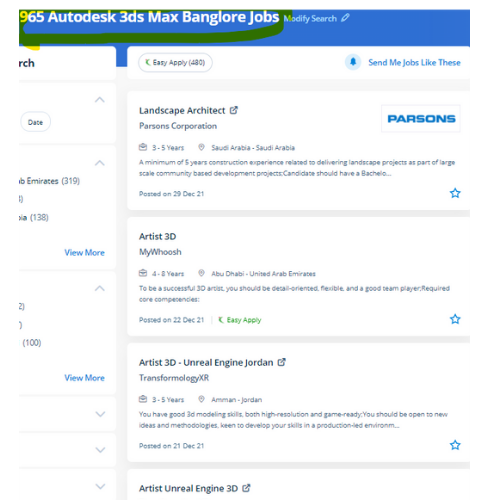
Find jobs related to Autodesk 3Ds Max in search engines (Google, Bing, Yahoo) and recruitment websites (monsterindia, placementindia, naukri, jobshybrid.com, indeed.co.in, shine.com etc.) based in Agra, chennai and europe countries. You can find many jobs for freshers related to the job positions in Agra.

  • 3Ds Max Designer
  • Graphic Designer
  • Visualizer 3d
  • 3Ds Max Trainer
  • Architectural 3d Visualizer
  • 3d Modeling
  • AutoCAD Draftsman
  • Designing Trainer
  • Motion Graphic Designer
  • Generalist 3D

Autodesk 3Ds Max Internship/Course Details

Autodesk 3Ds Max internship jobs in Agra
Autodesk 3Ds Max It helps to make higher 3D content in less time and users will manufacture professional-quality 3D animations, renders, and models with an economical and versatile toolset. 3Ds max software system consists of the numerous wealthy choices that facilitate the modelers, the renders, and the designers to form flawless photo-realistic 3D images moreover 3D animations of any construction element, furthermore as it is a giant ranging usage in Media, advertisement, and entertainment industry. you'll conclude how to configure and render scenes, produce and edit 3D geometry, understand and apply lighting and materials for realism and eventually produce desktop animations. Nestsoft offers 3DTraining programs that are self-paced and conducted online using our patent-pending interactive simulator platform together with live-online classes and sessions are handled by industry experts. This program could be a part of a group of entertainment and multimedia system software products provided by Autodesk. Being a 3D modeler or animator suggests being well familiar with each kind and choice of 3D modeling and animation software tools that are used to highlight your creations. With it, users area unit ready to create and put along with geometric figures of various shapes, moreover as apply surface and mesh modeling. Sophisticated models have created a very easy manner. . This software system is intended to develop your modeling techniques, advanced animation, mapping, and advanced lighting.


Meet a Few of our Industry Experts 🚀 Your Pathway to IT Career

DEEPENDRA

Mobile: +91 91884 77559
Location: Online (Agra, India)
Qualification: Graduation

Experience: System security implementation Firewall configuration and management Data encryption techniques Backup and recovery planning Disaster recovery planning User training and  more..

Sahal

Mobile: +91 98474 90866
Location: Online (Agra, India)
Qualification: BCA

Experience: manual testing automation testing test case test scenario bug report selenium basics of Java basics of SQL server jmeter API  more..

Rajvi

Mobile: +91 91884 77559
Location: Online (Agra, India)
Qualification: Bachelor of Computer Applications

Experience: I am writing to express my interest in the iOS developer position at netsoft as advertised indeed With 2 5  more..

Abhishek

Mobile: +91 8301010866
Location: Online (Agra, India)
Qualification: Bachelor of Computer Application(BCA)

Experience: I have a strong foundation in UI UX design specializing in Figma for creating prototypes and mockups during various college  more..

Vishal

Mobile: +91 91884 77559
Location: Online (Agra, India)
Qualification: Graduation

Experience: My skills in seo and smo- onpage off page tecnical seo local seo organically grow social media and paid ads  more..

Abdul

Mobile: +91 91884 77559
Location: Online (Agra, India)
Qualification: BTech(CSE)

Experience: I have recently completed my degree in B Tech from Moradabad institute of technology Throughout my academic journey I have  more..

Vikas

Mobile: +91 9895490866
Location: Online (Agra, India)
Qualification: BE in (Electronics and Telecommunication)

Experience: I have done 1 months internship in suven consultants and Pvt The course is Front end developer I have experience  more..

Sadashiv

Mobile: +91 89210 61945
Location: Online (Agra, India)
Qualification: MCA

Experience: Have 7 years experience in digital marketing working on email marketing portals back end and front end development also done  more..

Vishnu

Mobile: +91 94975 90866
Location: Online (Agra, India)
Qualification: MCA

Experience: Html css puthon c c++ php mysql These are my programming skills and my other computer skills are ms office  more..

Abhishek

Mobile: +91 8301010866
Location: Online (Agra, India)
Qualification: B-Tech CSE

Experience: I am an experienced in Dot net programming and a hardworking employee who with his expertise can help the company  more..

Sruthy

Mobile: +91 91884 77559
Location: Online (Agra, India)
Qualification: Msc Computer Science

Experience: I have completed software testing courses(Manual and Automation) with internship from STC Technologies at Palarivattom l have 5 years experience  more..

Purba

Mobile: +91 91884 77559
Location: Online (Agra, India)
Qualification: Graduate

Experience: I am working both seo and smo I have total 3 yr experience I am good in client menagement I  more..

megha

Mobile: +91 8301010866
Location: Online (Agra, India)
Qualification: Msc computer science

Experience: I have 2 years of experience in Android development during which I have honed my skills in Java and Kotlin  more..

Rudra

Mobile: +91 8301010866
Location: Online (Agra, India)
Qualification: B.tech

Experience: - Onpage seo - offpage seo - technical seo - semrush ahref - looker studio raven seranking - Social Media  more..

Chaitanya

Mobile: +91 9895490866
Location: Online (Agra, India)
Qualification: b.tech

Experience: python pandas numpy matplotlib seaborn logistics regression linear model decision tree svm supervised and unsupervised machine learning sql excel   more..

Gagandeep

Mobile: +91 89210 61945
Location: Online (Agra, India)
Qualification: B. Sc animation multimedia

Experience: 4+ years experience in video editor line and also in graphic design line |   more..

Prakash

Mobile: +91 94975 90866
Location: Online (Agra, India)
Qualification: BCA

Experience: Experience of 3+ years in wix webflow and Wordpress development all with custom code and Complete responsive Wix website with  more..

Mrunal

Mobile: +91 91884 77559
Location: Online (Agra, India)
Qualification: MBA

Experience: Skilled in digital marketing SEO PPC social media ads graphic design video marketing and email marketing Experienced in cross-selling market  more..

Pavel

Mobile: +91 91884 77559
Location: Online (Agra, India)
Qualification: Honors

Experience: My name is Pavel Asad I am Bangladeshi I'm a Wix developer I have been working with Wix for 4  more..

Mohini

Mobile: +91 9895490866
Location: Online (Agra, India)
Qualification: b.com

Experience: Recently i started my career in graphic design (Canva)now i want to grow myself in graphic industry skills- logo post  more..

DOI

Mobile: +91 8301010866
Location: Online (Agra, India)
Qualification: Btech

Experience: Java Android kotlin Rest-Api Third party libraries xml retrofit firebase flutter dart  more..

Abiramisri.J

Mobile: +91 91884 77559
Location: Online (Agra, India)
Qualification: B.E - ECE

Experience: I have 6 months of learning experience in ui ux design   more..

Janvi

Mobile: +91 94975 90866
Location: Online (Agra, India)
Qualification: Bachelors

Experience: Graphic design   more..

Nilakshi

Mobile: +91 9895490866
Location: Online (Agra, India)
Qualification: Btech

Experience: Worked as a UI UX designer at School of Core AI and also as a web developer at TheConvoke   more..

Success Stories

The enviable salary packages and track record of our previous students are the proof of our excellence. Please go through our students' reviews about our training methods and faculty and compare it to the recorded video classes that most of the other institutes offer. See for yourself how TechnoMaster is truly unique.

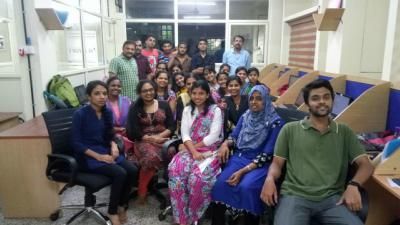
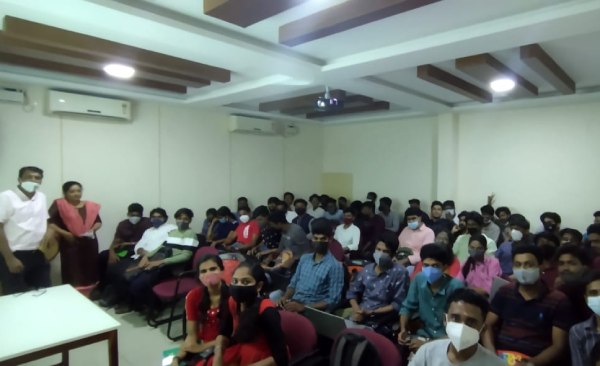
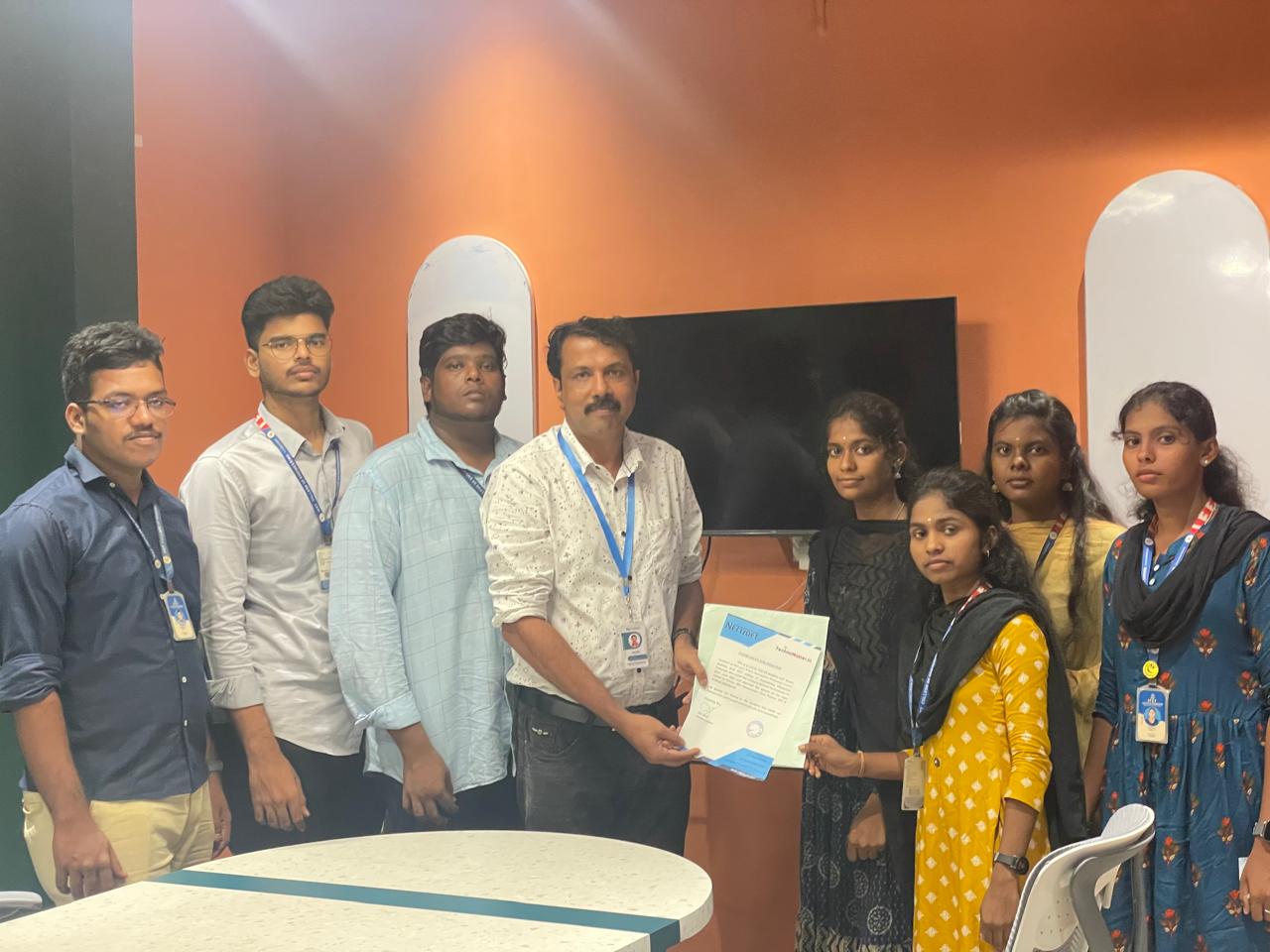
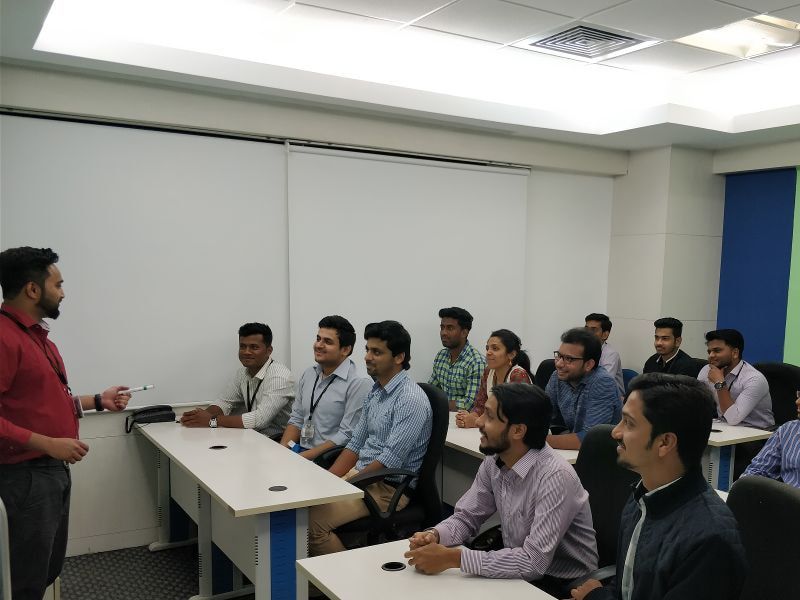
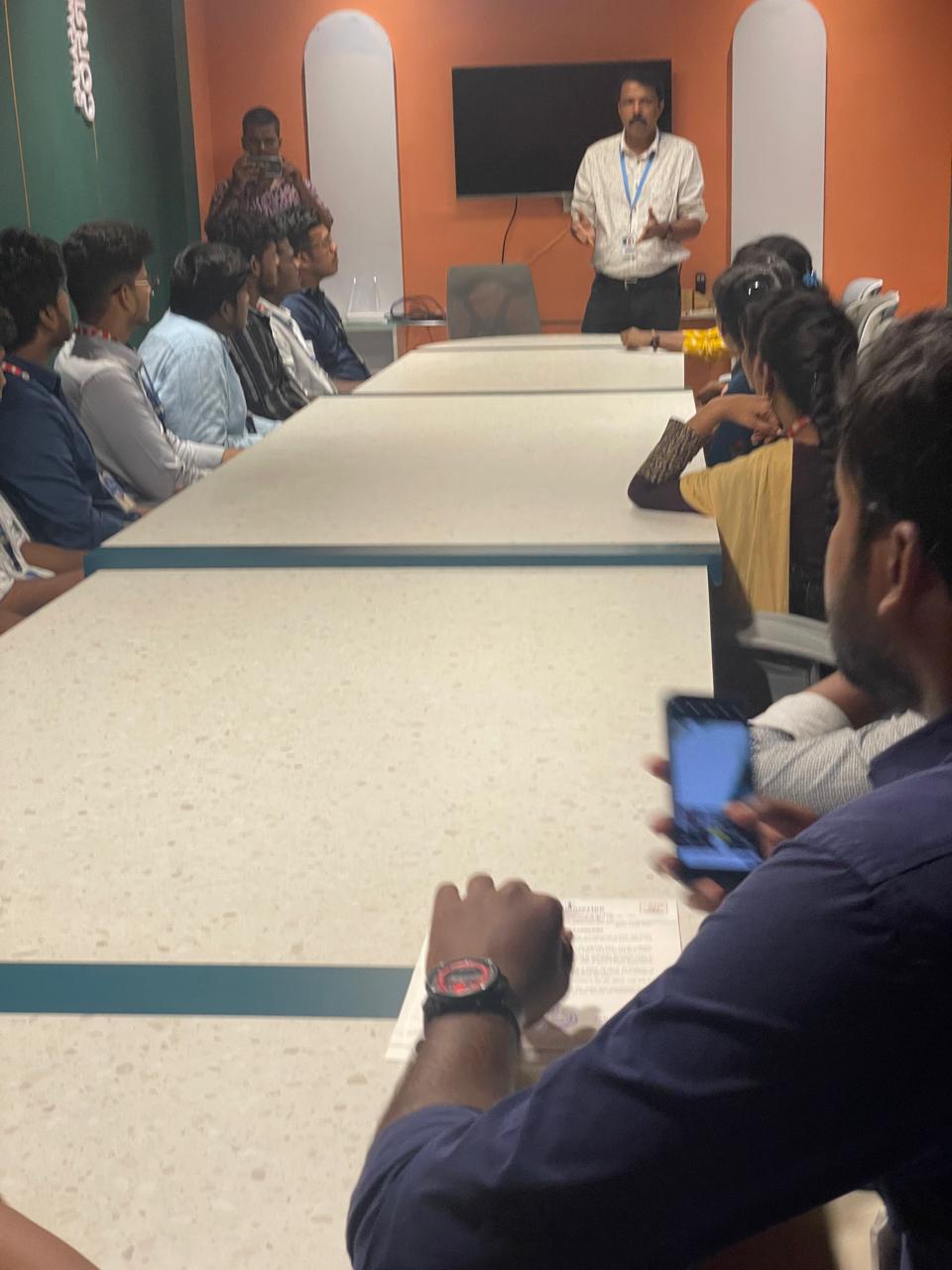
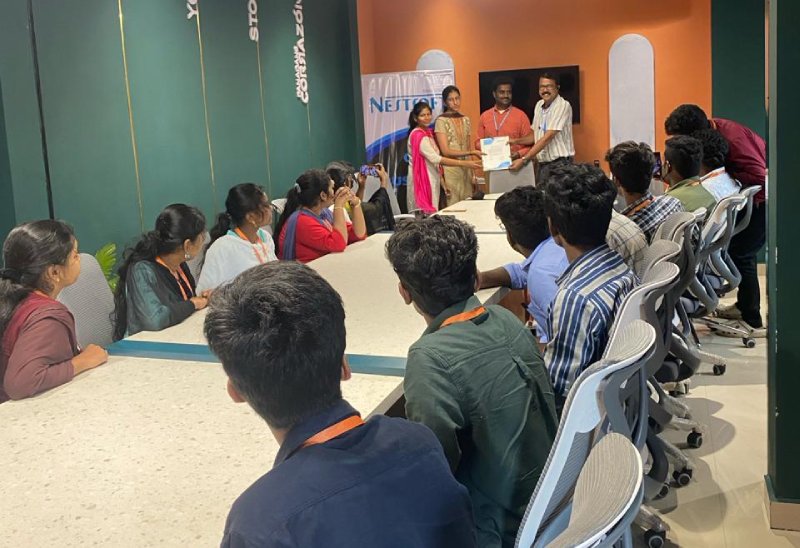
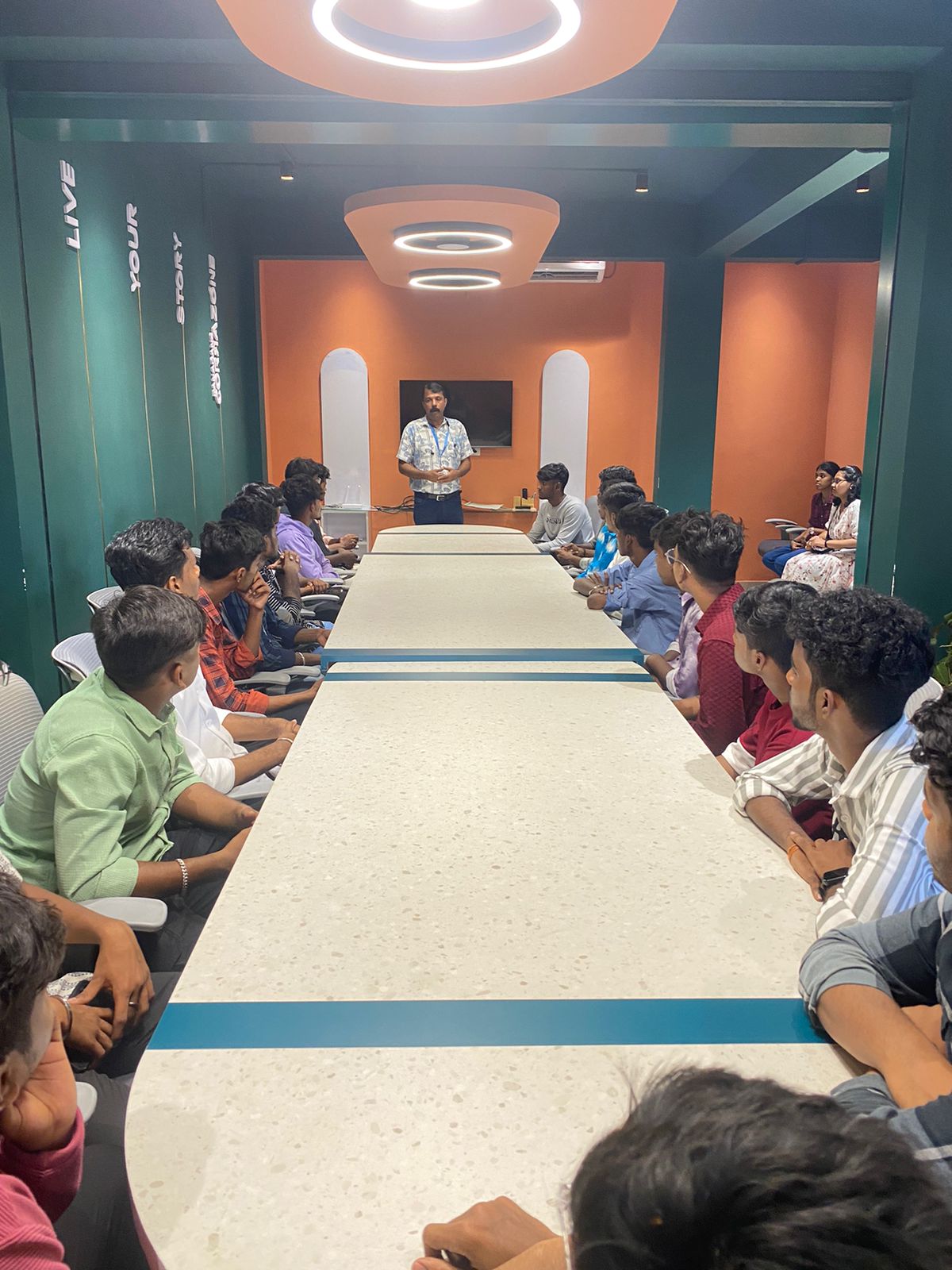
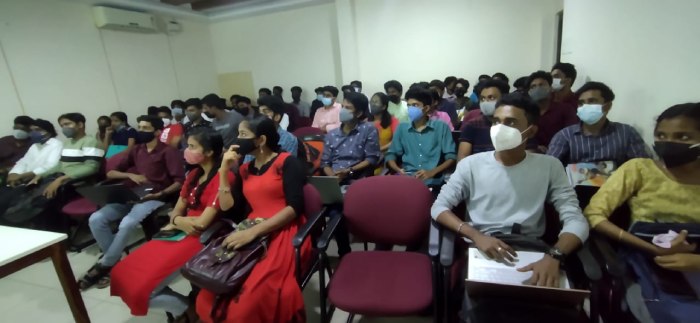
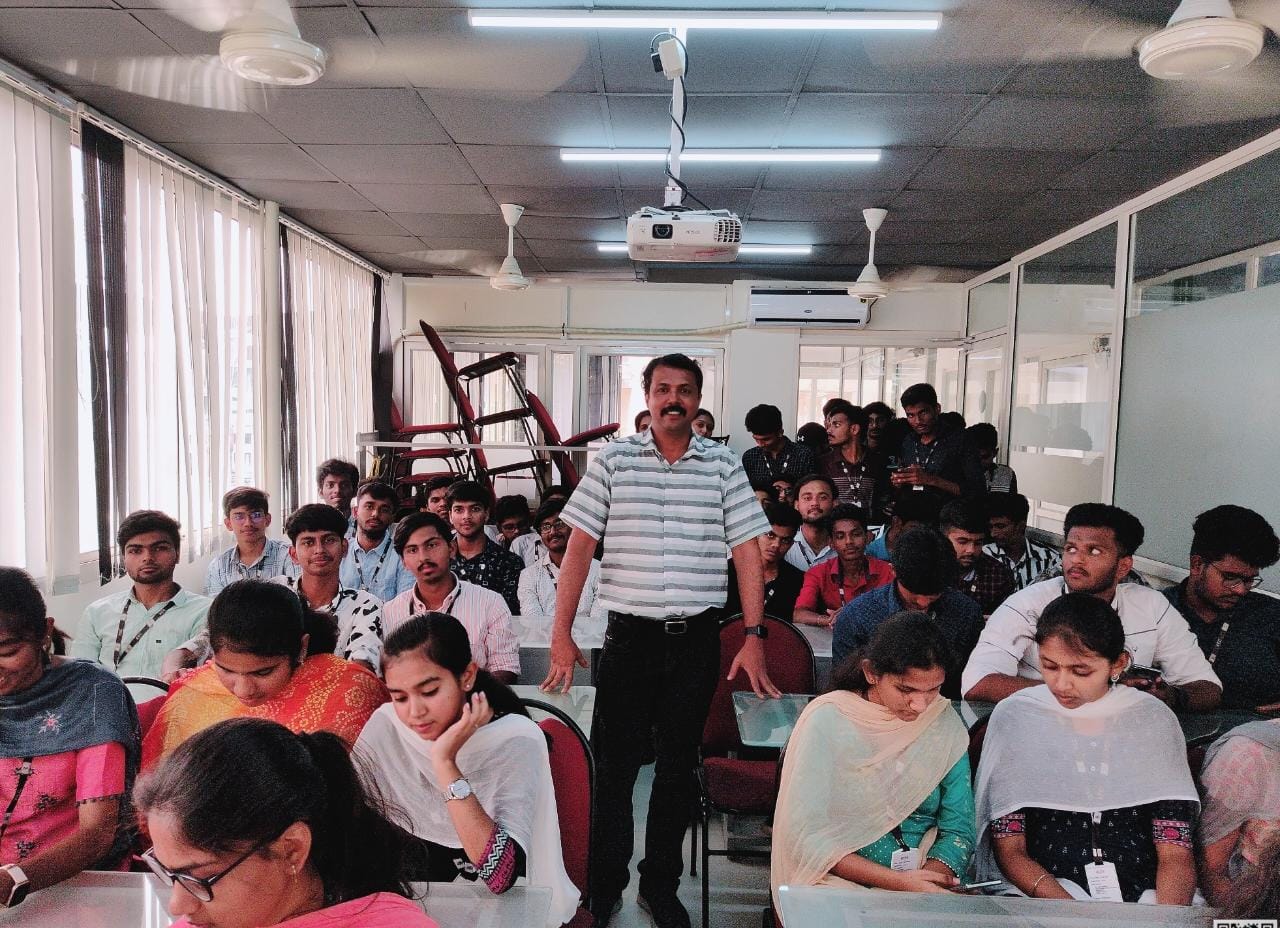
Photos of Training / Internships

Internship/projects in agra

Trained more than 10000+ students who trust Nestsoft TechnoMaster

Get Your Personal Trainer