Send enquiry ⏎

AutoCAD Online Live Class by Experts

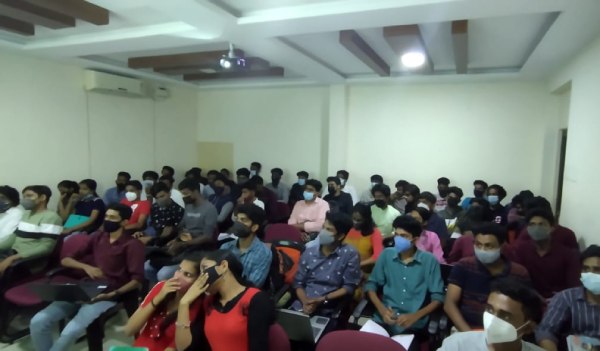
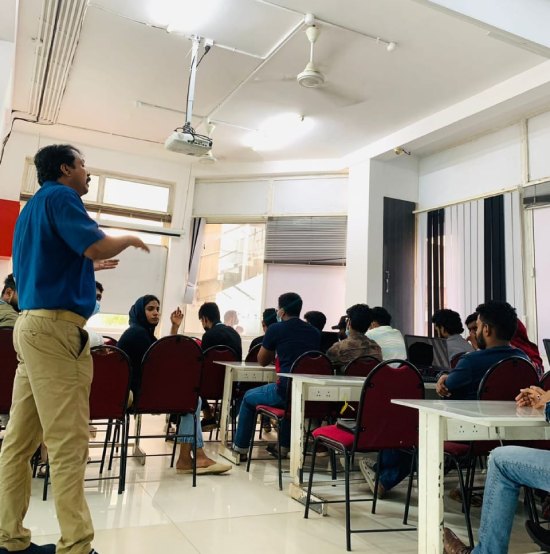
Our Training/Internship Process

AutoCAD Online Live Classes in Malappuram | Free Demo Training

AutoCAD - Syllabus, Fees & Duration

INTRODUCTION OF AUTOCAD

  • Uses of AutoCAD
  • Different versions
  • Installation procedure

BASIC UNDERSTANDING

  • User interface
  • Different units and templates
  • Coordinate systems
  • Drawing settings
  • Concept of views
  • Create and Save

BASIC IDEA OF TOOLS AND MENUS

  • Application button
  • Quick access toolbar
  • Tabs and ribbon areas
  • Panels
  • Drawing area
  • Status bar

BASIC DRAWINGS

  • Making simple lines, polylines, rectangles
  • Creation of arcs, circles, ellipses
  • Use of ortho and polar mode
  • Simple and advance object snaps
  • Object snap tracking

BASIC MODIFY TOOLS

  • Scaling of objects
  • Rotation of objects
  • Move, copy ,trim and extend objects
  • Joining and extend tools
  • Offset, fillet and mirror of objects

MAJOR DRAWINGS

  • Isometric, mechanical and electrical drawings with advanced building drawings
  • Drawing with Hatch tools and their applications
  • Making rectangular, polar and path array
  • Use of multi function grips and dynamic input
  • Drawing of different components of building

REUSING EXISTING CONTENT

  • Creation, understanding and insertion of blocks
  • Modifying and start write block
  • Use of different block libraries
  • Attributes

OBJECT ORGANISATION

  • Understanding and assigning layers
  • By layer and by block
  • Enquiry tools
  • Purge and rename command

ANNOTATIONS

  • Basic and advance dimensions and their style
  • Multileader
  • Creation and modifying table with styles
  • Different text styles

LAYOUT AND PRINTING

  • Page setup and plotting drawing
  • Viewports
  • Creation of annotative dimensions

Download Syllabus - AutoCAD
This syllabus is not final and can be customized as per needs/updates
   
10000+
20+
50+
25+

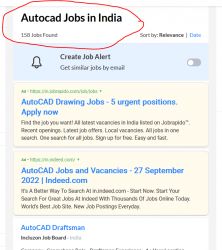
AutoCAD Jobs in Malappuram

Enjoy the demand

Find jobs related to AutoCAD in search engines (Google, Bing, Yahoo) and recruitment websites (monsterindia, placementindia, naukri, jobshybrid.com, indeed.co.in, shine.com etc.) based in Malappuram, chennai and europe countries. You can find many jobs for freshers related to the job positions in Malappuram.

  • AutoCAD Draughtsman
  • Junior Architect
  • Junior Interior Designer
  • AutoCAD Designer
  • Junior Civil Engineer
  • AutoCAD Civil Drafters
  • 3D Design
  • Junior Design Executive
  • Structural Draughtsman
  • AutoCAD Engineer

AutoCAD Internship/Course Details

AutoCAD internship jobs in Malappuram
AutoCAD AutoCAD was first introduced in the month of December in 1982 as a desktop app running on microcomputers with internal graphics controllers. This application allows sharing of files with multiple people, no matter how large the file. It helps in assessing the cost of various products which aids in managing various activities. They are also adopted as a skill development application for a graduate-level of education. Its first release only use entities such as polygons, circles, lines, arcs, and text to construct complex objects. AutoCAD, Malappuram can be used across a variety of industries. TechnoMaster provide training on AutoCAD 2D 3D drawings in Malappuram by Industry experts by online/offline. The designed blueprint will be carried with the job for its complete stages of start to delivery in between production teams, quality team and machine handling teams review the design in case of any issues of understanding and continue machining with the reference of blueprint drafters. AutoCAD training by TechnoMaster in Malappuram by Industry Experts. There are many merits of using AutoCAD.

Meet a Few of our Industry Experts 🚀 Your Pathway to IT Career

Prashant

Mobile: +91 91884 77559
Location: Online (Malappuram, India)
Qualification: MCA

Experience: With 2 3 year of experience in Android development Kotlin java Dagger Hilt MVVM Spring Boot Retrofit Volley Awareness in  more..

Nayana

Mobile: +91 94975 90866
Location: Online (Malappuram, India)
Qualification: BTech

Experience: 1 year experience as a software testing Trainee Manual Testing  more..

Sudhakar

Mobile: +91 91884 77559
Location: Online (Malappuram, India)
Qualification: Bachelor of Engineering

Experience: Hi Sir Madam I'm Sudhakar having 2 6 years of experience in web development as a full stack developer My  more..

Tashvi

Mobile: +91 8301010866
Location: Online (Malappuram, India)
Qualification: Studying 2nd year bammc right now

Experience: Website designing logo design brochure design banner 1 year experience in total  more..

Abishek

Mobile: +91 91884 77559
Location: Online (Malappuram, India)
Qualification: Be ece

Experience: 1 9 year experience in automation testing  more..

Thasni

Mobile: +91 91884 77559
Location: Online (Malappuram, India)
Qualification: MCA

Experience: Working as a Software Engineer and completed a course on MERN Stack full developer   more..

GLADSON

Mobile: +91 98474 90866
Location: Online (Malappuram, India)
Qualification: B.Tech

Experience: Language like java and kotlin dart Flutter Rest Api integration 2 android app published in play Store 1 year experience  more..

Neha

Mobile: +91 9895490866
Location: Online (Malappuram, India)
Qualification: BE

Experience: 3 years experience in software testing java selenium manual testing automation testing SQL TestNG Cucumber SoapUI BDD API Postman Jmeter  more..

Aditya

Mobile: +91 94975 90866
Location: Online (Malappuram, India)
Qualification: BCA

Experience: Rich experience in Android development  more..

Junaid

Mobile: +91 9895490866
Location: Online (Malappuram, India)
Qualification: Bca

Experience: Laravel php jquery javascript html css bootstrap etc   more..

Johns

Mobile: +91 91884 77559
Location: Online (Malappuram, India)
Qualification: B tech computer science and engineering

Experience: I am Johns Thomas fresher Candidate looking forward to start career as a software engineer I am familiar with Java  more..

Logeshwaran

Mobile: +91 89210 61945
Location: Online (Malappuram, India)
Qualification: BE

Experience: Test planning Manual testing Regression and Automation  more..

Koppula

Mobile: +91 89210 61945
Location: Online (Malappuram, India)
Qualification: BTech

Experience: I have 3 2 years of experience in selenium automation I have a good Knowledge on TestNG core Java SQL  more..

saravanakumar

Mobile: +91 94975 90866
Location: Online (Malappuram, India)
Qualification: BE cse

Experience: php jQuery laravel html css  more..

Deepesh

Mobile: +91 98474 90866
Location: Online (Malappuram, India)
Qualification: B.E

Experience: Deepesh has an overall 2 10 YOE as a Developer Automation tester in Deloitte’s Financial Services He has experience in  more..

Pavithra

Mobile: +91 91884 77559
Location: Online (Malappuram, India)
Qualification: B.E CSE

Experience: A software professional having 4 + years of experience as a Front-end developer(UI) capable of designing and developing applications in  more..

Rahul

Mobile: +91 91884 77559
Location: Online (Malappuram, India)
Qualification: B.tech

Experience: Node js express javascript MongoDB react js c++ SQL Bootstrap CSS HTMLApplication for Node JS  more..

Robin

Mobile: +91 89210 61945
Location: Online (Malappuram, India)
Qualification: degree

Experience: javascript c and c++ php mysql java html  more..

Albin

Mobile: +91 9895490866
Location: Online (Malappuram, India)
Qualification: Graduate

Experience: Vulnerability scanning troubleshooting network security Operating system Network design  more..

Arishika

Mobile: +91 9895490866
Location: Online (Malappuram, India)
Qualification: Bechulors

Experience: Business development executive at axis bank  more..

GAYATRI

Mobile: +91 91884 77559
Location: Online (Malappuram, India)
Qualification: B.Tech(pursuing)

Experience: Skills:-java web development Experience:-0  more..

Sumanth

Mobile: +91 9895490866
Location: Online (Malappuram, India)
Qualification: B tech

Experience: I have 3 years experience in cyber security analyst soc L1 and L2 firewall siem azure ips ids firewall |  more..

Jakka

Mobile: +91 91884 77559
Location: Online (Malappuram, India)
Qualification: BA

Experience: 1 Extensive knowledge of cyber security principles practices and technologies 2 Proficient in conducting vulnerability assessments and penetration testing 3  more..

Hariharasudhan

Mobile: +91 89210 61945
Location: Online (Malappuram, India)
Qualification: Bachelor of Engineering

Experience: Having 4 8 Years of Experience in Software Testing in that both Manual and Automation Experience in automation frameworks including  more..

Success Stories

The enviable salary packages and track record of our previous students are the proof of our excellence. Please go through our students' reviews about our training methods and faculty and compare it to the recorded video classes that most of the other institutes offer. See for yourself how TechnoMaster is truly unique.

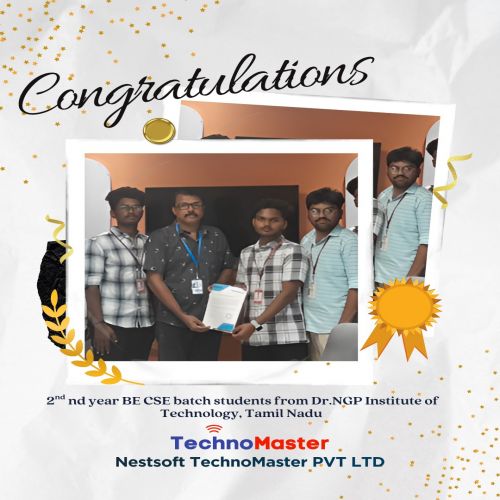
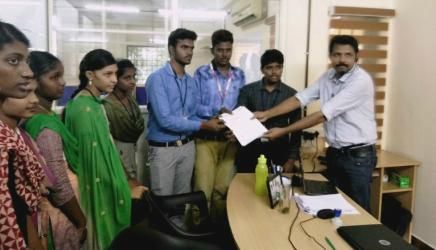
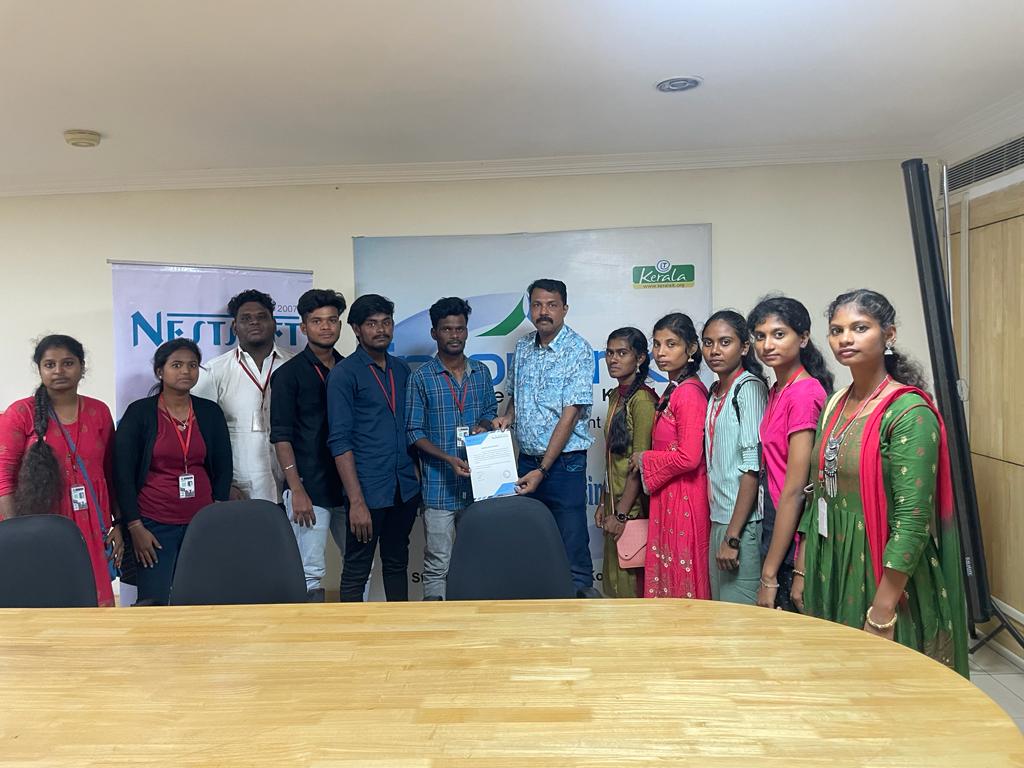
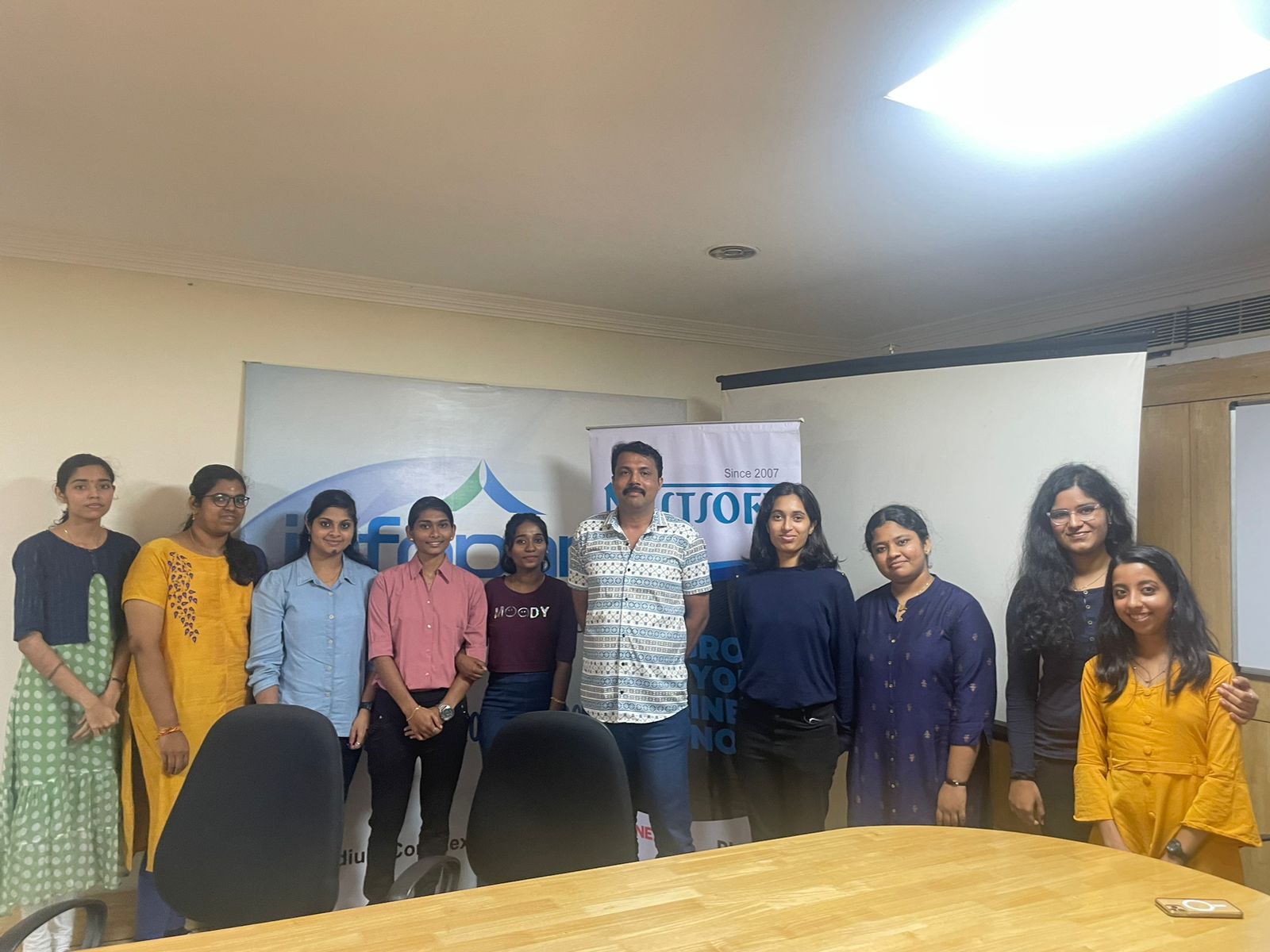
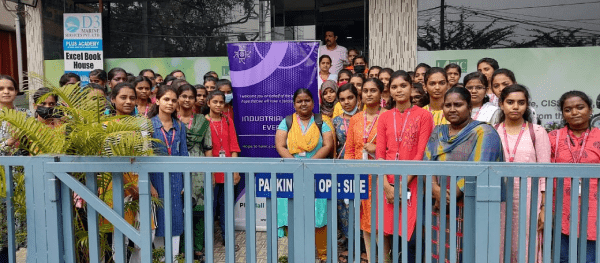
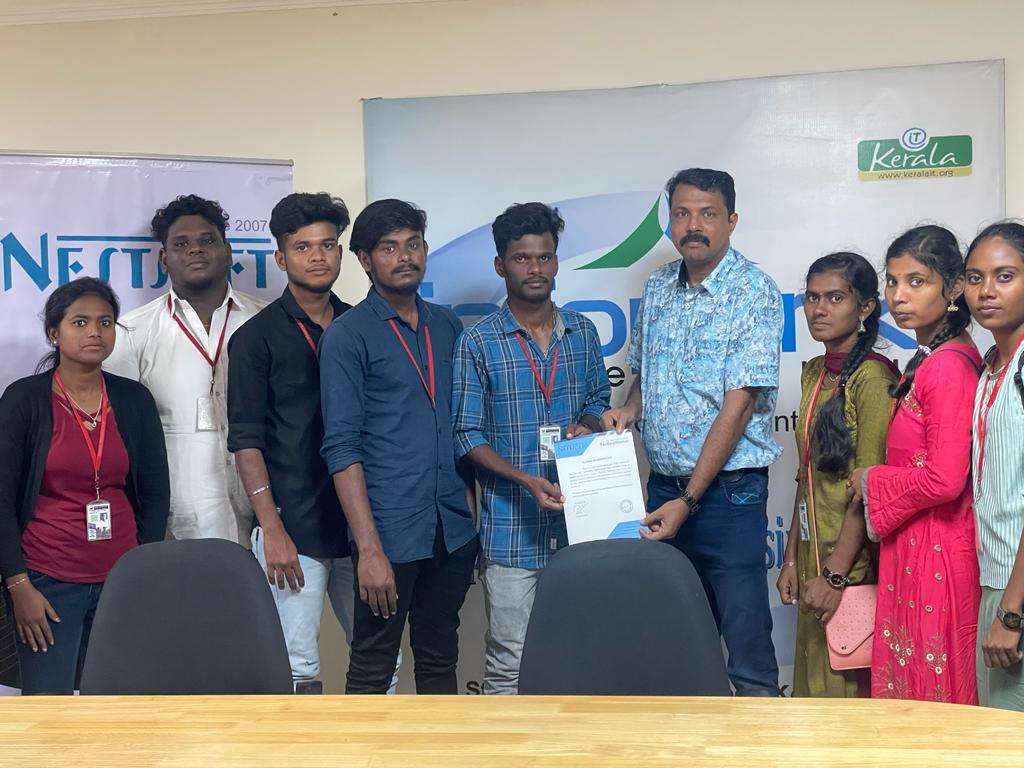
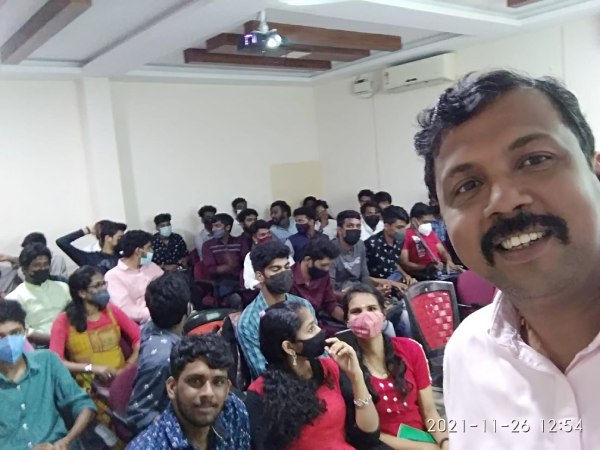
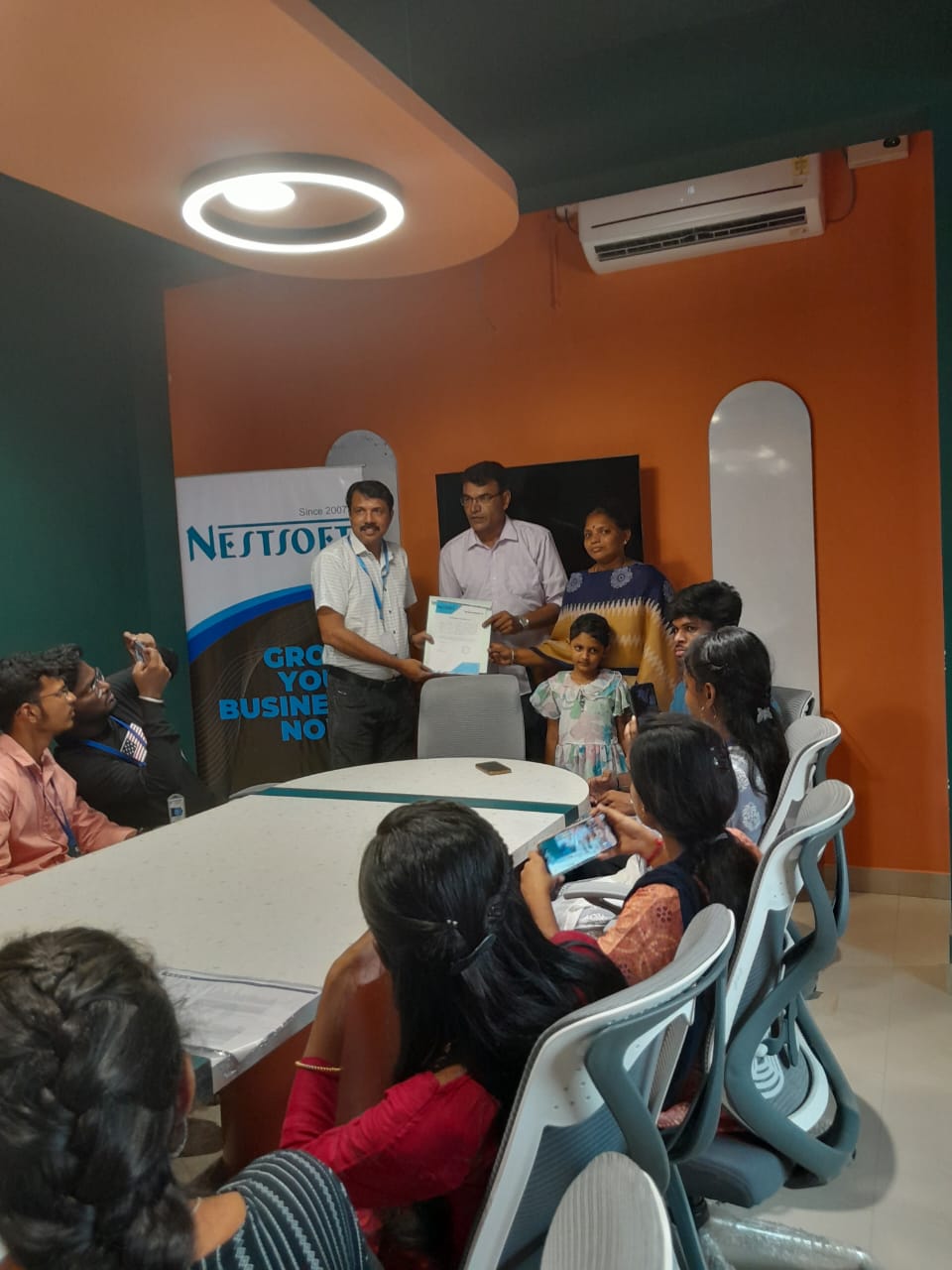
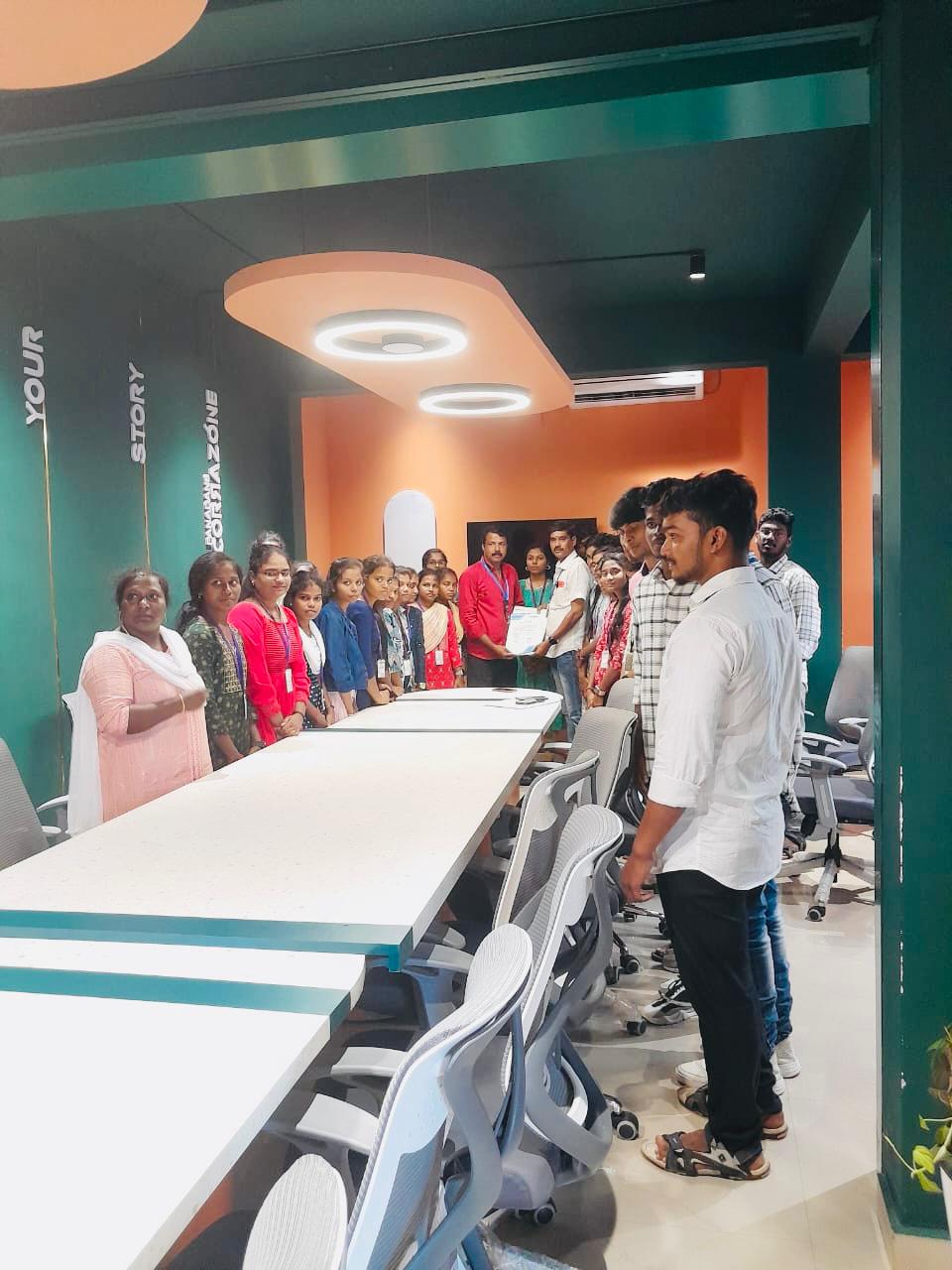
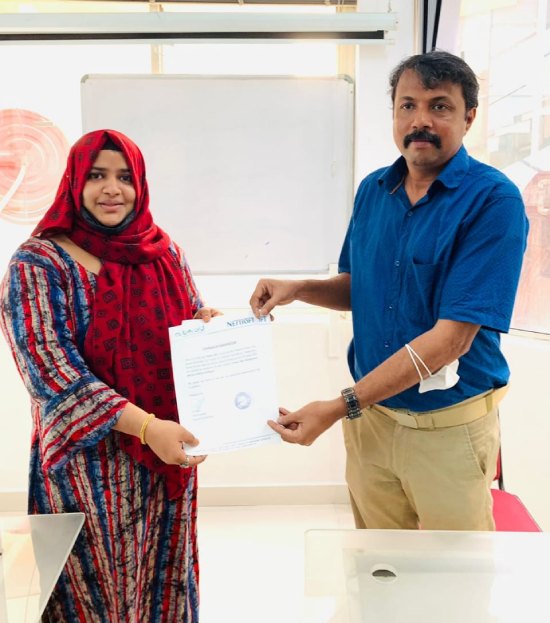
Photos of Training / Internships

Internship/projects in malappuram

Trained more than 10000+ students who trust Nestsoft TechnoMaster

Get Your Personal Trainer